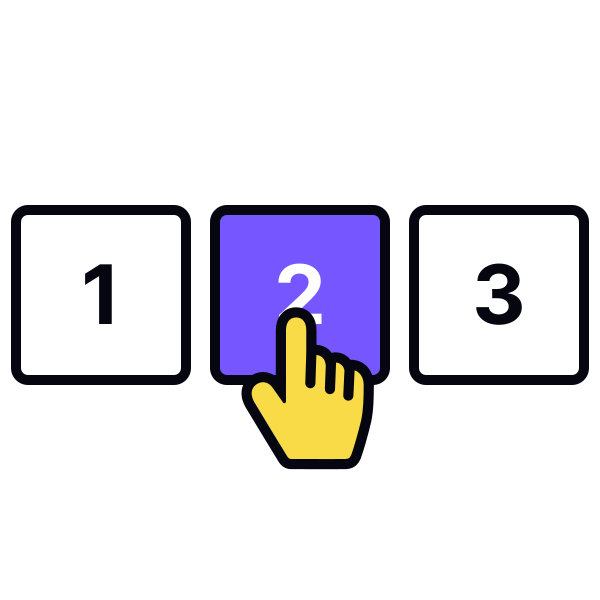
Pagination controls styling
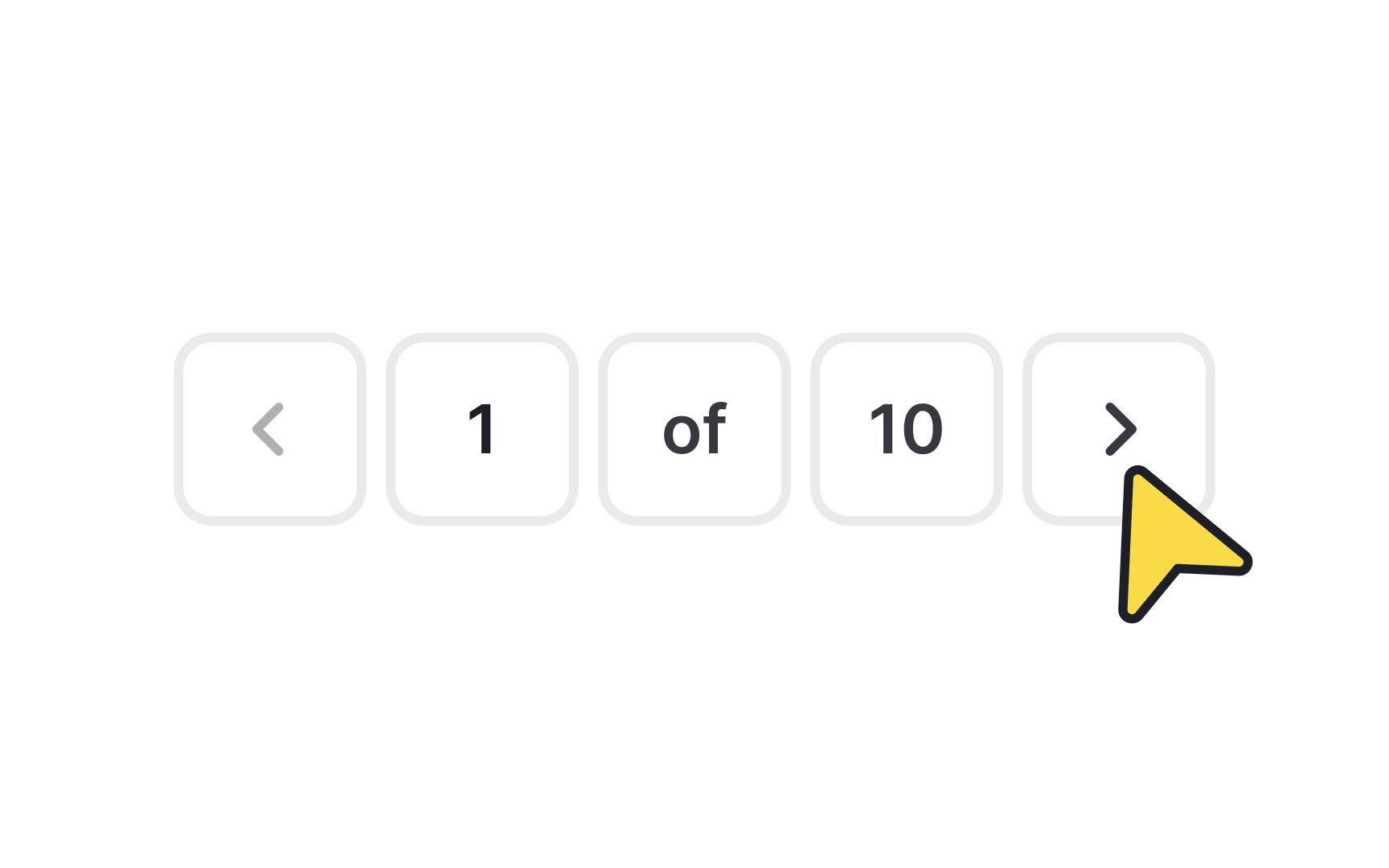
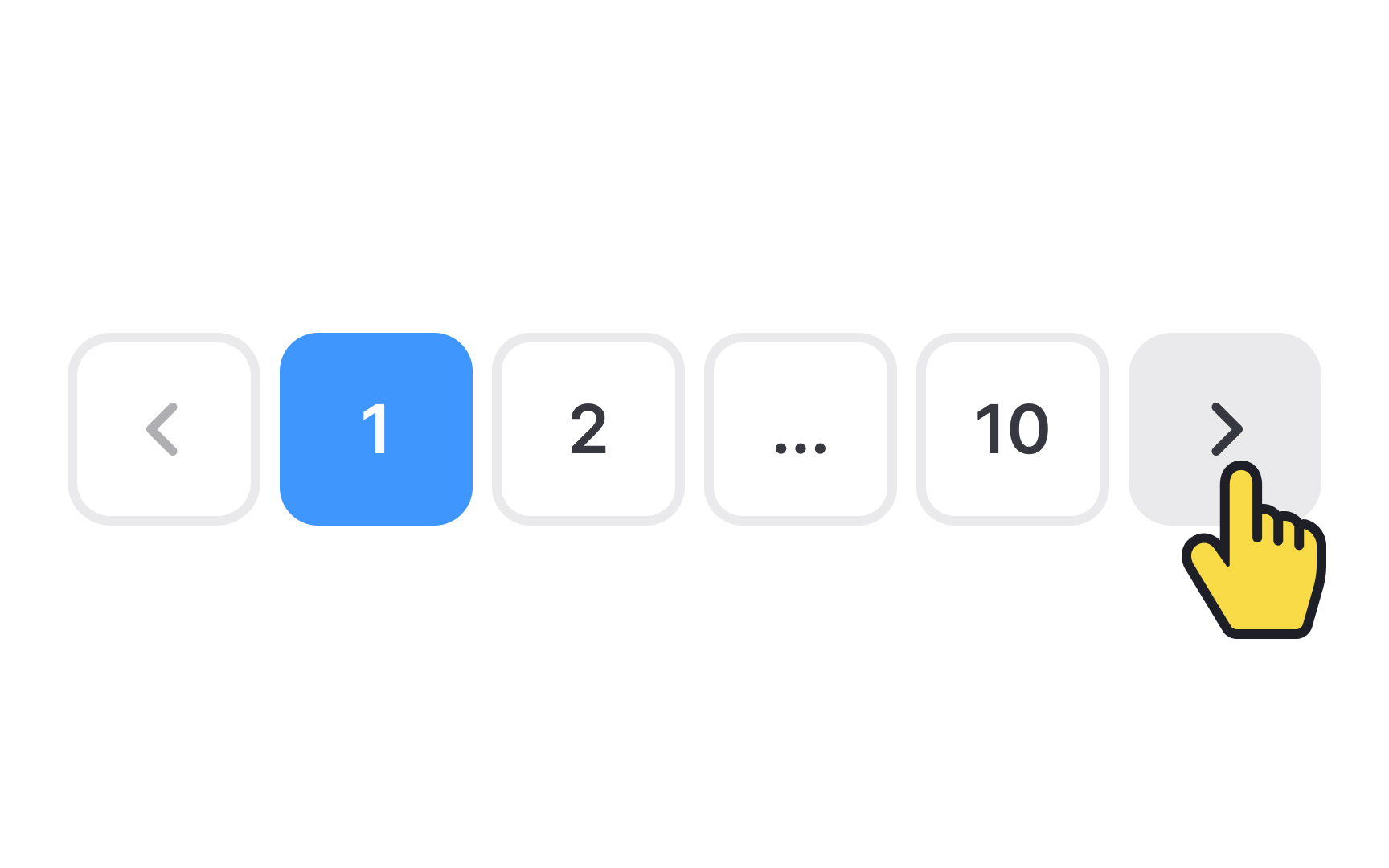
Styling pagination controls effectively is crucial for an intuitive and visually appealing user interface. The key is to make these controls easily noticeable and user-friendly.
Here are some styling tips:
- Use colors that contrast with the page background for the pagination buttons. This helps them stand out as clickable elements. Different colors or shades can be used to distinguish between active and inactive buttons.
- Implement hover effects, like a color change or shadow when the cursor moves over the controls. This interaction indicates to users that the element is interactive and clickable.
- Change the cursor to a pointer when hovering over clickable elements. This is a universal sign indicating an interactive element.