Navigation Exercises
Explore hands-on “Navigation” exercises to sharpen your skills and level up your craft. Want more? Browse all search results
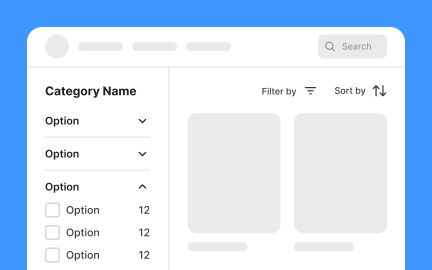
Exercise
Findability
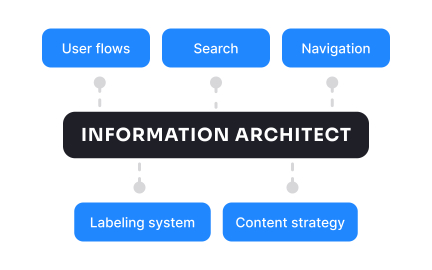
Exercise
Information architect
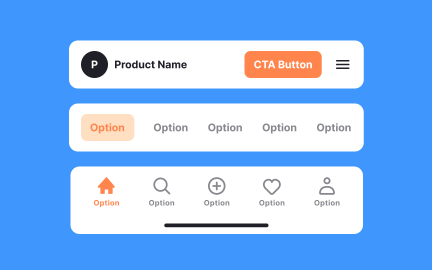
Exercise
Navigation system
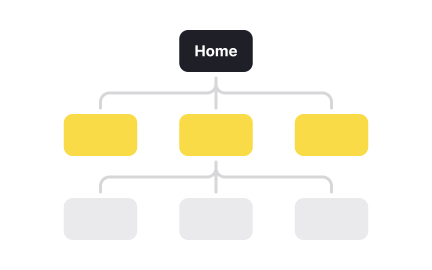
Exercise
What is information architecture?

Exercise
Breadcrumbs

Exercise
Search system

Exercise
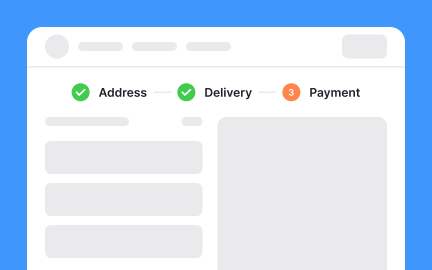
Matrix structure
Exercise
Sequential structure
Exercise
Use persistent search for search-focused apps
Exercise
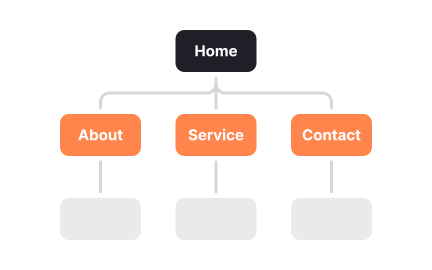
Site Map

Exercise
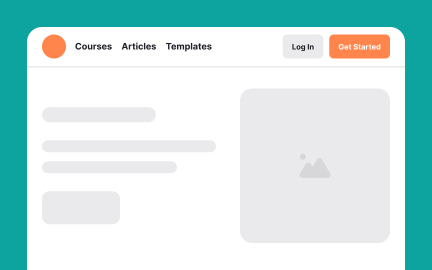
Hierarchical structure
Exercise
Header
Exercise
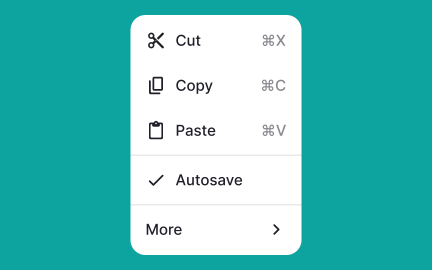
Menu

Exercise
Menus
Exercise
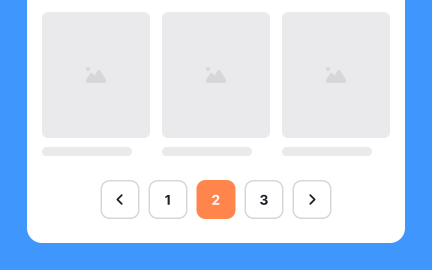
Pagination

Exercise
Breadcrumbs

Exercise
Navigation components
Exercise
Use expandable search to save space
Exercise
Use sticky headers for pricing tiers

Exercise
Add enough padding for better readability
Exercise
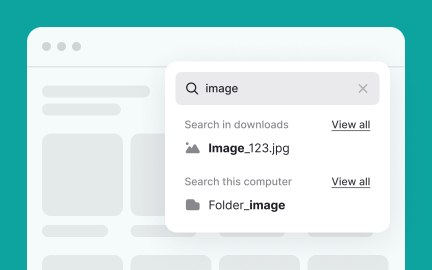
Use rich auto-suggest appropriately
Exercise
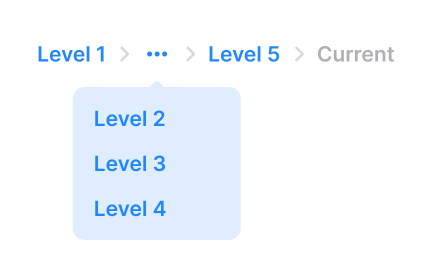
Allow users to access pages in overflow

Exercise
Hyperlinks
Exercise
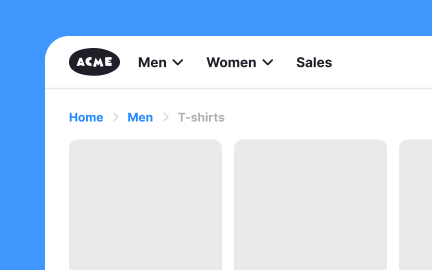
When to use breadcrumbs

Exercise
Position the hamburger menu intuitively
Exercise
Adhere to the parenting principle
Exercise
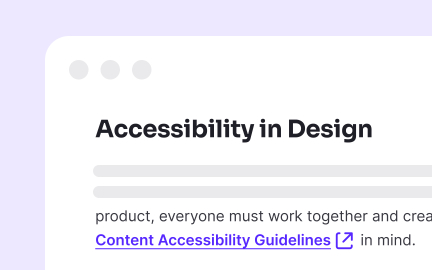
Indicate links that open in a new window
Exercise
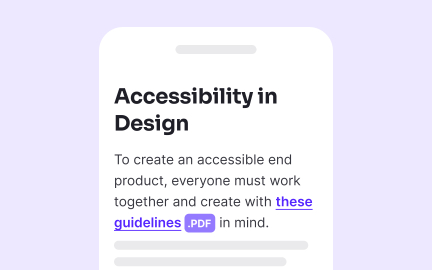
Specify link destination
Exercise
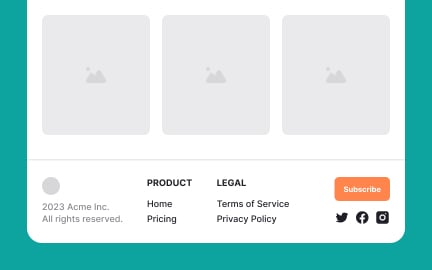
Footer
Exercise
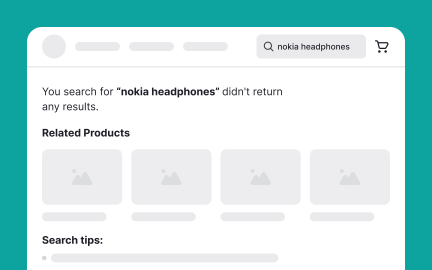
Provide a helpful No Results page
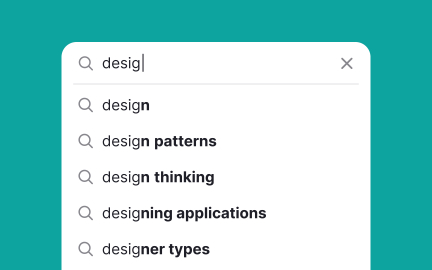
Exercise
Enable auto-suggest for searching

Exercise
Use overflow menus
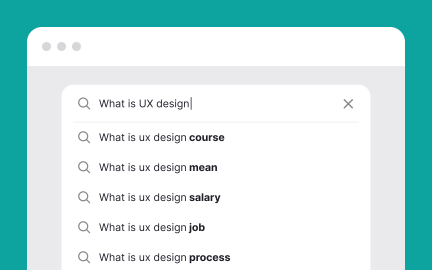
Exercise
Provide a reasonable number of search suggestions

Exercise
Don't replace the global navigation with breadcrumbs

Exercise
Hamburger menus

Exercise
Allow users to compare content groups
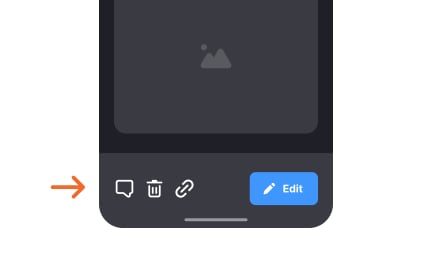
Exercise
Toolbars
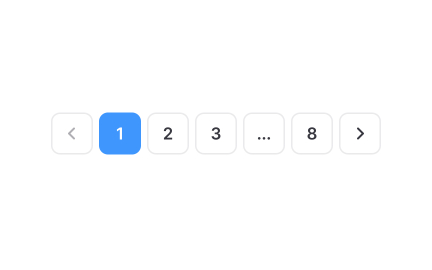
Exercise
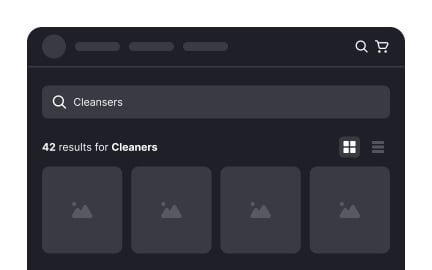
Truncate excessive page links
Exercise
Provide view options for the search results page

Exercise
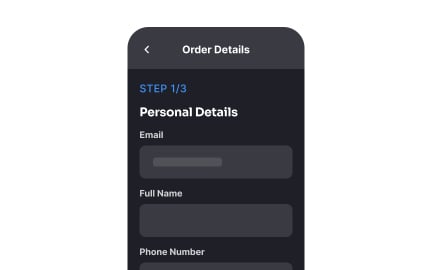
Buttons
Exercise
Keep navigation simple and clear

Exercise
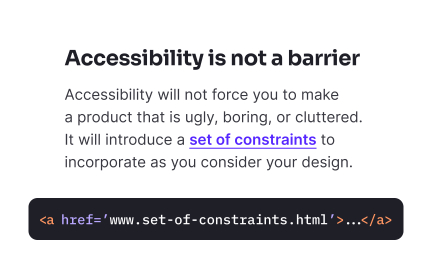
Highlight matching keywords on the search results page
Exercise
Use the <href> attribute for links

Exercise
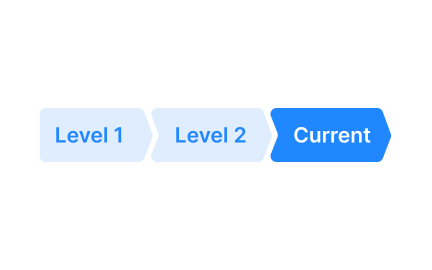
Truncate long labels
Exercise
Button breadcrumbs

Exercise
Flat structure

Exercise
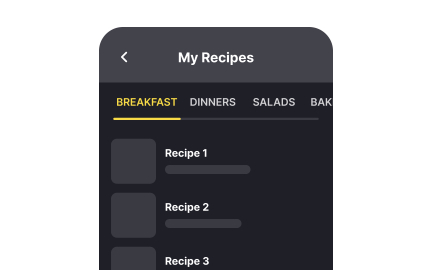
Highlight the selected tab
Exercise
Scrollable tabs
Exercise
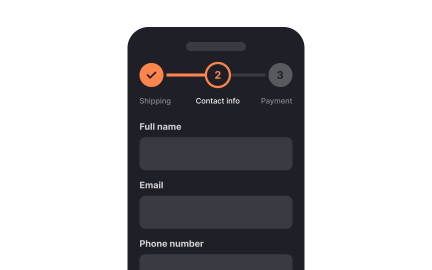
Keep the search query visible
Exercise