Databases Exercises
Explore hands-on “Databases” exercises to sharpen your skills and level up your craft. Want more? Browse all search results
Exercise
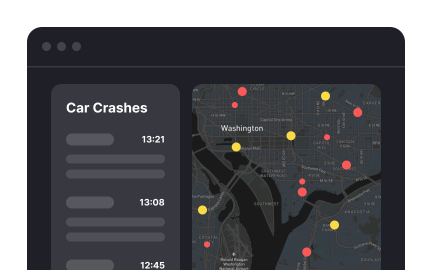
Operational dashboards
Exercise
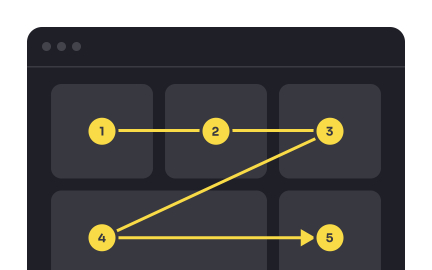
Prioritize content to guide users' attention
Exercise
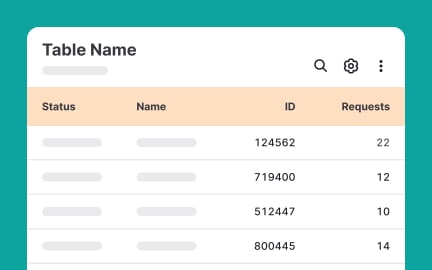
Optimize numeric data display
Exercise
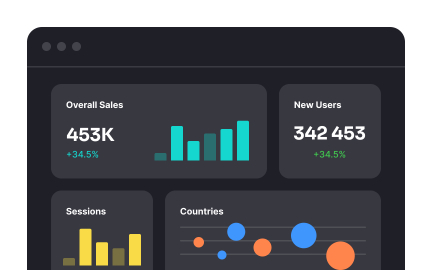
Avoid overwhelming users with content
Exercise
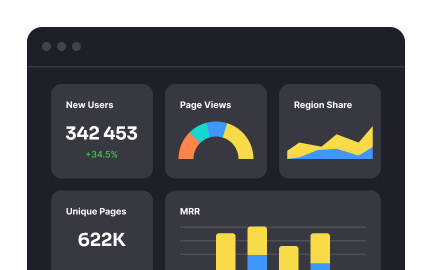
Analytical dashboards
Exercise
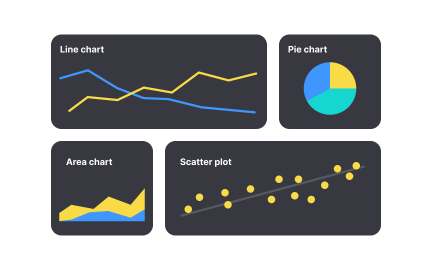
Select the right chart type
Exercise
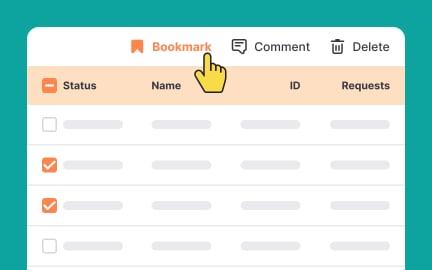
Streamline table operations
Exercise
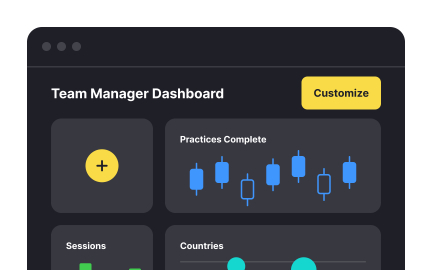
Allow users to customize dashboards
Exercise
Determine your audience’s needs
Exercise
Allow users to compare content groups
Exercise
Allow items-per-page control
Exercise
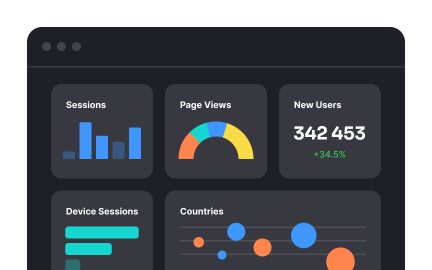
Indicate overflow content
Exercise
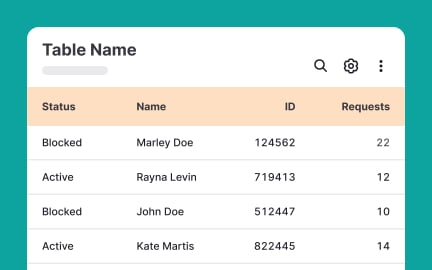
Use enough white space to simplify content scanning
Exercise
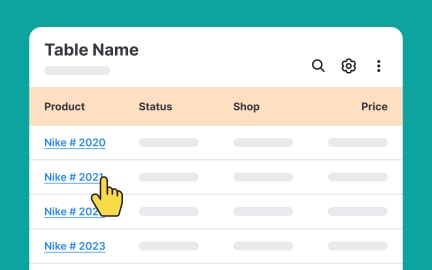
Use a legible typeface
Exercise
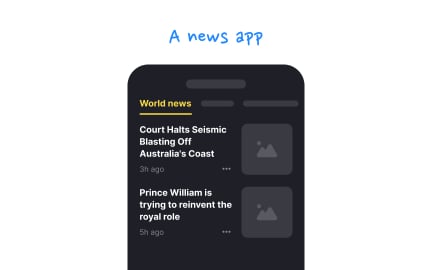
Keep the link style familiar
Exercise
Chronological feeds
Exercise
Use labels for better navigation
Exercise
Separate content groups
Exercise
Use consistent structure
Exercise
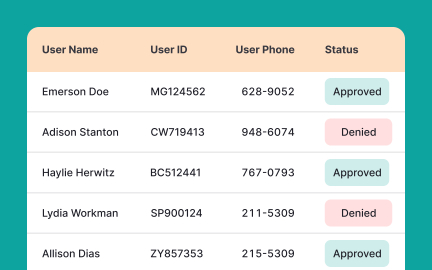
Allow users to customize tables
Exercise
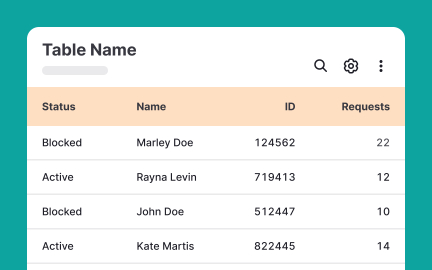
Align text to the left
Exercise
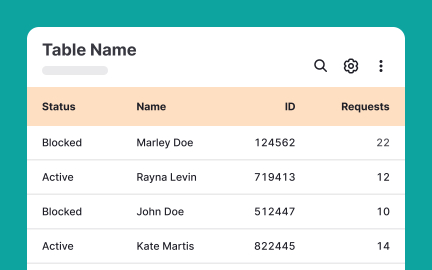
Borders style
Exercise
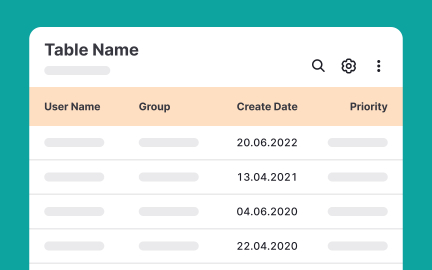
Style tables for scannability
Exercise
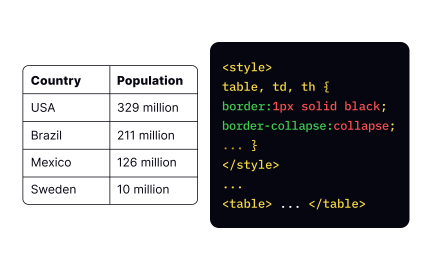
Collapsing table borders
Exercise
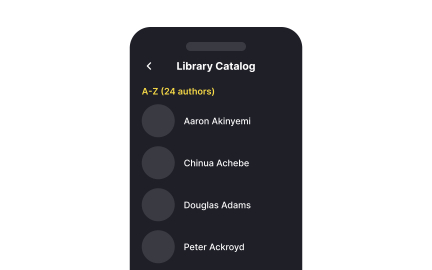
Alphabetical sorting
Exercise
Use a consistent string format
Exercise
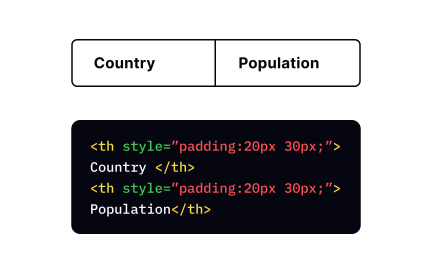
Adding padding
Exercise
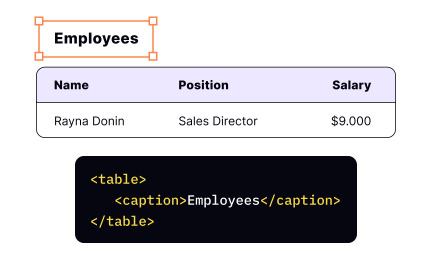
The <caption> tag
Exercise
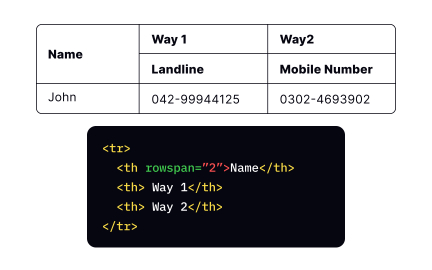
The rowspan attribute
Exercise
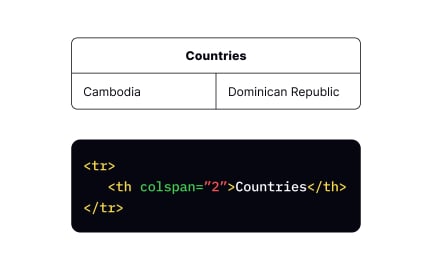
The colspan attribute

Exercise
Chapters
Exercise
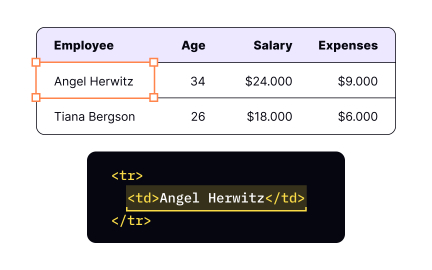
The <td> tag
Exercise
Adding captions
Exercise
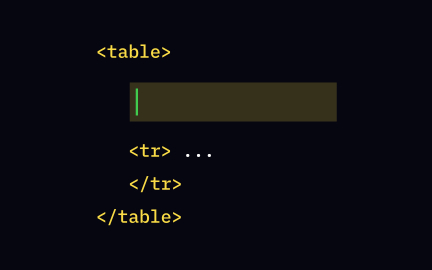
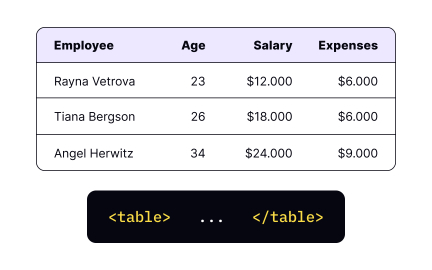
The <table> tag
Exercise
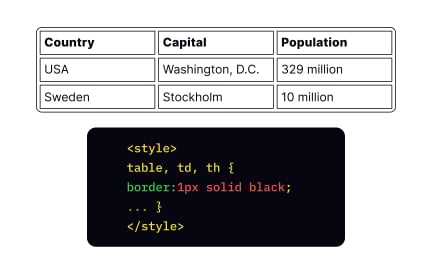
Adding borders
Exercise
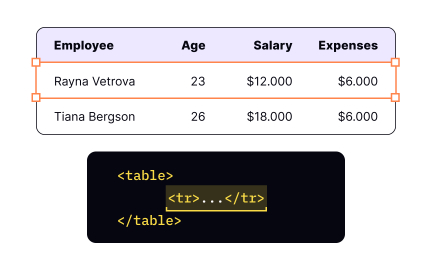
The <tr> tag
Exercise
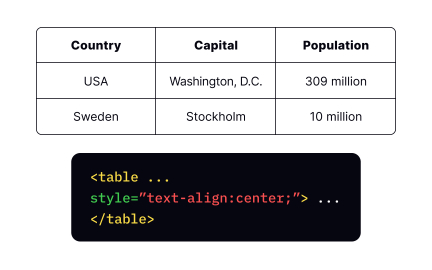
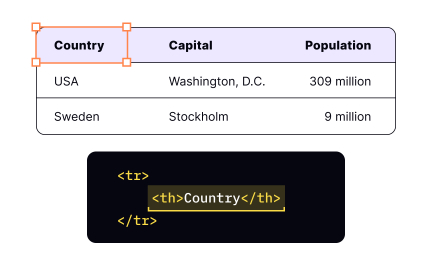
The text-align property
Exercise
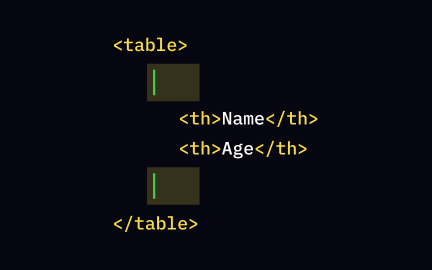
The <th> tag
Exercise
Adding rows
Exercise
When full automation makes sense
Exercise
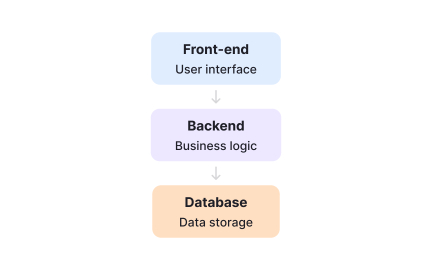
APIs and system communication
Exercise
Introduction to software architecture
Exercise