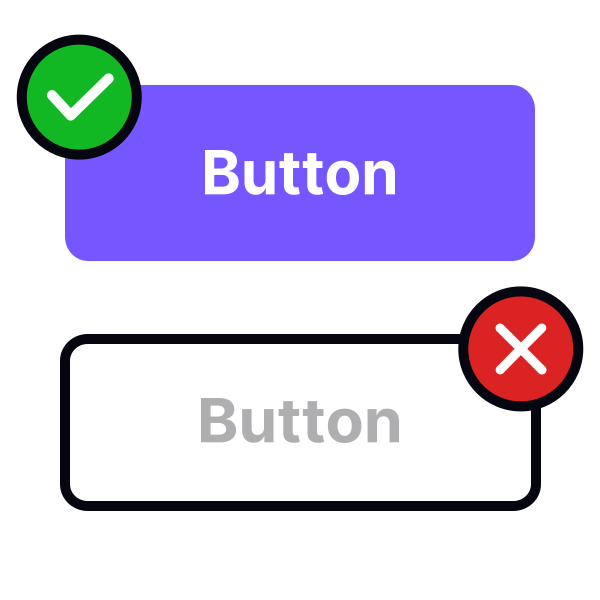
Provide a sufficient touch target zone
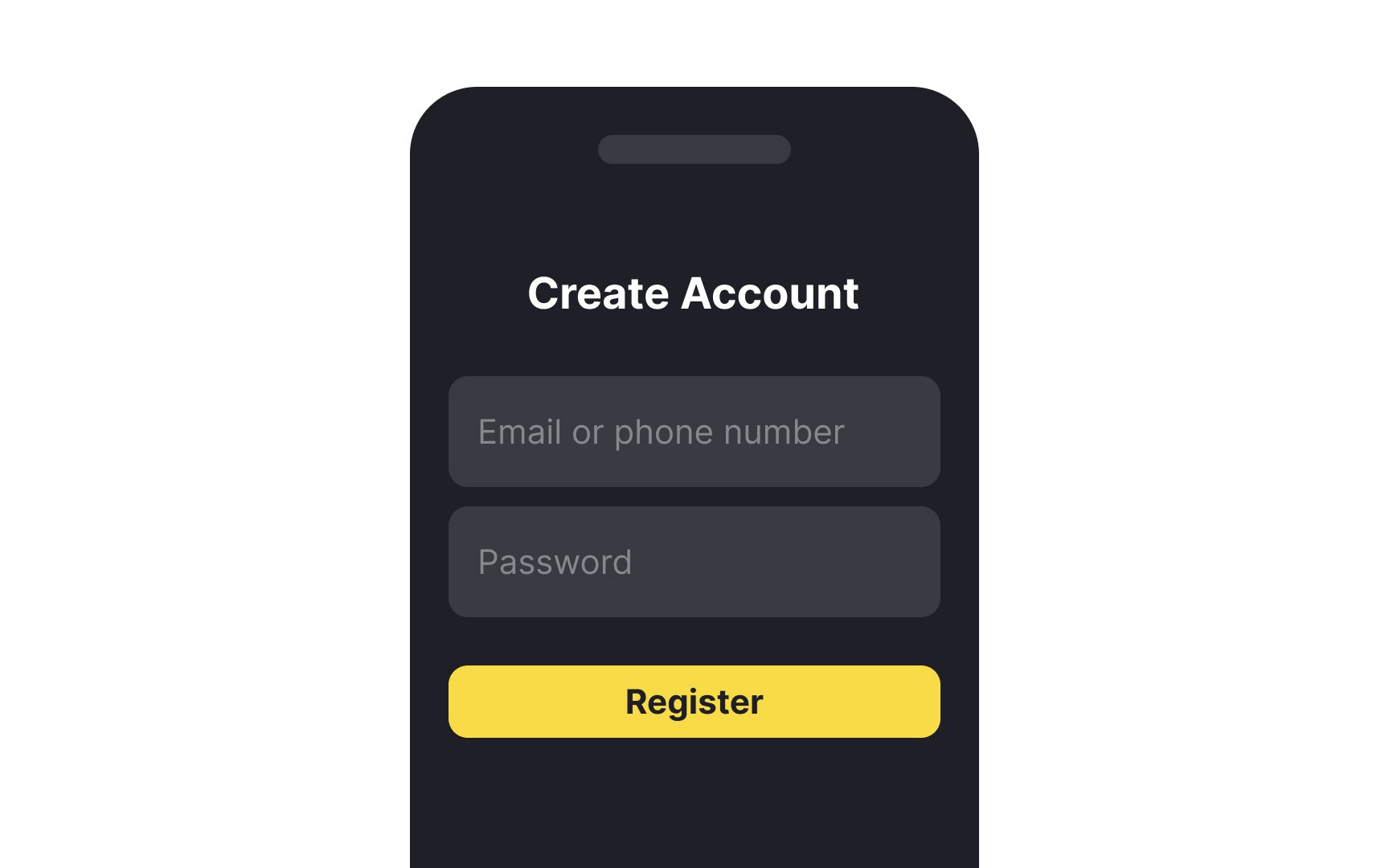
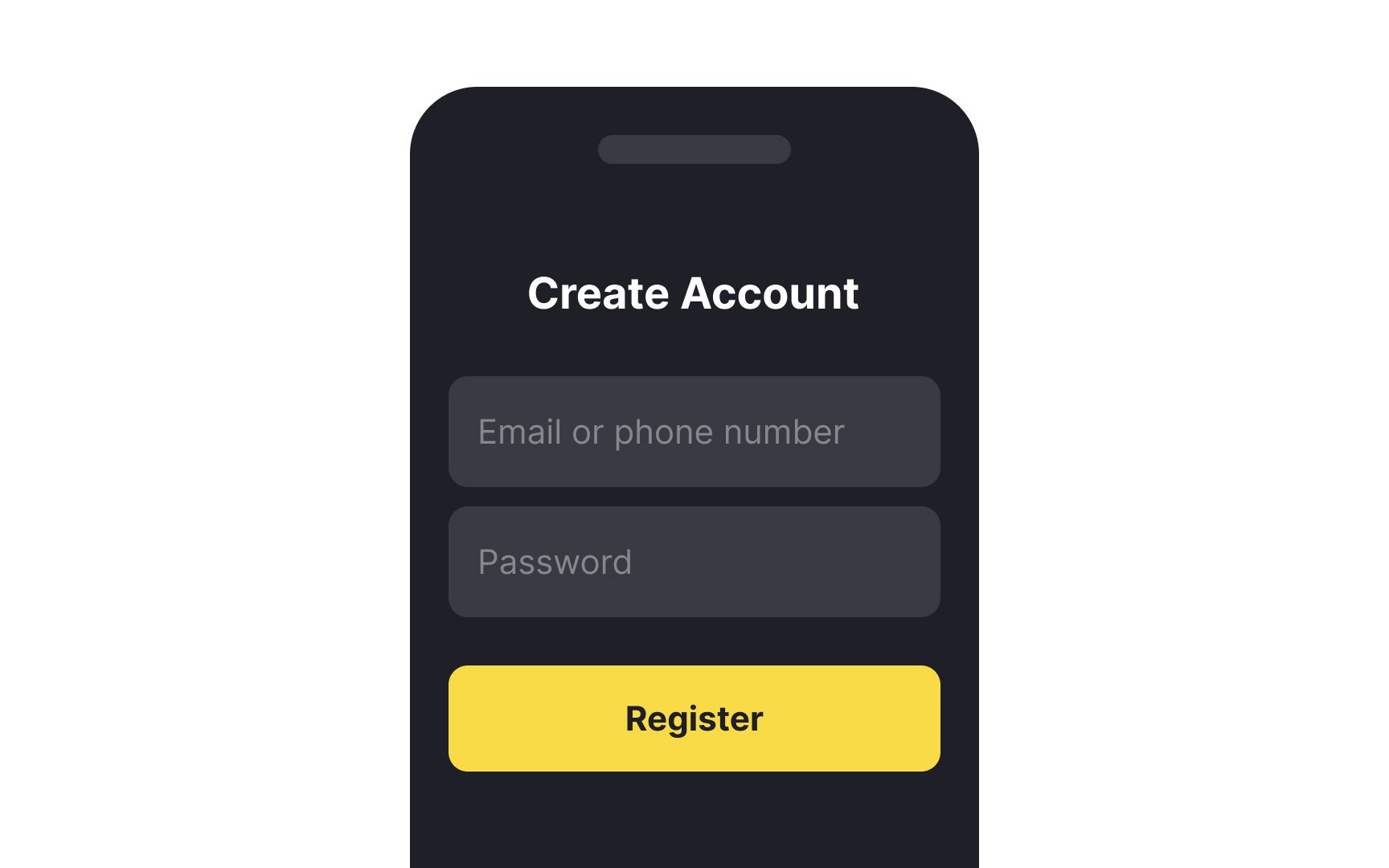
Size is one of the most important aspects of button design. It is closely tied to conversion rates, the number of errors users make, and overall usability. When designing for mobile devices, you’ll want to keep the size of users’ fingers in mind when determining the button height of your buttons.
According to MIT Touch Lab studies, the minimum touch target size is 16-20mm (~45-57px) which equals the average adult person's fingertip size. Notably, the impact area of an average adult's thumb is even larger — 25x25mm (72px).[1]
On desktop interfaces, you’ll want to provide enough top and bottom padding within your button to keep the label legible and provide plenty of area for users to click to increase accessibility.