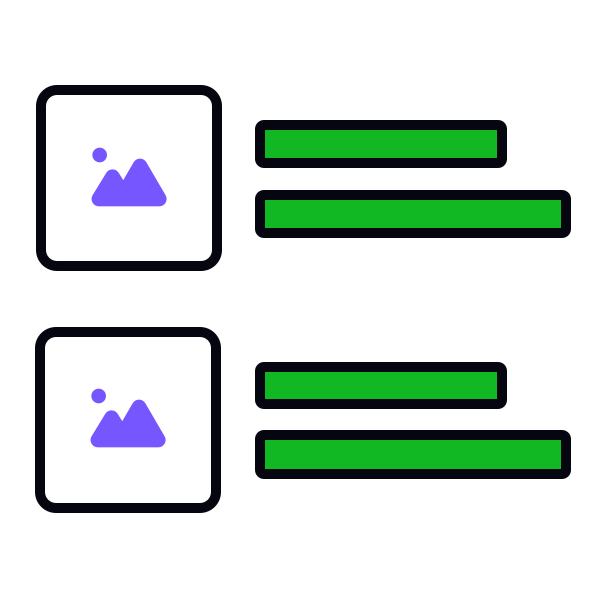
Use indented dividers for lists with images


There are two types of popular dividers — full-bleed and indented. Full-bleed dividers extend across the entire width of the screen, creating a clear and strong line of separation. In contrast, indented dividers occupy only part of the screen's width, often aligning with the text or other content, providing a subtler division.
For lists that include images or icons, use indented dividers.[1] This is because images inherently have defined boundaries or edges that visually separate them from other elements. Adding a full-bleed divider in such cases can be redundant and may even clutter the design.