Create meaningful and contextual tooltips
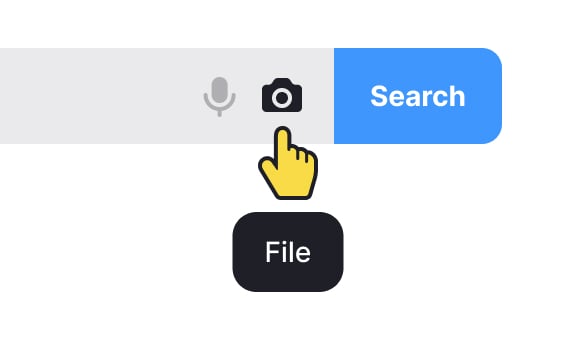
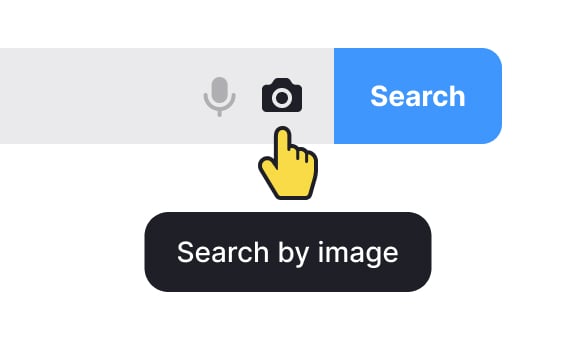
The meaning and context of tooltip usage matter. Not all elements are self-evident by themselves. If there isn't any close relationship between an icon or button and its meaning, use tooltips to explain their purpose.
For example, imagine you have a photo-sharing application, and within the interface, there's a camera icon. If the camera icon is used without a tooltip, some users may assume it's for taking photos, while others might think it's for accessing a gallery or uploading images.
In this case, adding a tooltip like "Capture Photo" or "Take a Picture" provides explicit clarity about the function of the camera icon. This extra information helps users understand the purpose of the icon, especially when its meaning may not be immediately obvious.