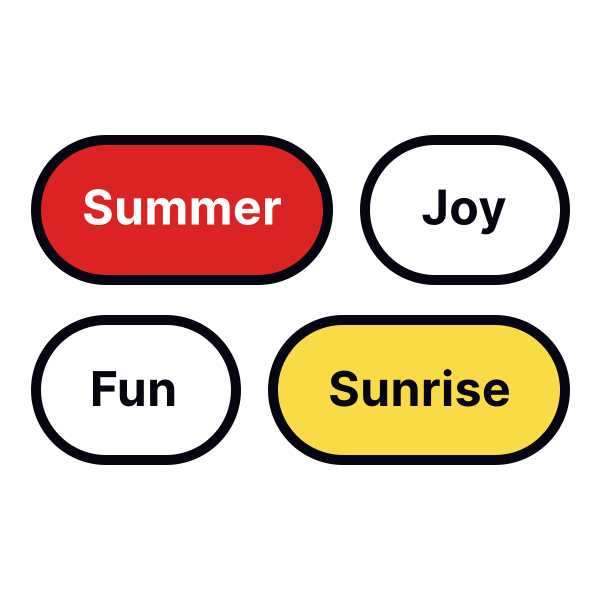
Clearly demonstrate state changes
Key states for chips include:
- Default (normal view)
- Hover (when moused over)
- Active (during interaction)
- Focus (selected for action)
- Disabled (unavailable for use)
Properly indicating these states is crucial for usability and accessibility, ensuring the interface is user-friendly and responsive.
Effective methods to denote state changes include:
- Different colors or shades to signify different states
- Microinteractions in response to user actions
- Slightly changing the element's size
- Shadows to make elements appear raised or pressed
- Borders or outlines to indicate focus or active states