Shadow spread
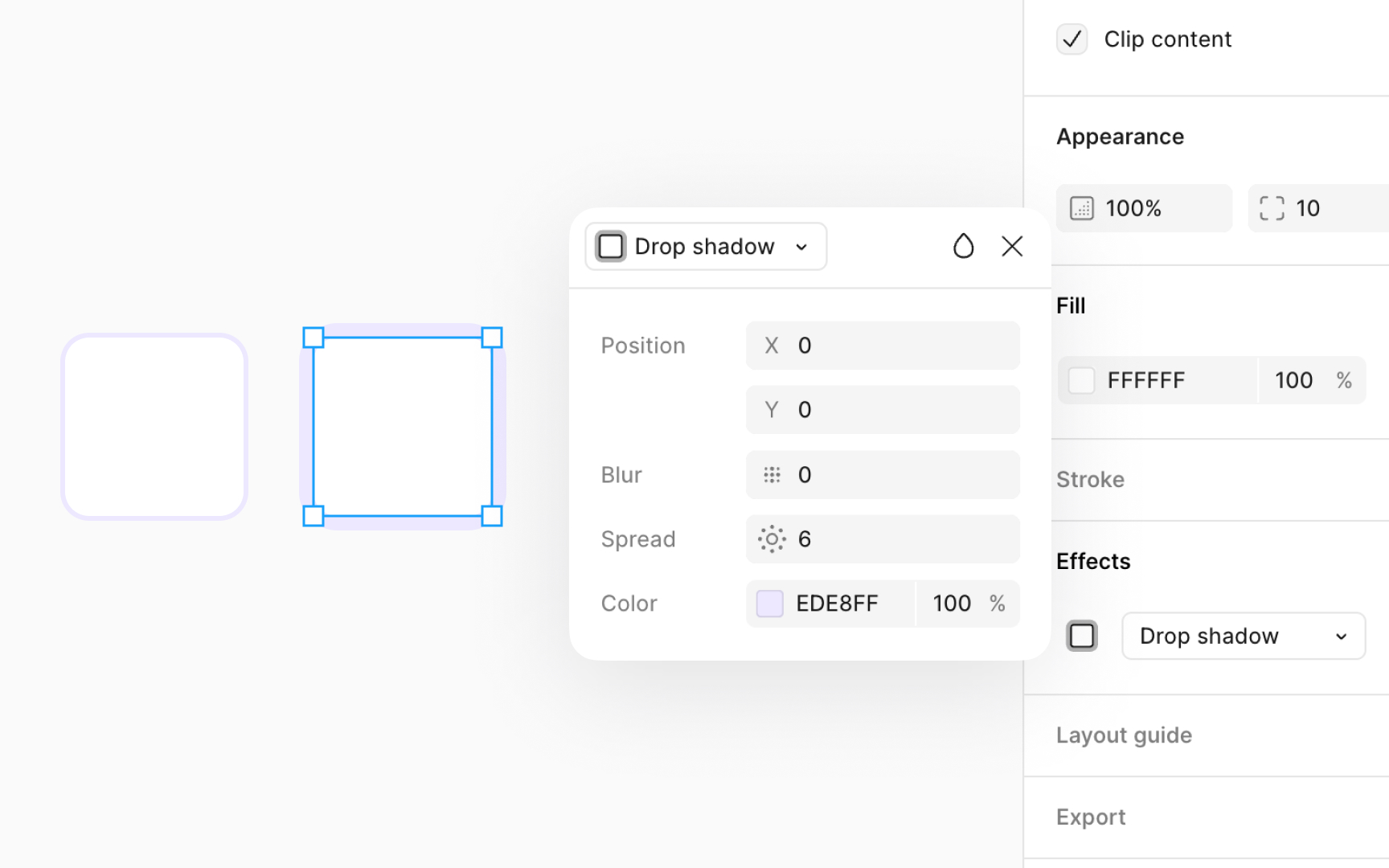
Shadow spread adds depth and emphasis to specific elements like rectangles, ellipses, frames, and components. However, it's important to know that this effect requires certain settings to work effectively.
To use shadow spread on frames or components, make sure Clip content box is checked in the Design panel under the Layout section. This option ensures that any shadow applied doesn't exceed the boundaries of the object it's applied to. Also, your element needs to have a visible fill set to at least 1% opacity. Without these settings, the spread shadow won't be visible.
To adjust the shadow spread, go to the Effects section on the Design panel. Click on the Effect settings icon and manually enter the desired value.