Image shadows
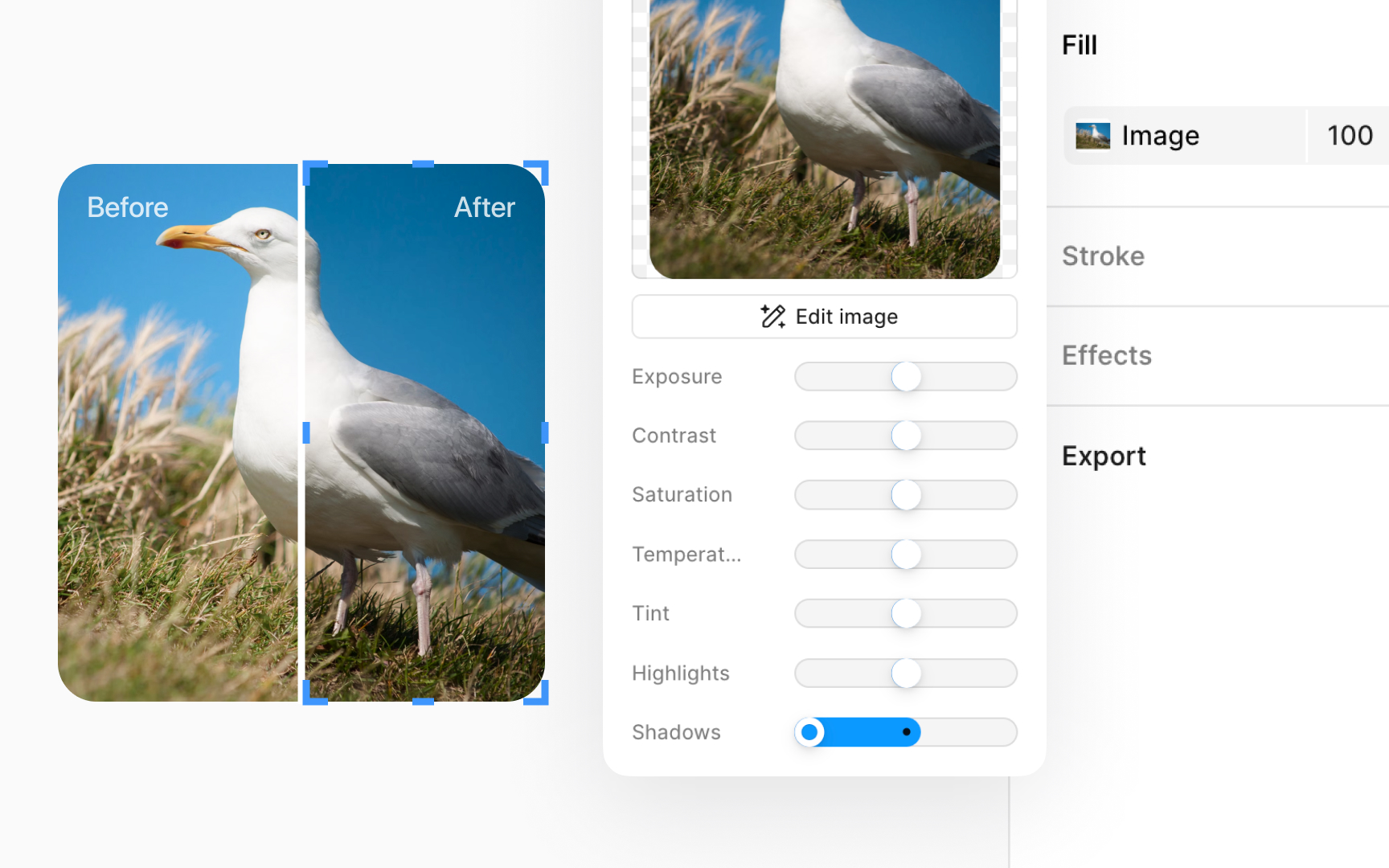
Click the image thumbnail in the Fill section of the Design panel to find the Shadows slider. Adjusting shadows helps you work on the darker spots of your image, making it easier to see the difference between light and dark areas.
By focusing on shadows, you can:
- Make your image look more interesting by adding depth.
- Change how dark or light the shadows are, making them softer or more noticeable.
Think of it as controlling how much shade there is in your picture. You can either turn down the shadows to keep things light or dial them up to make your image more dramatic.
Top contributors