Layer properties
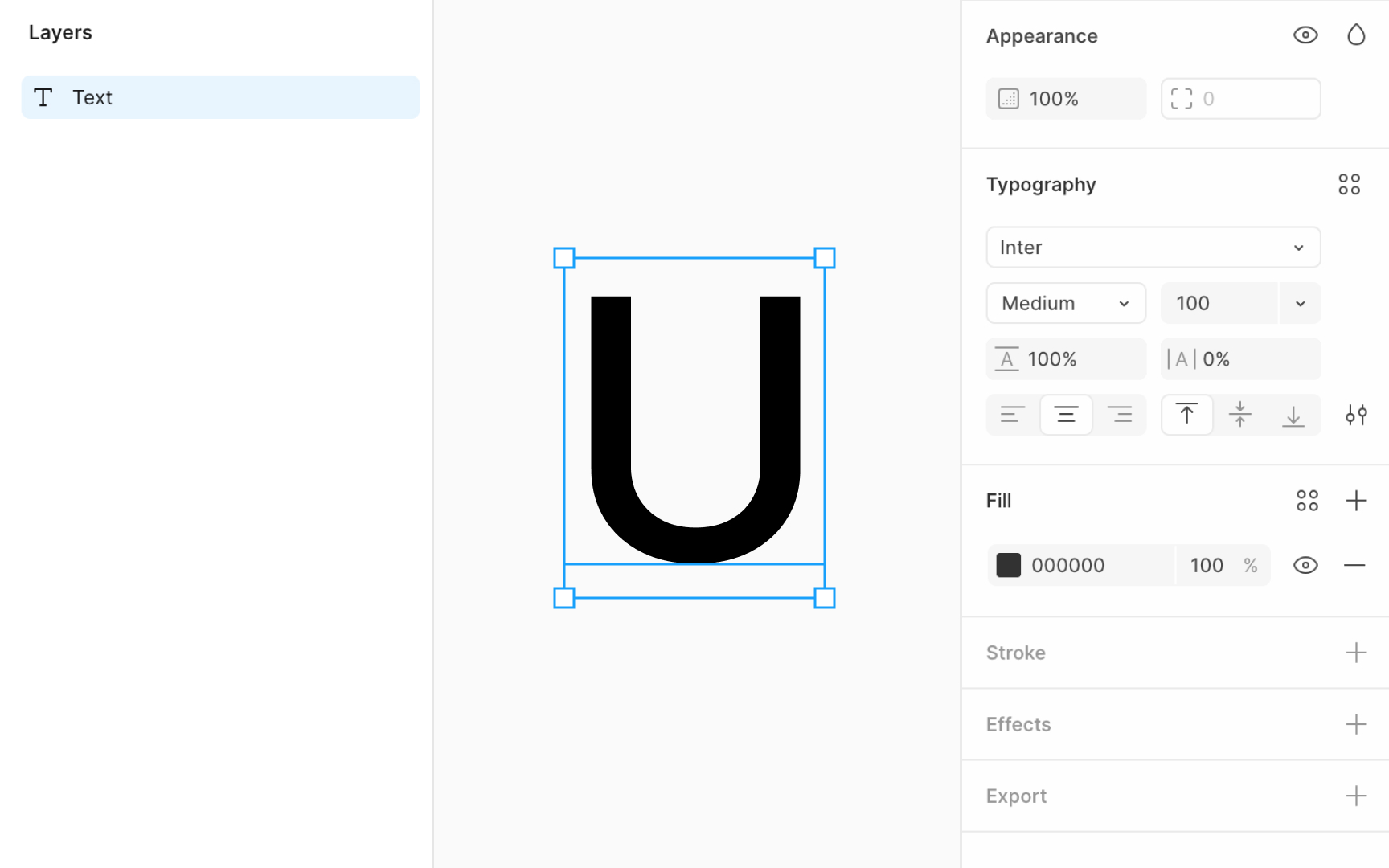
To explore a layer’s properties, begin by hovering over a layer or object on the canvas. This action outlines the element, indicating it's ready for selection. Click on the layer to select it and reveal more details about its properties. On selecting a layer, the Layers panel on the left displays the layer's name and its organizational structure within your project.
Simultaneously, the Design panel on the right becomes populated with information specific to the selected layer. Basic information such as the layer's dimensions and its precise location on the canvas is available here. Additionally, this panel displays attributes including styling options like color, text properties for typography layers, and effects such as shadows for more visual depth.
The specific properties available for adjustment will vary depending on the type of layer selected.