Differentiate content and functional notes
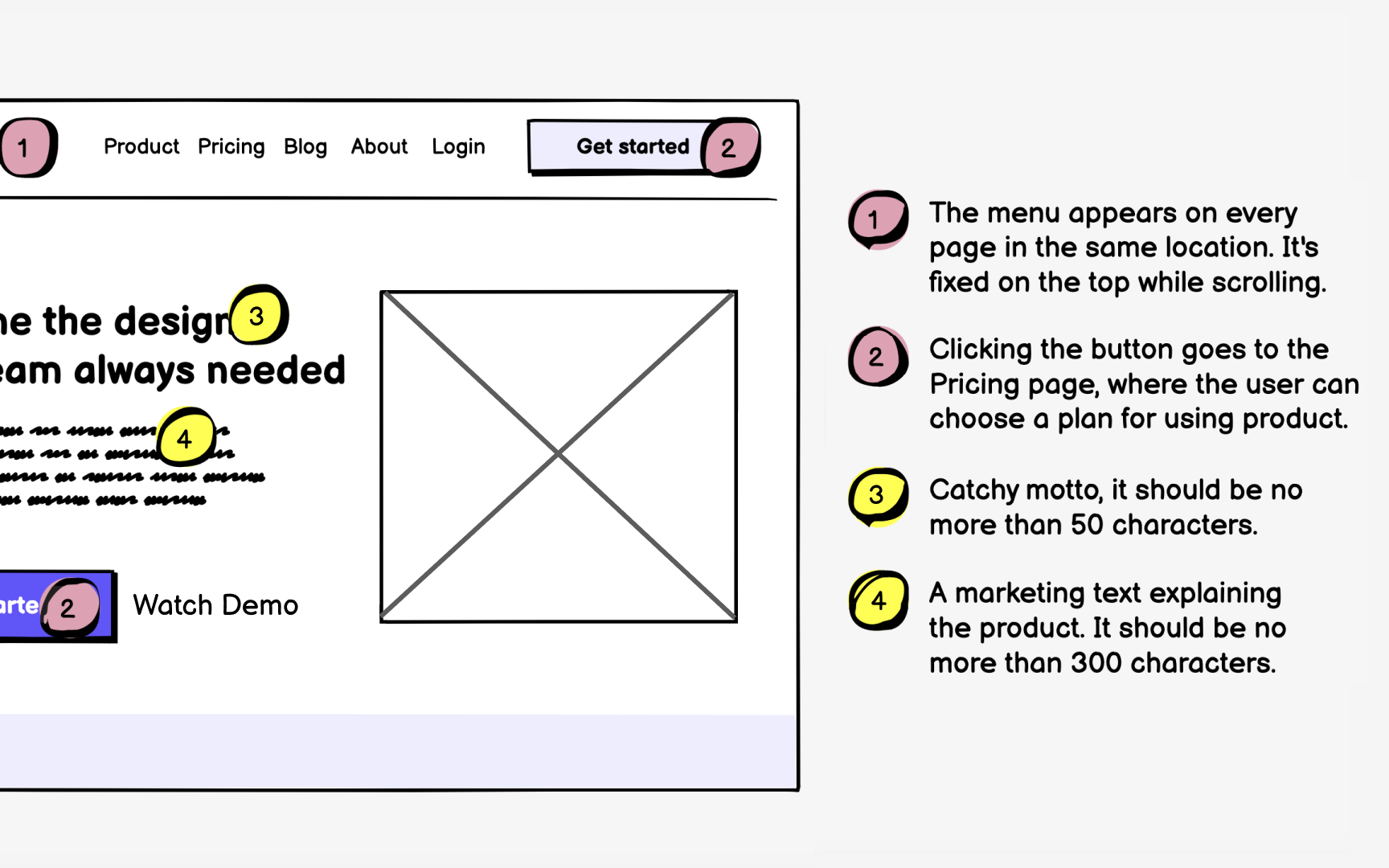
When you add annotations to a wireframe, you’re helping everyone understand two things: what each element means and how it’s supposed to behave. Good annotations remove guesswork. Designers, developers, writers, and clients can all look at the same wireframe and understand what’s going on.
You can think of annotations in two groups:
- Content notes might specify: "Error message uses friendly tone, explains what went wrong and how to fix it" or "Hero image showcases product in real-world use, changes seasonally." These guide writers and visual designers in creating appropriate content that serves user needs while maintaining brand voice.
- Functional notes detail mechanics: "Clicking 'Show more' reveals additional 10 items with smooth scroll animation" or "Form validates inline as user types, showing green check for valid fields." These ensure developers build the right interactions and designers create appropriate state variations.
Most wireframes use small numbered markers to point to the right spots. Make sure these numbers stand out by adding a bit of contrast. Then repeat each number next to a short explanation at the side or bottom of the page. This keeps everything clean and easy to follow.
Top contributors