Shadow color and theme behavior
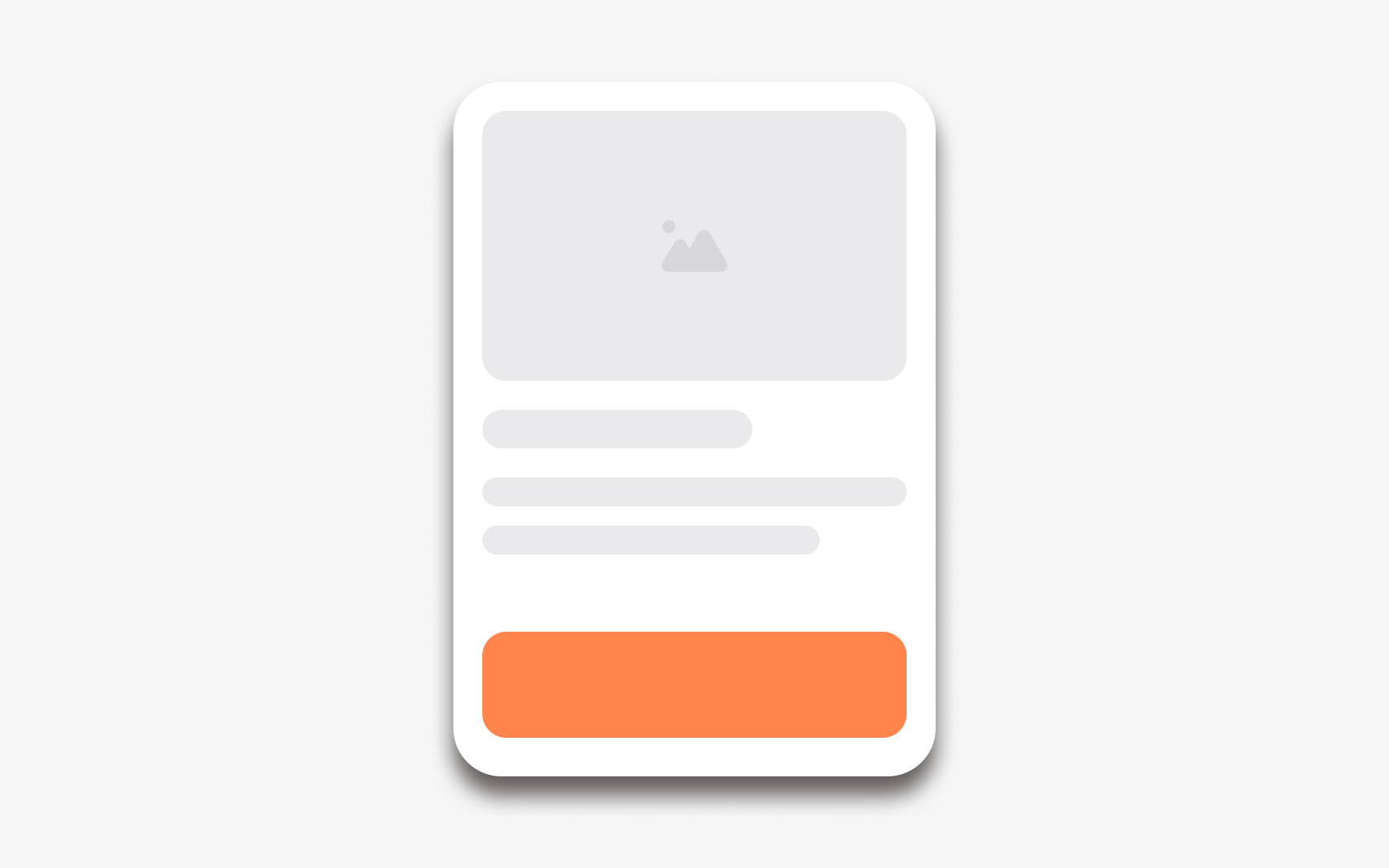

Shadow color affects how readable elevation is across different themes. In light mode, shadows usually appear darker and help lifted surfaces stand out from a pale background. In dark mode, shadows can be harder to see because the background is already dark. To compensate, some systems lighten elevated surfaces so the contrast between layers remains clear. This pairing of lighter surfaces with subtle shadows keeps depth visible without adding harsh edges.
Some design systems also use tinted shadows instead of pure black. Slight color adjustments help shadows blend with surrounding surfaces, especially when the interface changes tone between themes. This prevents shadows from feeling heavy in light mode or disappearing completely in dark mode. When elevation tokens define both the shadow color and the surface tone, cross-theme behavior stays consistent for every component.
Pro Tip: When testing elevation in dark mode, focus on contrast between surfaces first. Shadows only support the effect when the surface tone is clear.