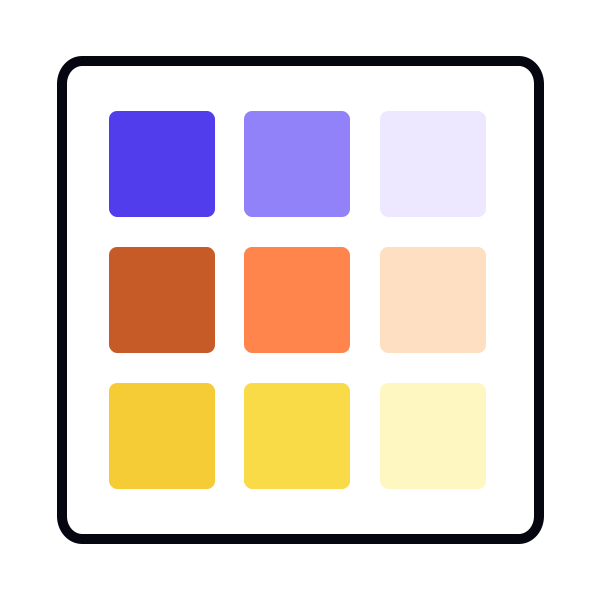
Using plugins to generate tonal scales
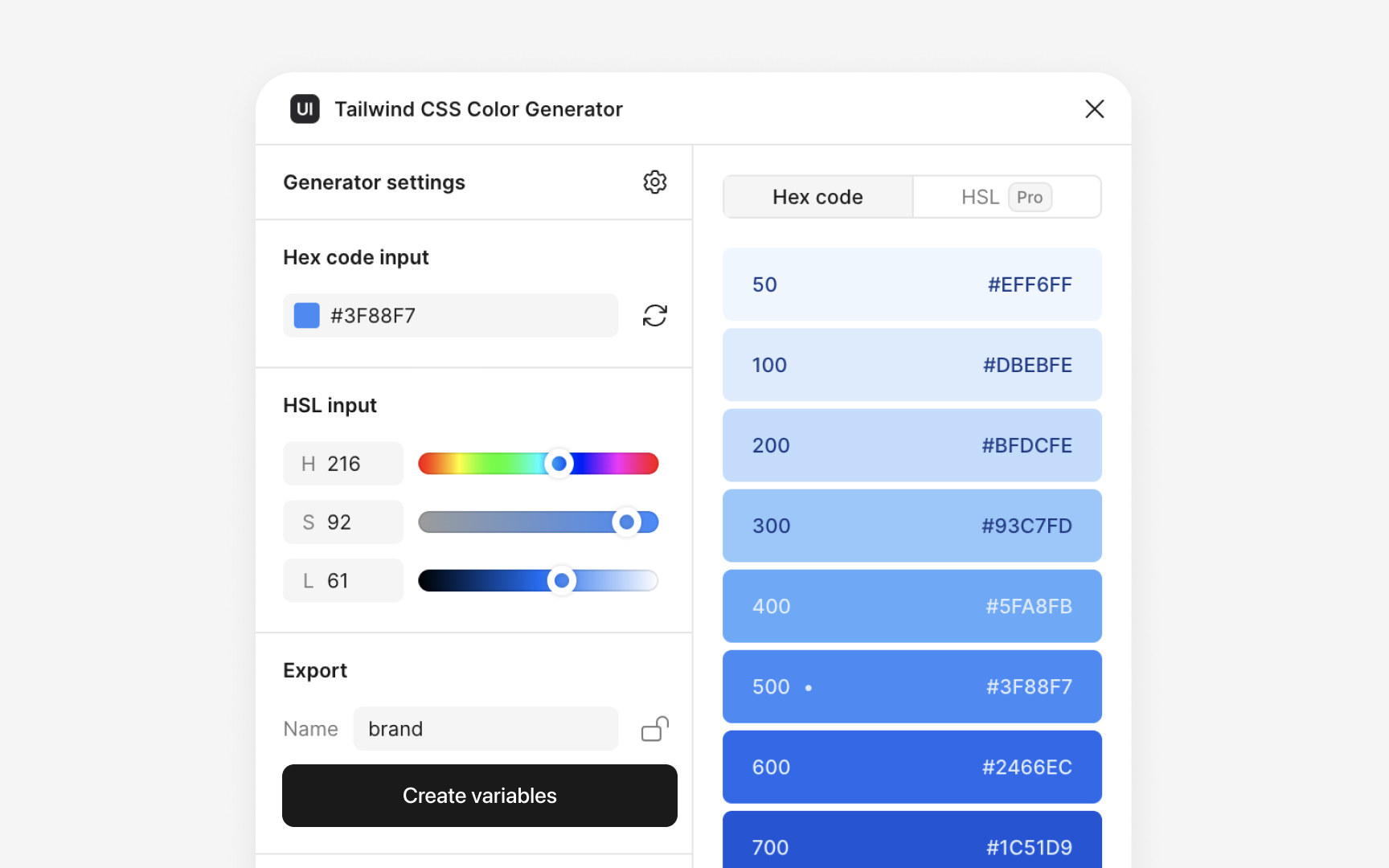
Figma plugins can speed up the process of building tonal scales when you need to create many steps quickly. Plugins like UI Color Palette, Color Shades, Foundation Colour Generator, and Tailwind CSS Color Generator generate lighter and darker tones from a single base color in a few clicks. They let you preview full ranges of tints and shades, which helps compare several variations before choosing the ones that fit the palette best.
Even when plugins help generate the first draft, the final tones still need manual review. Comparing plugin-generated values with your opacity-based samples ensures the chosen colors stay consistent with the rest of the palette and remain readable across different surfaces. Plugins help with speed and exploration, while manual checks keep the palette controlled and accurate.
Pro Tip: Use plugins to explore options quickly, then refine the final tones through sampling to keep the palette coherent.