Add the Skip-to-Content button
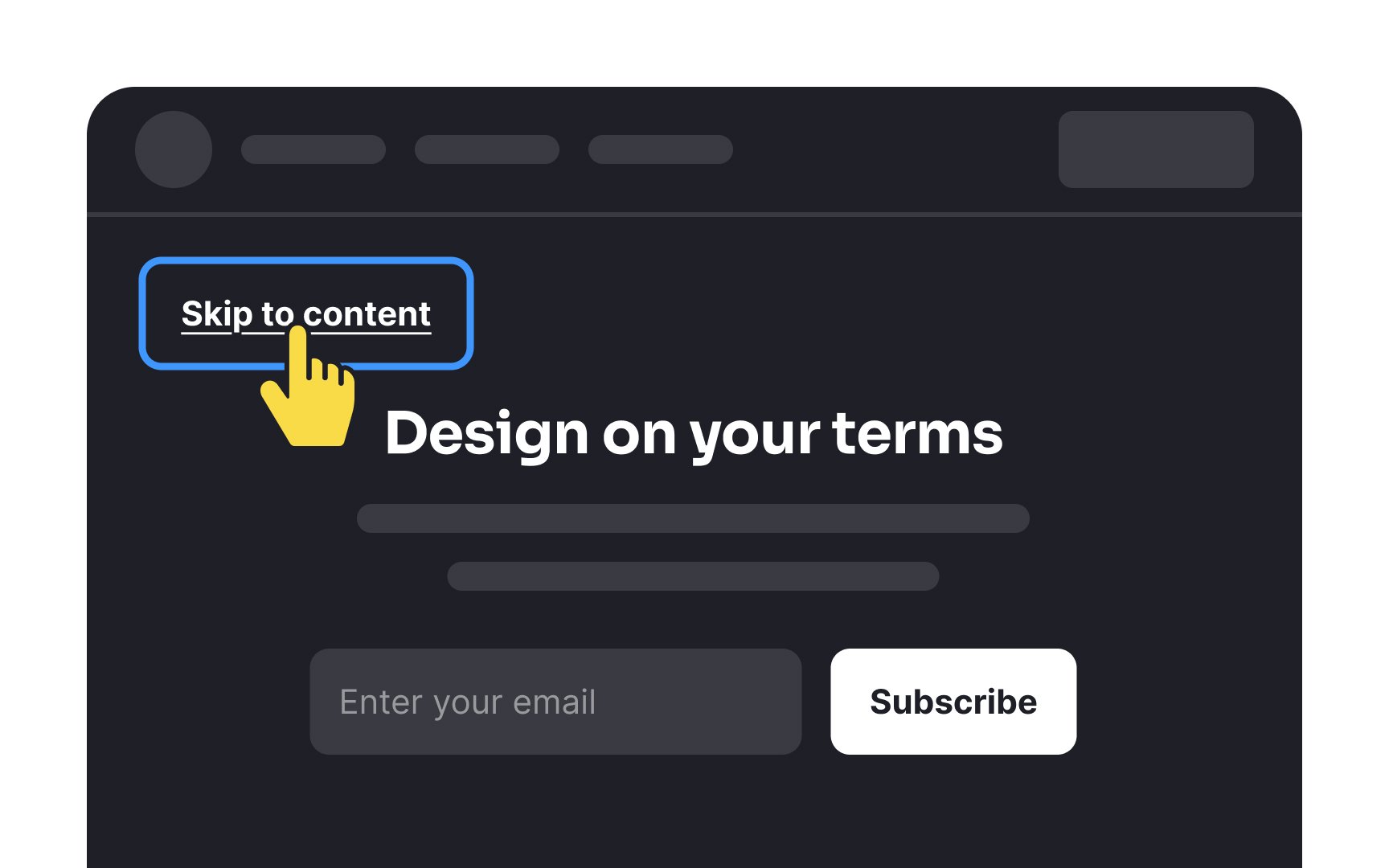
A "Skip to Main Content" link is a special navigation tool that appears at the very top of a webpage. While many users can quickly scan pages with their eyes, people using assistive technologies often need a faster way to reach the main content.
Here's why a "Skip to Main Content" link is essential:
- Navigation challenge: Users with mobility disabilities need to tab through many links before reaching the main content
- Physical effort: Repeatedly pressing keys or switches can be physically demanding for users controlling devices with limited movements
- Quick access: This feature helps users jump directly to the main content, skipping past menus and headers
How to implement it: