Simplify navigation
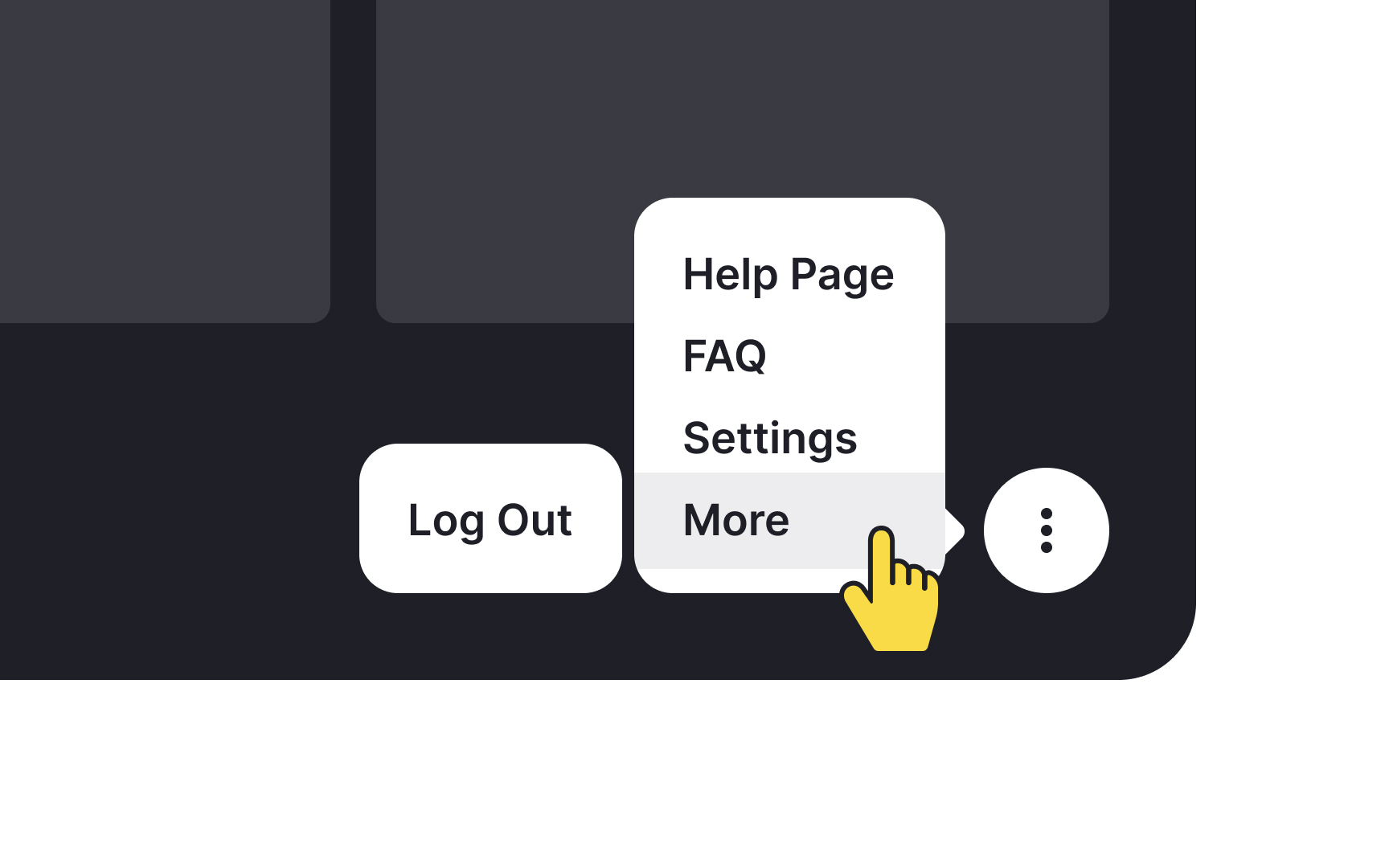
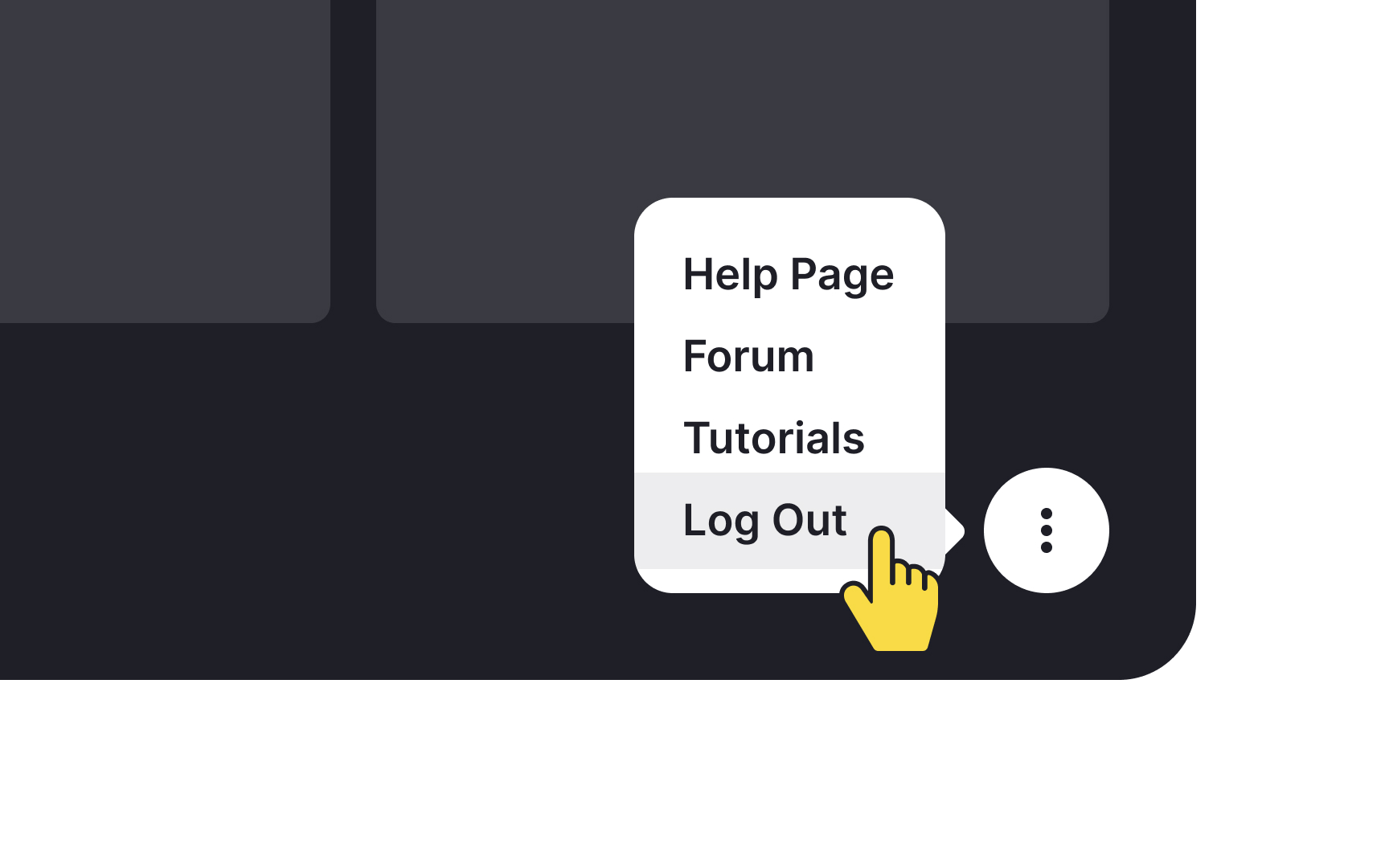
Clear navigation systems help users with Autism Spectrum Disorder maintain orientation and reduce anxiety while using digital interfaces. Progress indicators and breadcrumb trails provide constant feedback about the user's location within the system. These visual cues help users understand both their current position and the remaining steps needed to complete their tasks.
Navigation menus should follow a logical, predictable structure with clear labels and visual indicators for current location. Each interactive element needs a visible focus state and explicit labeling that describes its function. Avoid multi-level dropdown menus that require precise mouse movements, as these can create unnecessary motor control challenges and anxiety.
Support multiple interaction methods to accommodate different user preferences and abilities. Ensure all functionality works with both mouse and keyboard controls, including visible focus indicators and logical tab order. Provide clear keyboard shortcuts and make them easily discoverable through interface labels or a dedicated shortcuts panel.