Modal view types
Modal views temporarily shift users' focus to complete specific tasks or receive important information while preserving their previous context.
Modal views come in several forms, each serving different scenarios:
- Alerts deliver important app-related information that often requires user action
- Sheets and popovers help with distinct tasks like composing messages or adjusting settings
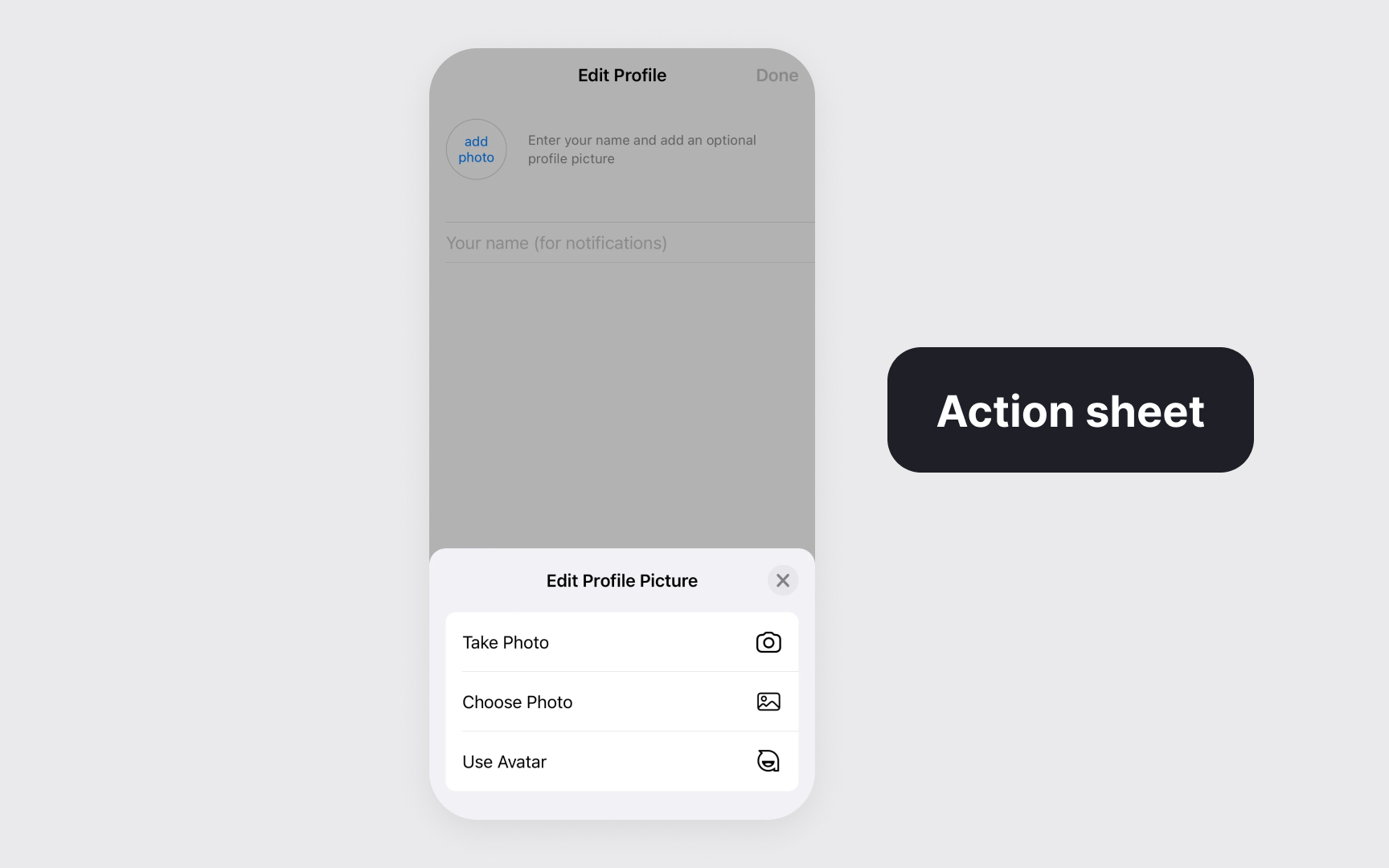
- Action sheets present context-specific options for immediate user choices
- Full-screen modals support immersive experiences or complex tasks like editing content or viewing media
The key to effective modal implementation lies in their purpose. They excel at:
- Delivering critical information requiring immediate attention
- Confirming or modifying users' recent actions
- Completing focused, self-contained tasks
- Creating immersive experiences for complex interactions[1]
Pro Tip: Match the modal type to your task's complexity – use simpler formats like action sheets for quick decisions and full-screen modals for involved tasks.
References
- Modality | Apple Developer Documentation | Apple Developer Documentation