Apple's grid system fundamentals
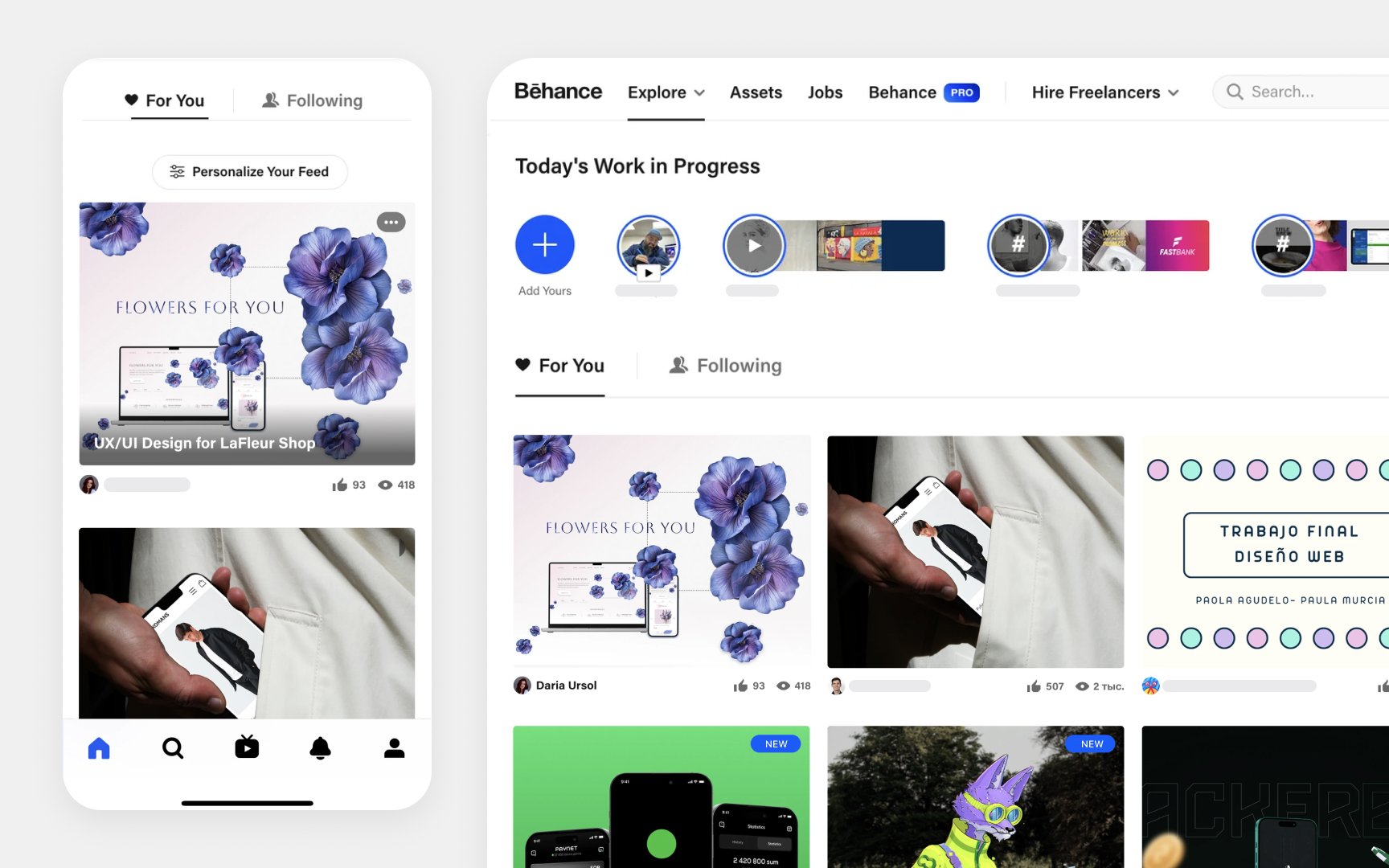
Grid layouts in Apple interfaces organize content for optimal viewing. The system can automatically determine the number of columns based on content width and spacing, helping maintain consistent layouts across different screen sizes. Spacing plays a crucial role in grid effectiveness. Consistent spacing between rows and columns prevents overlap when items come into focus. For titled rows, additional vertical spacing is needed between the previous row and the title to avoid crowding.
Grid layouts require careful attention to symmetry and consistency. Content should be spaced evenly to maintain a true grid appearance and make scanning easier. When content extends beyond the screen, partially hidden items should have equal width on both sides to keep the layout balanced.[1]
Pro Tip: Check your grid spacing in both focused and unfocused states to ensure elements don't overlap when users interact with them.
References
- Layout | Apple Developer Documentation | Apple Developer Documentation
