Interactive states
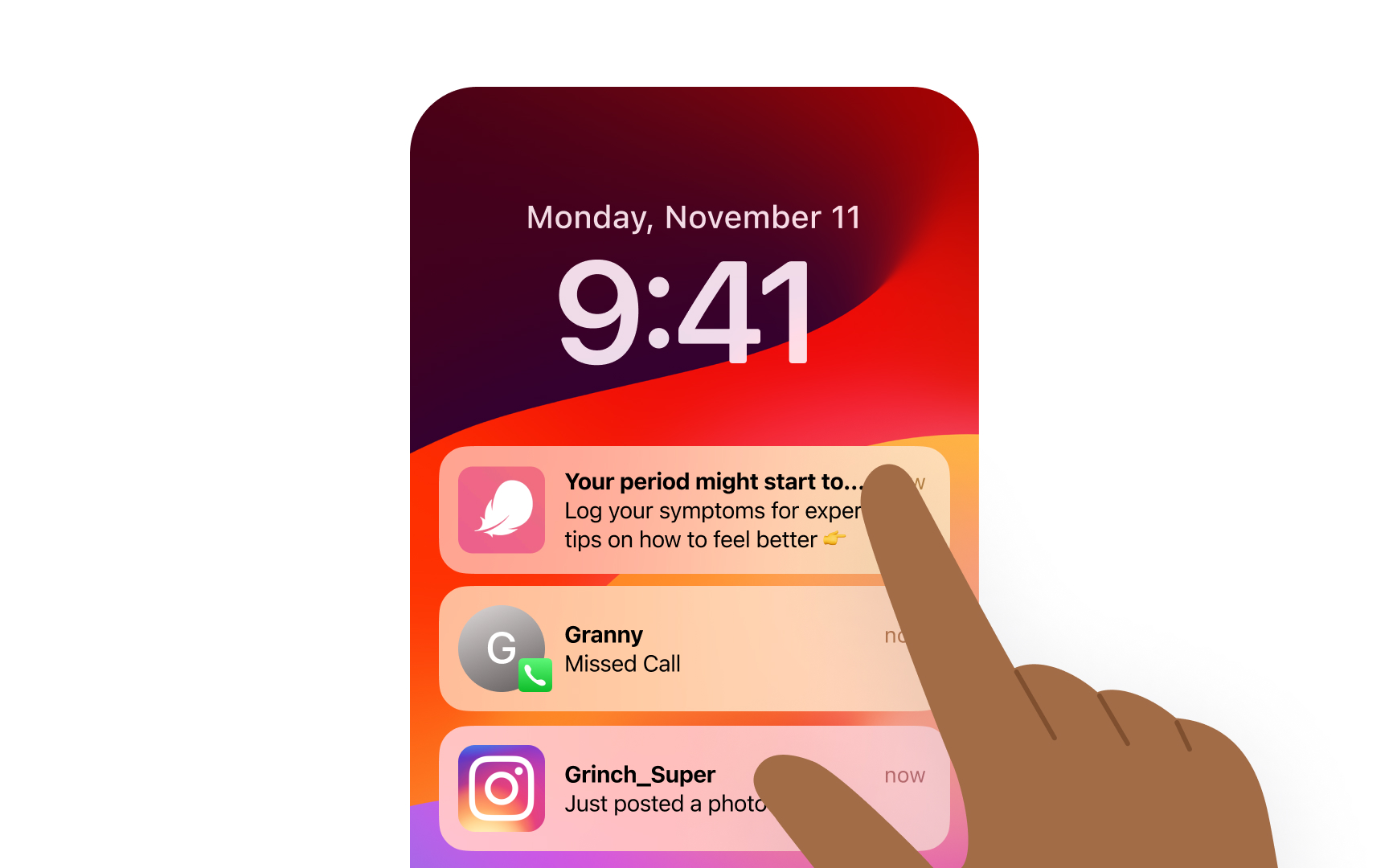
Materials in iOS respond to touches to provide interactive feedback. When users long-press a notification, its material adapts to create an expanded state, showing more content while maintaining the context of the underlying interface.
In the Notification Center, this interaction changes the notification's material properties. The initial compact notification uses regular material, while the expanded state increases blur intensity to emphasize the focused content and separate it from other notifications.
Interactive states:
- Initial notification state
- Expanded preview state
- Dismissal transition
- Background dimming