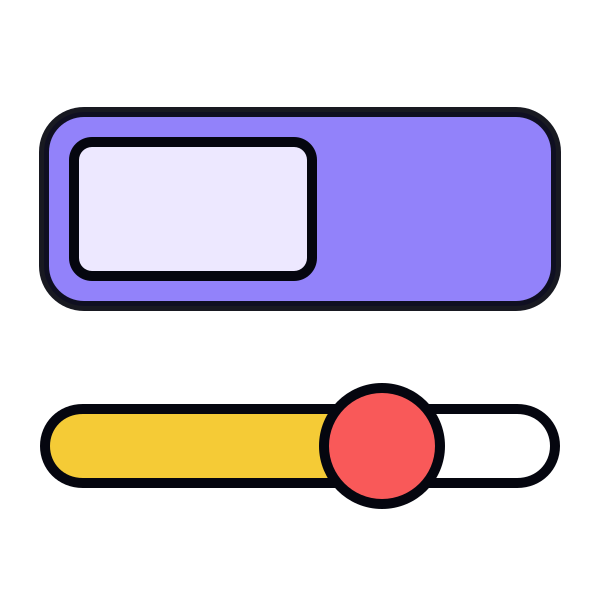
Progress indicators

Progress indicators help users understand exactly where they are in a task or process. Like physical gauges that measure progress in the real world, Apple's indicators use a familiar circular or linear design to show status — whether it's a quick refresh or a lengthy download.
Key guidelines from Apple HIG:
- Indicator types: Determinate shows specific progress percentage, indeterminate shows ongoing activity
- Visual feedback: Uses clear animation that helps users understand the current status
- Progress display: Shows either definite progress (like 45% complete) or general activity state
- Size options: Adapts scale based on context — smaller for inline tasks, larger for main actions
- Color usage: Follows system colors to maintain consistency with the interface
- Placement rules: Appears near the content or action it represents[1]
Pro Tip: For quick tasks under a second, avoid showing a progress indicator — it can make the action feel slower.
References
- Progress indicators | Apple Developer Documentation | Apple Developer Documentation