Date and time pickers
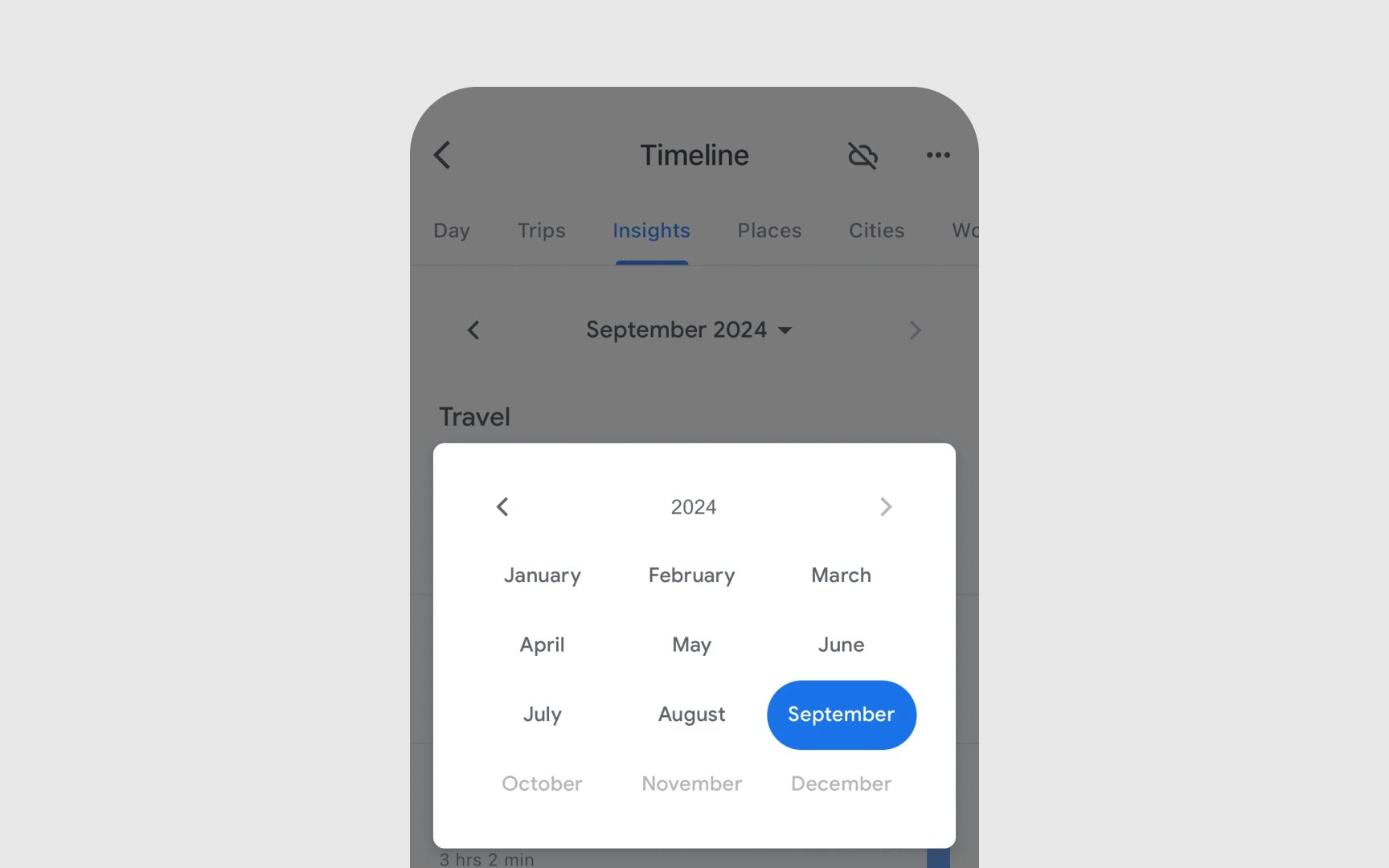
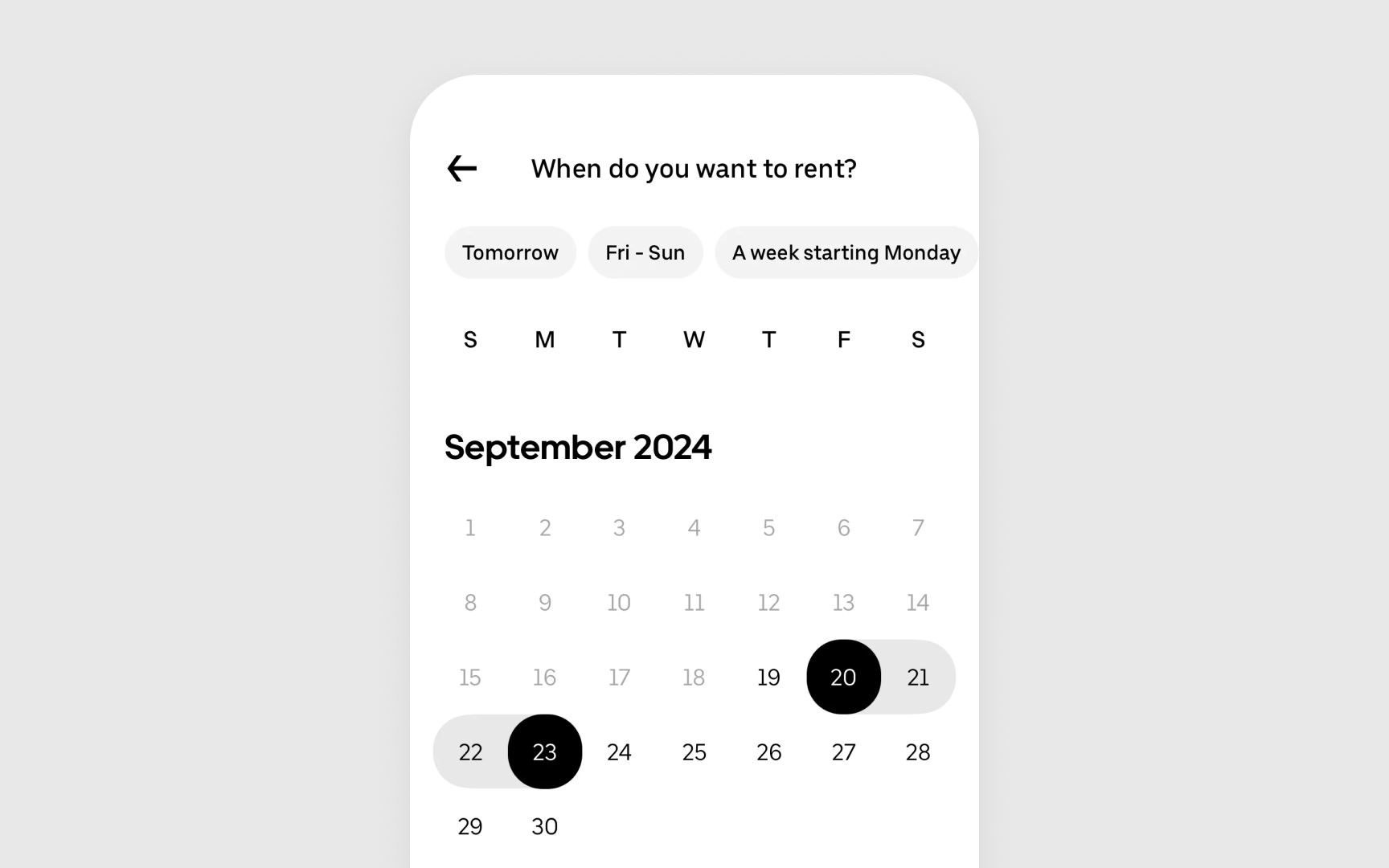
Date and time pickers help users select specific moments in time — whether it's setting a meeting for next week or choosing a birth date. Apple designs these controls to feel as natural as flipping through a paper calendar or turning clock hands, transformed into smooth digital interactions.
Key guidelines from Apple HIG:
- Style types: Calendar grid for dates, wheel interface for scrolling through times
- Input modes: Compact displays for quick picks, expanded views for detailed selection
- Default values: Shows current date/time when opened unless a different default makes sense
- Time format: Adapts to the user's regional settings (12/24 hour format)
- Range limits: Sets clear boundaries for allowable dates when needed
- Confirmation method: Requires explicit user action to confirm the selection[1]
References
- Pickers | Apple Developer Documentation | Apple Developer Documentation