Preset modes in AI interfaces
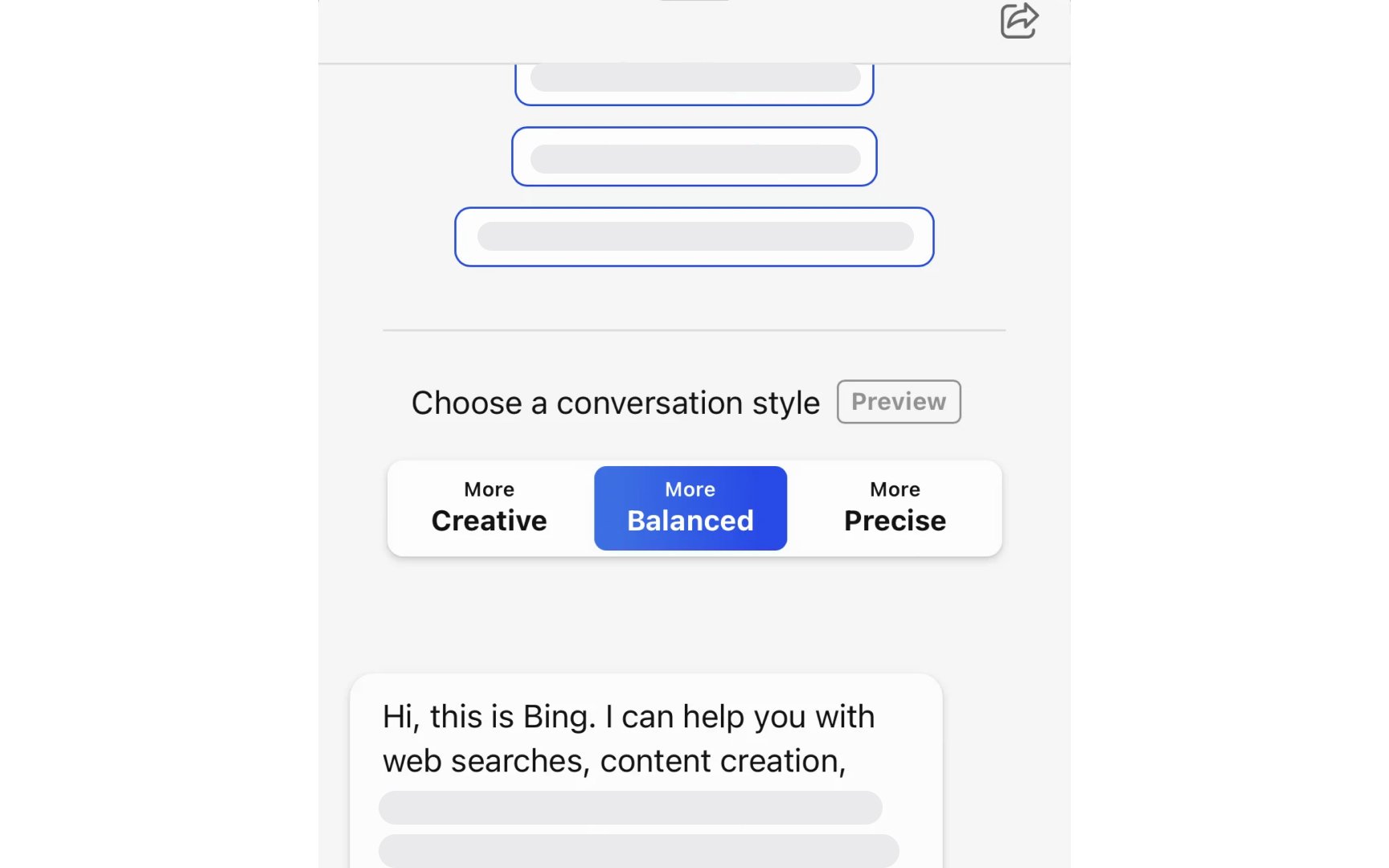
Many AI applications offer preset modes that package multiple parameter settings into single, easy-to-understand options. For instance, Bing AI provides "More Creative," "More Balanced," and "More Precise" conversation styles that adjust how the AI generates responses. These modes change multiple underlying parameters simultaneously to create distinctly different interaction styles without requiring users to understand the technical details. The key benefit of preset modes is simplification. Rather than requiring users to understand and adjust multiple technical parameters individually, users can select a mode that matches their goal. This prevents users from creating inconsistent parameter combinations while still offering meaningful control over the AI's behavior.
Effective preset modes use clear, descriptive labels that communicate the practical difference between options. In Bing's case, users understand intuitively that "More Creative" might produce more varied, imaginative responses, while "More Precise" will focus on accuracy and factuality. The number of modes should remain small, typically 3-5 options, to avoid overwhelming users with choices. When implementing preset modes, consider providing a brief explanation or example of what each mode does best.