Media files supported by Figma
Adding images and videos to your designs in Figma vividly brings ideas to life, showcasing what the final product will look like. Figma supports a variety of media formats including:
- JPG, PNG, HEIC, WebP, TIFF (Safari only), and GIF for images
- MP4, MOV, and WebM for videos
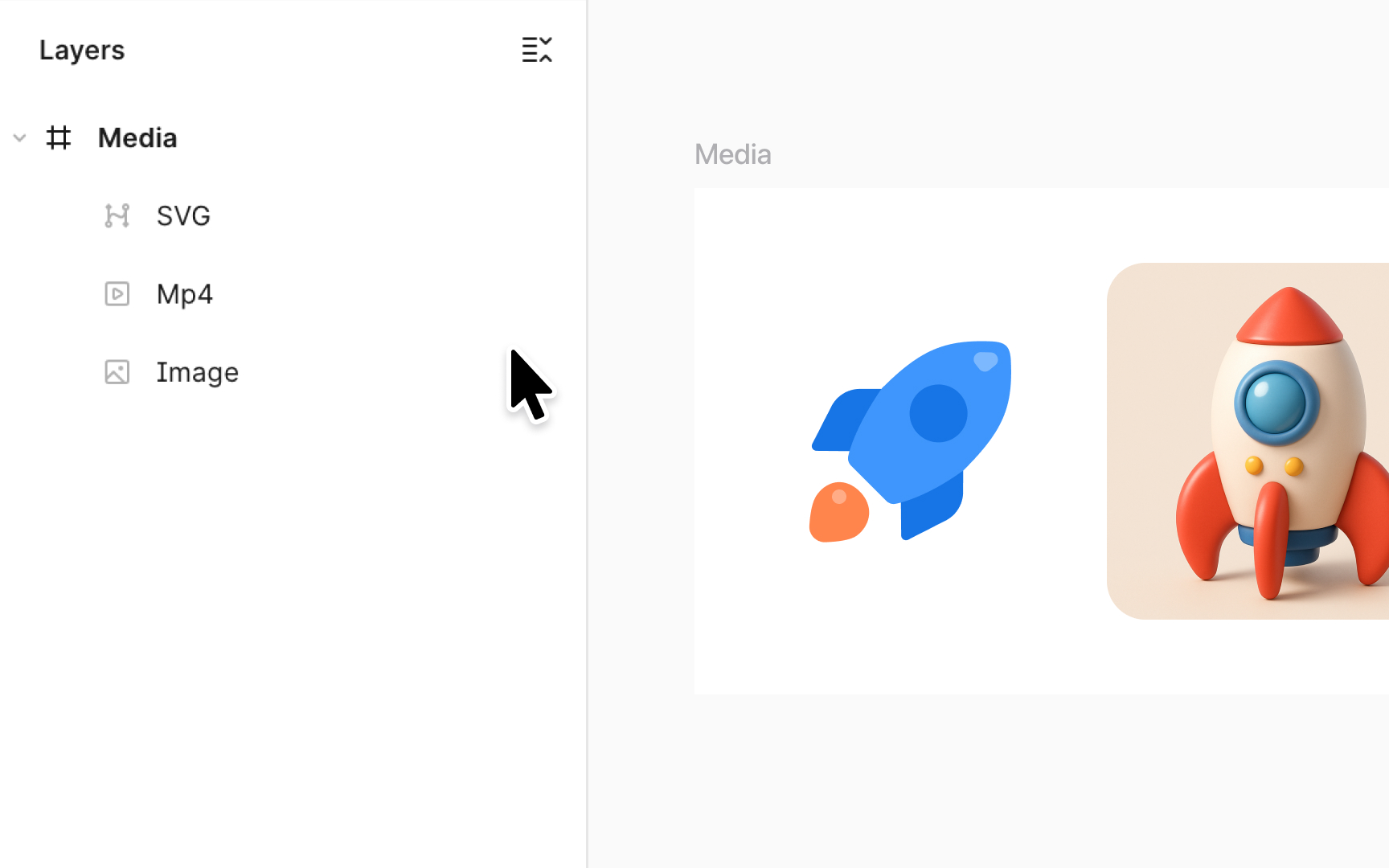
This ensures flexibility in integrating high-quality visuals and animations. To easily identify media types in your layers panel, Figma displays an image icon for static pictures and a video icon for videos and GIFs.
Note that Figma converts SVG files into vector layers, meaning you can edit them just like any Figma-drawn shapes.
Pro Tip: Keep in mind that adding videos is supported on any paid team or plan. On a Starter plan, you’ll only be able to place images.