Empathy Maps in UX Research
Learn how to create empathy maps by capturing user perspectives, goals, influences, and feelings in order to develop a more empathetic and user-centered design approach
An empathy map is an artifact you can produce as a result of UX qualitative research to visualize your findings. It works as a tool to understand what a user/user persona is thinking, feeling, doing, and saying.
Empathy maps articulate what is currently known about your users. Producing such maps helps your team create a shared understanding of user needs to make sure you make better decisions. An added benefit is that doing so also helps you identify gaps in your research.
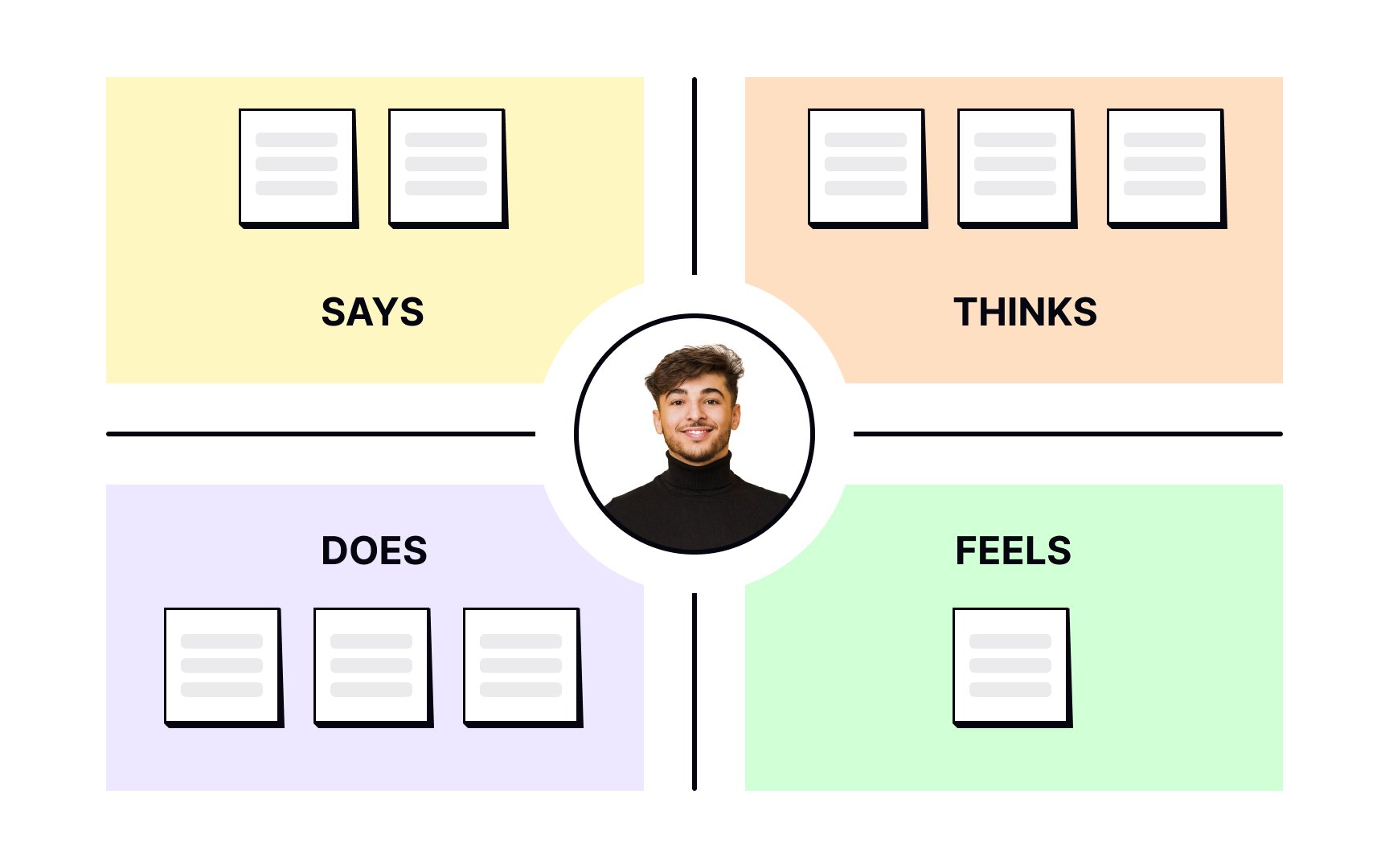
An empathy map is a collaborative visualization that captures what a team knows about a user's behaviors, thoughts, and emotions. It's not a timeline or a journey. It's a snapshot that gives teams a shared foundation for design decisions.
Traditional
- Says captures direct quotes from
research . - Thinks surfaces what users might be processing but not saying out loud.
- Does records observable behaviors.
- Feels notes their emotional state.
Empathy maps come in two forms. A one-user map reflects a specific person, usually built from a single interview or a diary study entry. An aggregated map synthesizes patterns across multiple users who share similar behaviors, and it's often a useful starting point before creating
Both the process of building a map and the finished artifact offer value:
- Analyze qualitative research. Empathy maps help teams make sense of
research notes,interview transcripts, and survey answers, and surface gaps in what they still need to find out. - Communicate users to the team. The finished map gives everyone, including stakeholders, a visual reference for user attitudes and behaviors that can protect design decisions from bias.
- Collect data directly from users. When filled in by users themselves after a session, an empathy map can act as a secondary data source and a compact summary of that research.[1]
Pro Tip: Keep empathy maps up-to-date by revising and adjusting them as you do more research.
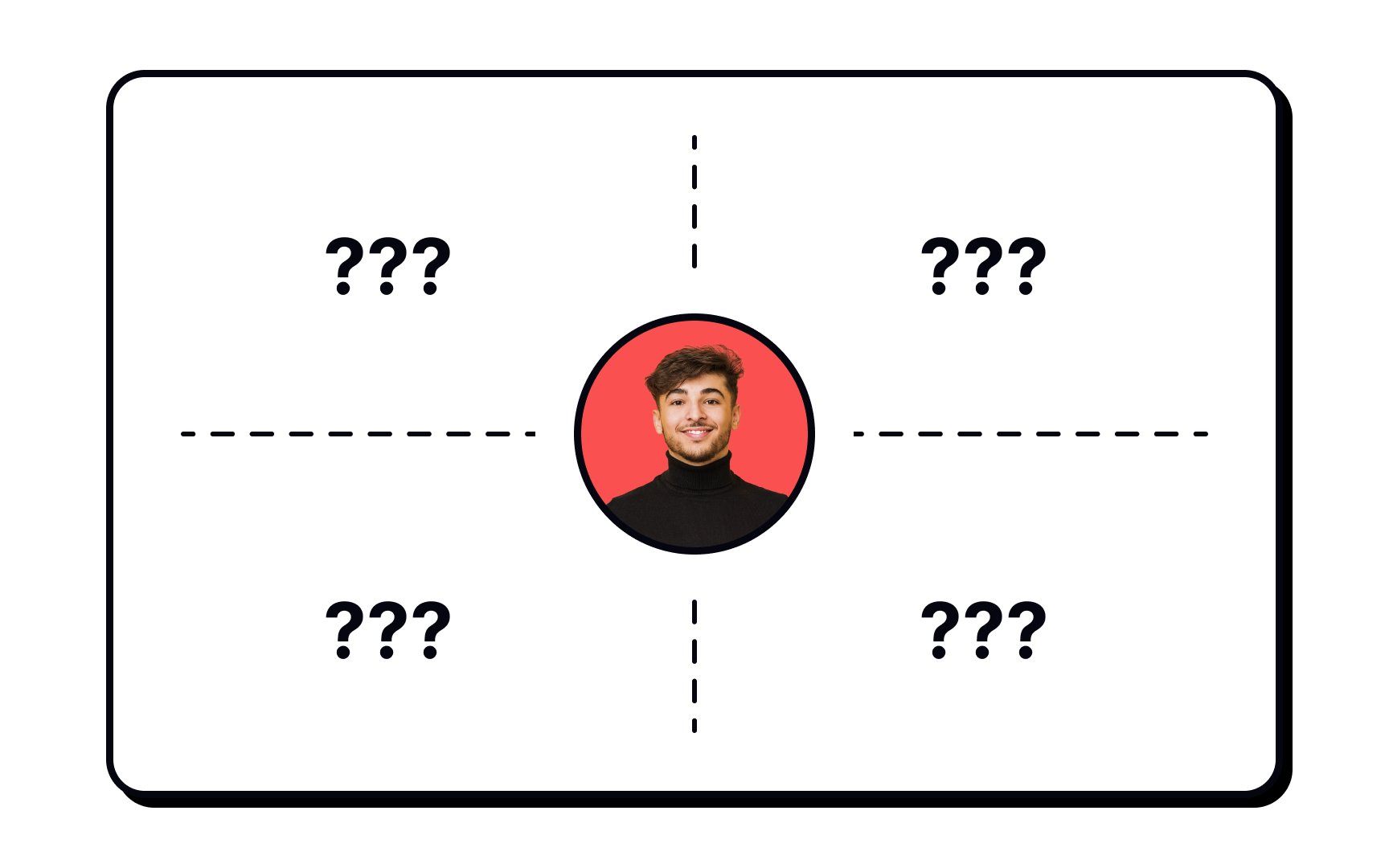
A typical
- Says: What the user says about the product. Ideally, this section contains real quotes from users recorded during
interviews or user testing sessions. - Thinks: What is the user thinking about when interacting with a product? What occupies the user's thoughts? What matters to the user?
- Feels: This section contains information about the user's emotional state. What worries the user? What does the user get excited about? How does the user feel about the experience?
- Does: What actions does the user take? What actions and behaviors did you notice?
Some of these quadrants may seem ambiguous or overlapping. For example, it may be difficult to distinguish between the Thinks and Feels sections. Do not focus too much on being precise — if an item appears to fit into multiple quadrants, just pick one.[2]
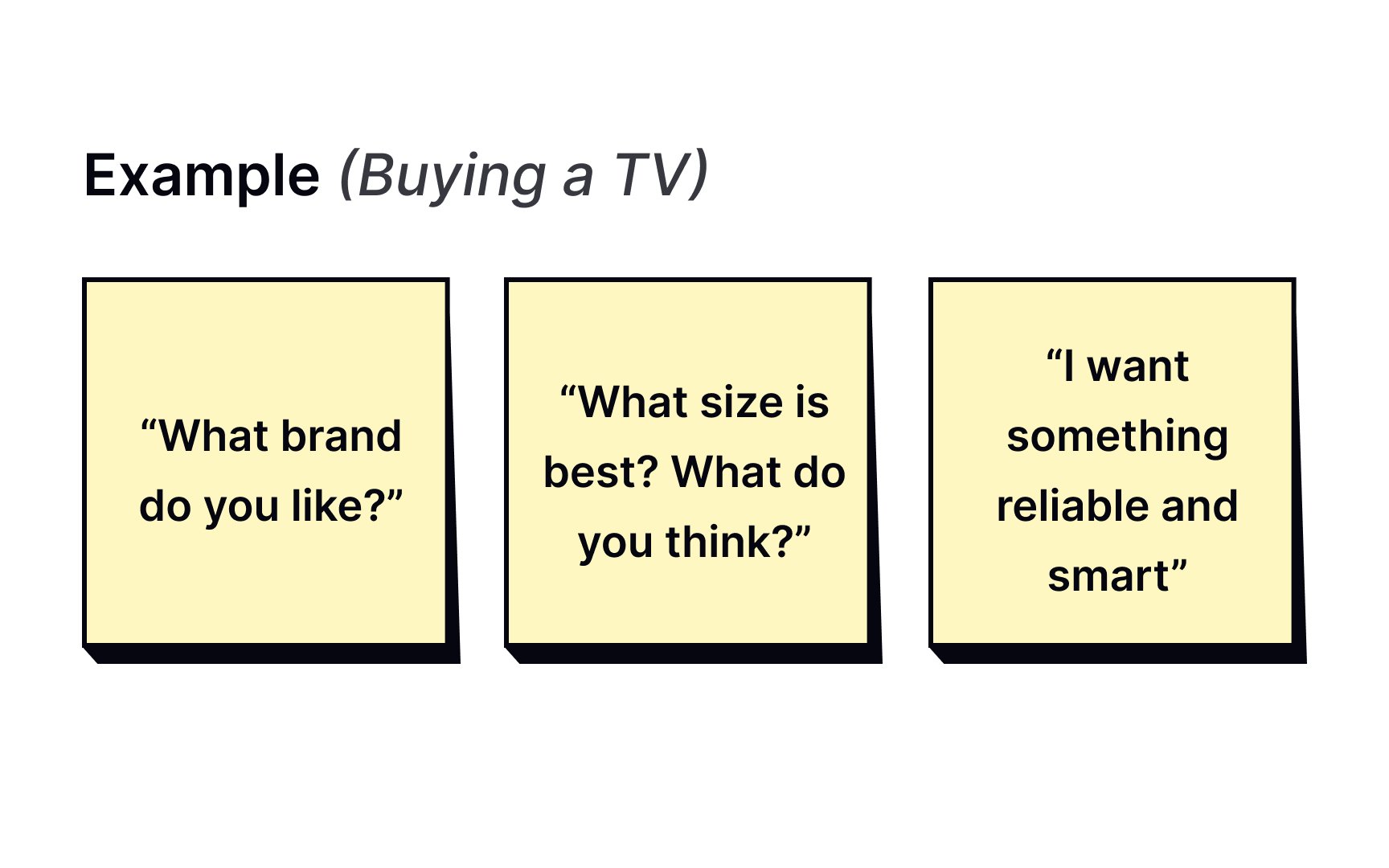
The Says quadrant captures what users say out loud during
Direct quotes are valuable because they reflect exactly what users expressed, without interpretation. A researcher listening to a participant say "I don't understand what to do from here" gets something more actionable than a note that reads "user was confused."
Some examples of what goes in Says:
- "I am loyal to Delta because I never have a bad experience."
- "I want something reliable."
- "I don't understand what to do from here."
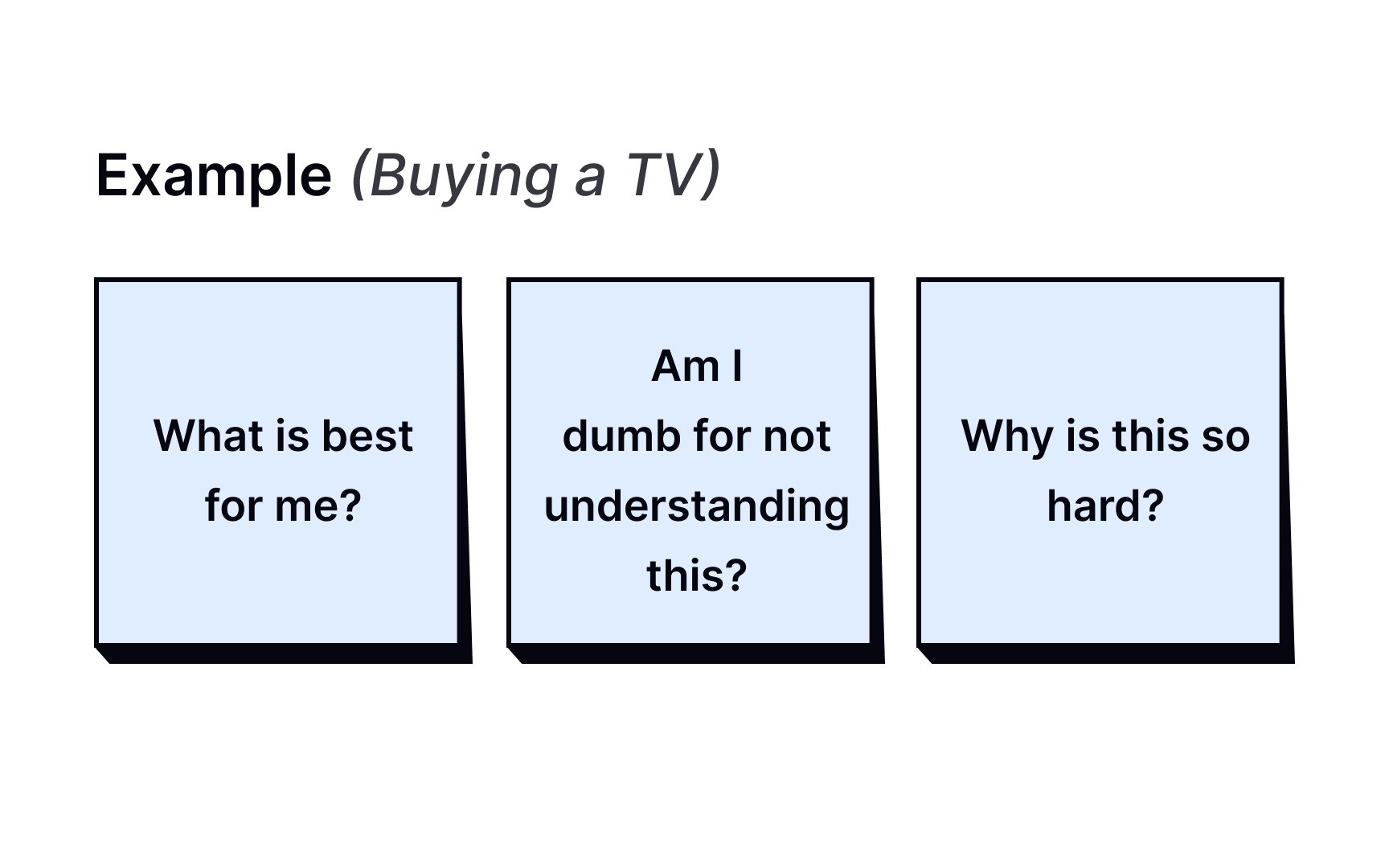
The Thinks quadrant captures what users are thinking throughout the experience, based on your
Thinks can overlap with Says. A user might say "this is taking too much time" and think it simultaneously. But the more revealing entries are the ones users would never say out loud. Users might hold back because they feel self-conscious, want to seem polite, or are unsure whether their frustration is valid.
You won't get this data directly. Instead, infer it from behavioral cues: hesitations, facial expressions, body language, and moments where what users do contradicts what they say.
Some examples of what goes in Thinks:
- "This is really annoying."
- "Am I dumb for not understanding this?"
- "This is taking too much time."
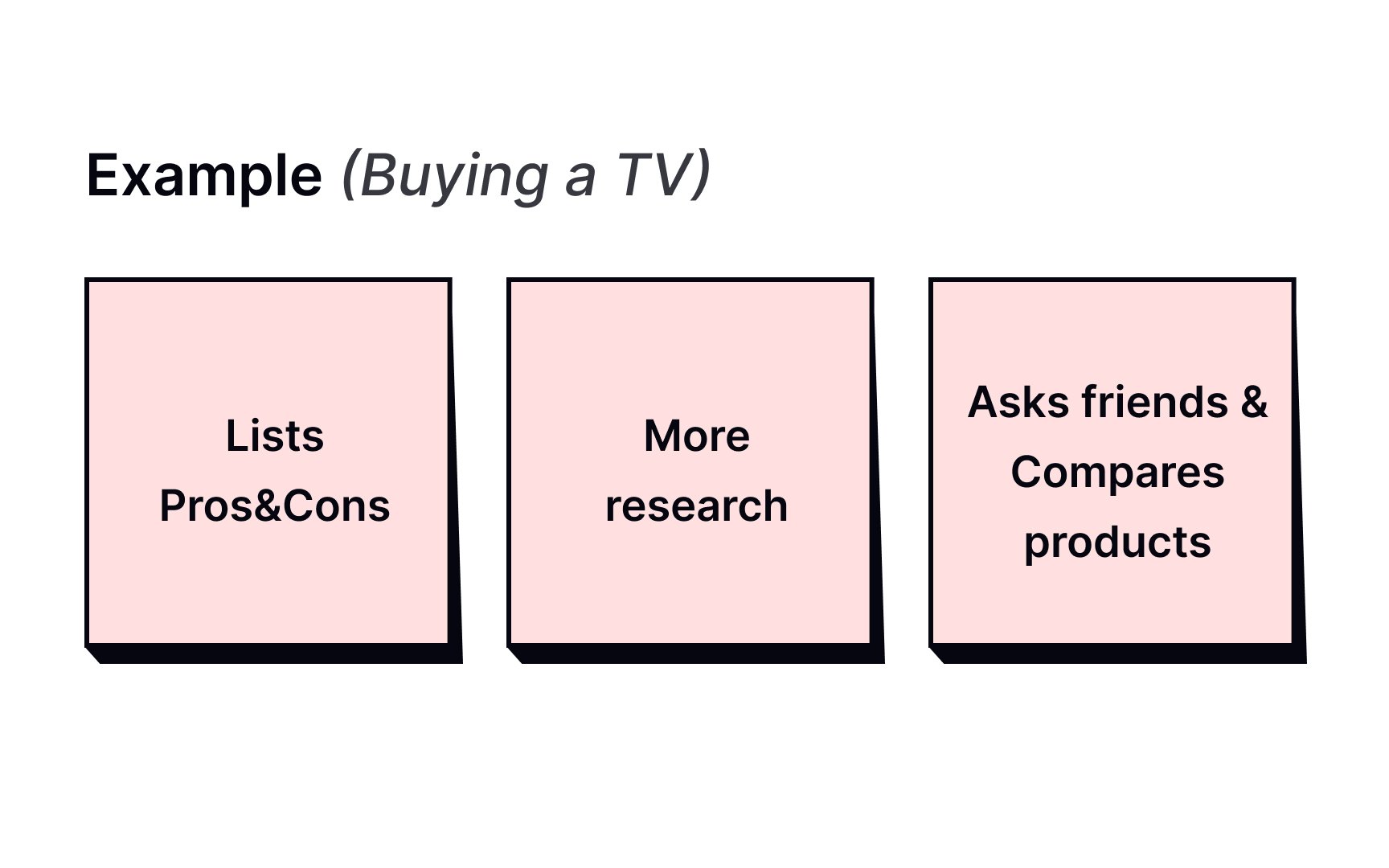
The Does quadrant captures the actions users take, based on what you observe or uncover in
Some examples of what goes in Does:
Pay attention to moments where actions contradict words. A user might express satisfaction but repeatedly backtrack through a flow, or complain about a feature they keep using anyway. These contradictions are some of the most valuable things an
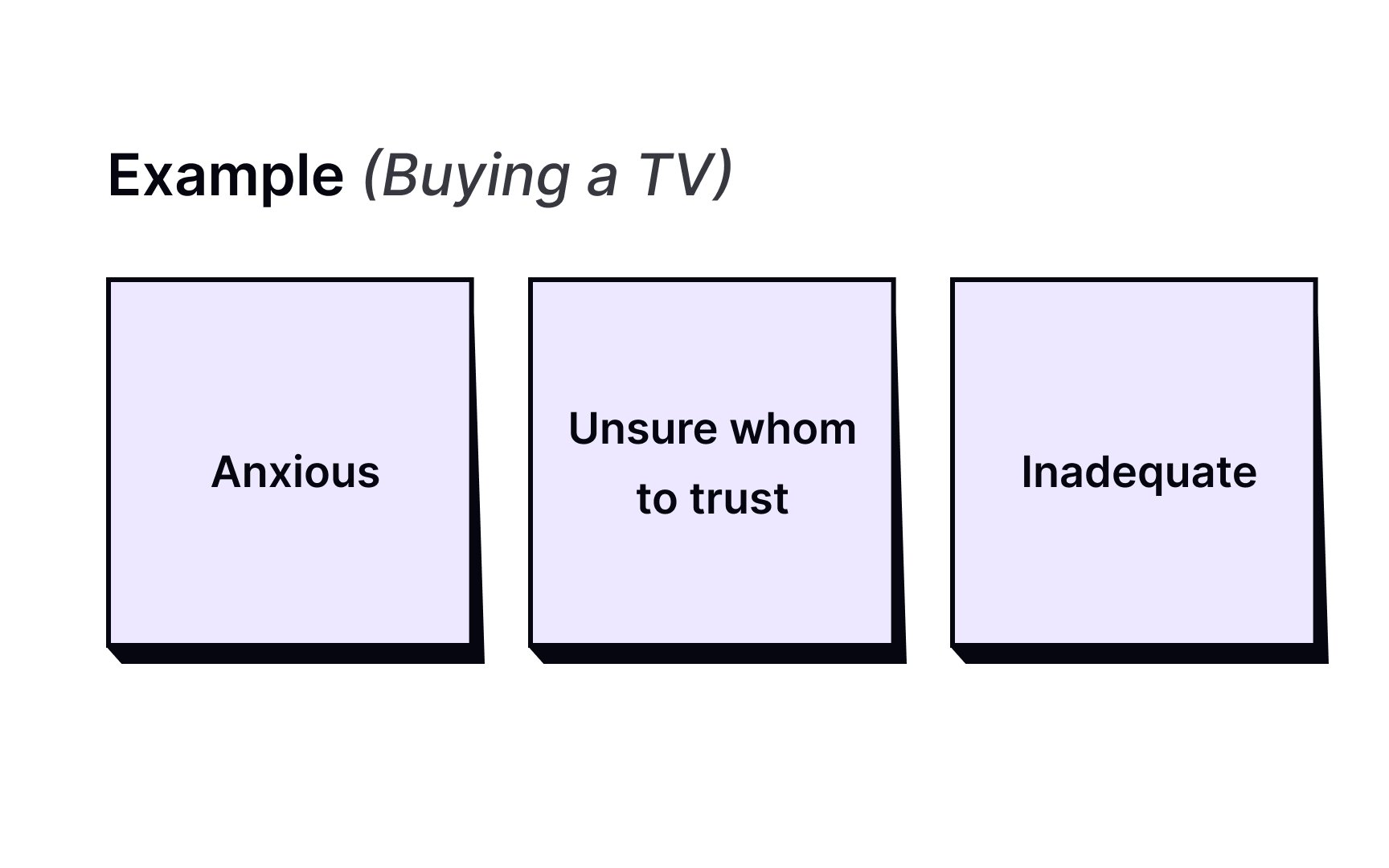
The Feels quadrant captures the user's emotional state during the experience. Each entry typically pairs an emotion with a short sentence for context, making it clear what triggered the feeling.
To fill this quadrant, ask: what worries users, what frustrates them, and what makes them feel confident or excited? Emotions are inferred from
Some examples of what goes in Feels:
- Impatient because the
pages load too slowly - Confused by too many contradictory
prices - Worried about making a mistake
While you can create an
Follow these 5 steps:
- Define your scope and goals. Decide who the user is and what task or experience you are mapping.
- Gather your materials. Work on a whiteboard with sticky notes and markers, or use a remote collaboration tool like Miro or FigJam.
- Collect your data. Run
interviews , direct observations, contextual inquiries, or diary studies. Bring all findings to the team before you start mapping. - Generate ideas as a group. Have everyone read through the data and add sticky notes to each quadrant independently.
- Cluster and name themes. Bring similar notes together, label the clusters, and discuss what patterns emerge.
Once the map is complete, digitize it and add context: include the user or
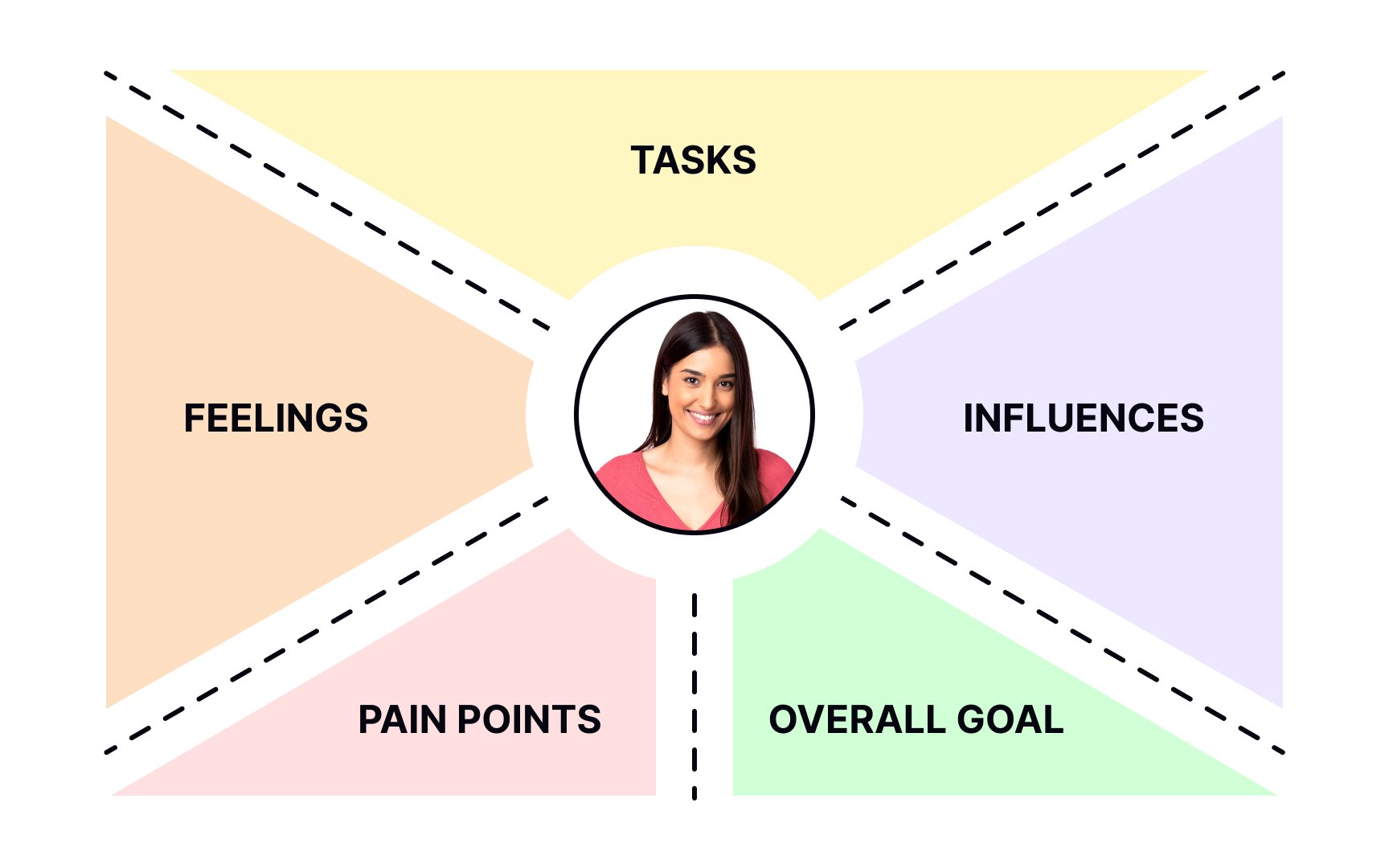
The 4-quadrant format works well for initial analysis, but it's not the only option. If you need more detail, add quadrants like Goals, Pains, and Gains to capture what the standard map leaves out.
For UX-focused workshops, the format adapted by Paul Boag, a
- Feelings: How do users feel about the experience? What matters to them?
- Tasks: What are users trying to complete?
- Influences: What people, places, or things shape how users act?
- Pain points: What obstacles, fears, or frustrations are users hoping to overcome?
- Goals: What is users' ultimate goal, and what are they trying to achieve?
The broader principle holds:
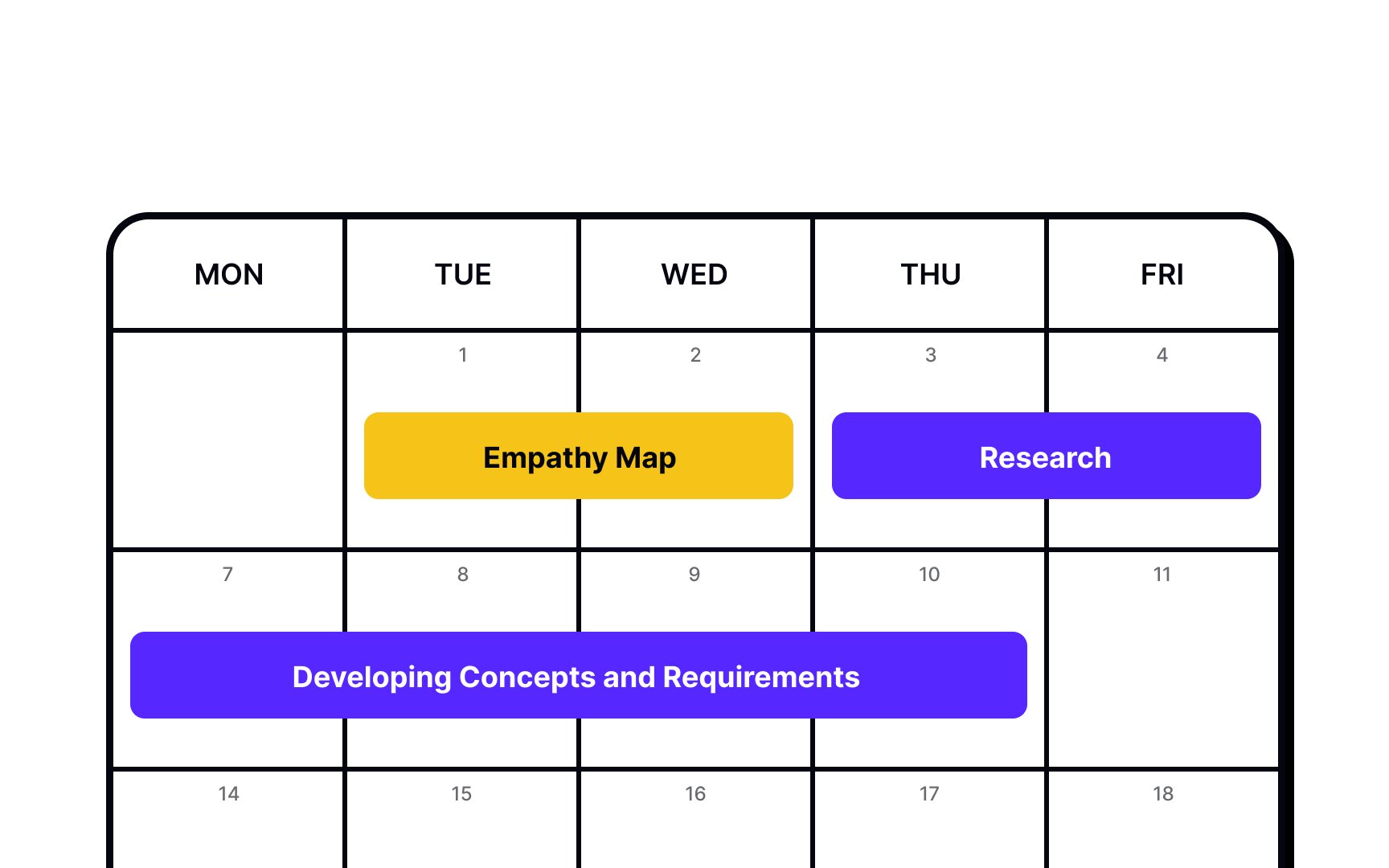
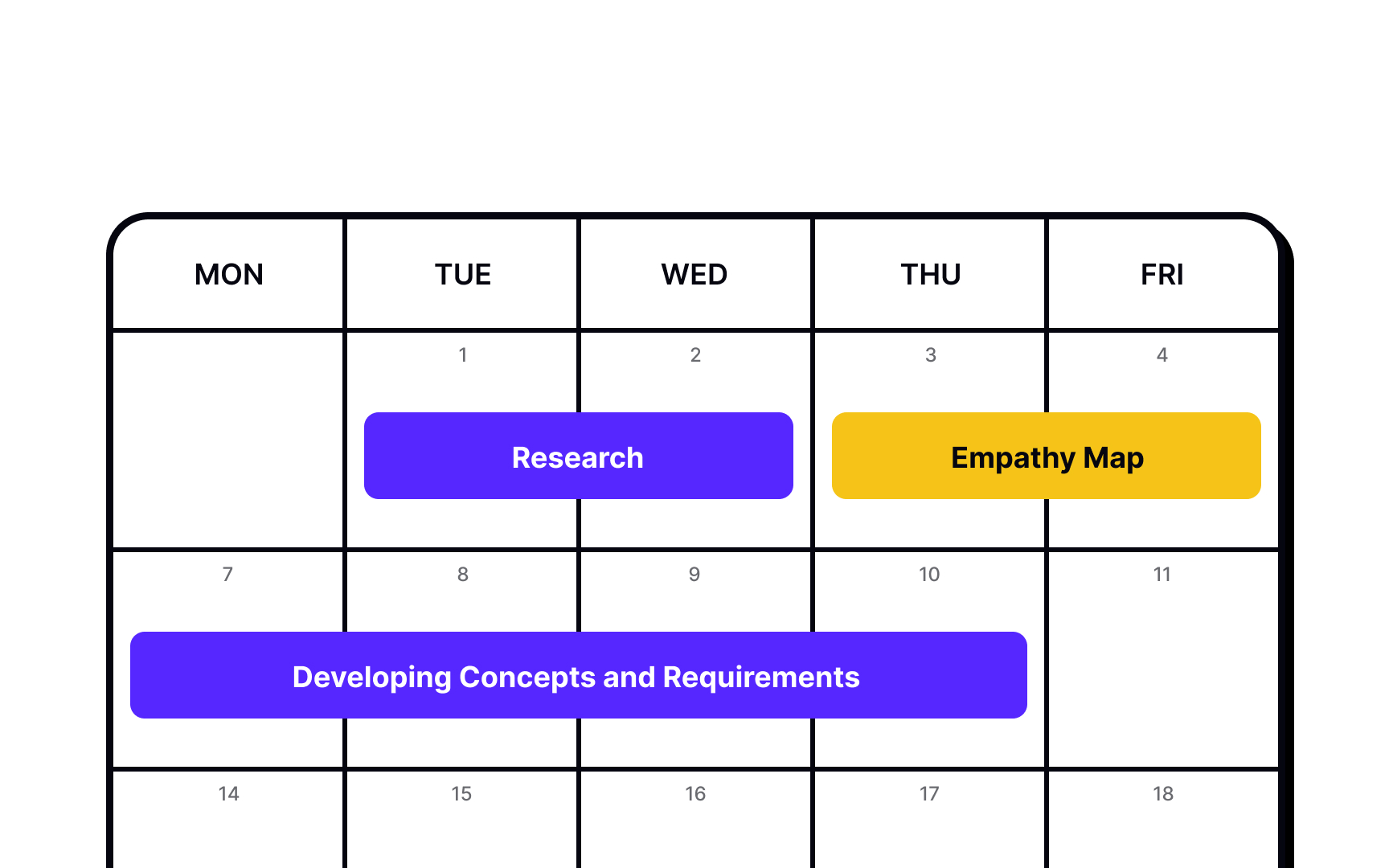
Empathy maps provide you with the information needed to develop requirements and concepts. You must understand users' attitudes and behaviors before creating solutions — be it content ideas, webpage design, app prototypes, or a new service offering.
They can also be used throughout the design process and revised as new data becomes available. A sparsely populated map indicates where more user research needs to be done.
References
- Empathy Mapping: The First Step in Design Thinking | Nielsen Norman Group
- Adapting empathy maps for UX design | Paul Boag - User Experience Advice
Top contributors




Topics
From Course

Share


Similar lessons
UX Design Processes & Research Methods

Qualitative UX Research Methods