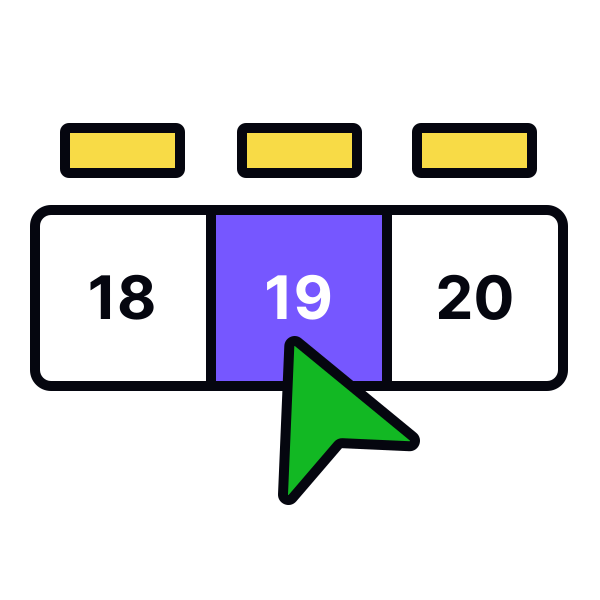
Visually indicate the selected date range


Use bright color overlays to distinctly highlight the first and last dates in the selected range. Additionally, employ a softer fill color between these dates to indicate inclusion in the range. This visual guidance is especially important for common use cases like flight bookings or hotel reservations.
If the range spans multiple months, maintain visual continuity by extending the fill color across month boundaries. This ensures users can easily follow their selected range, even when flipping through different months, thereby reducing potential for errors and enhancing user satisfaction.