Use placeholders cautiously
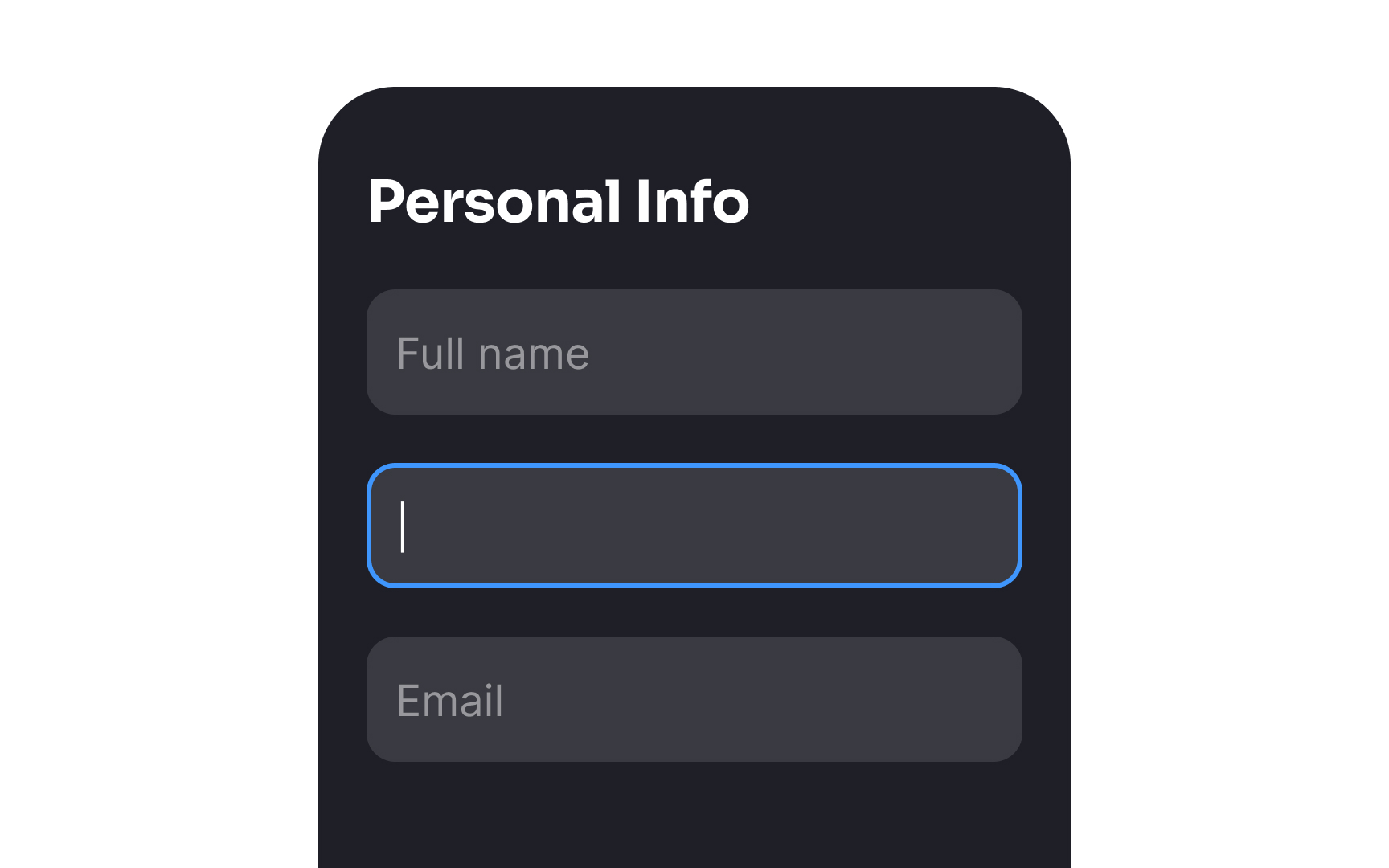
Placeholders often hurt usability, especially when designers try to reduce clutter on the page by replacing labels with placeholders. This is because usually after users hit the input, the placeholder disappears. Users easily get distracted, leave the window, and when returning to it later, they will have to remember what information they were asked for initially. To see the placeholder text again, they will need to remove the focus from the input and click outside of it. It's extra work, and users don't like to think or do more than necessary.
There are two possible solutions to this problem. You can use floating labels — they save space and, in contrast to traditional placeholders, don't disappear, moving above the input.
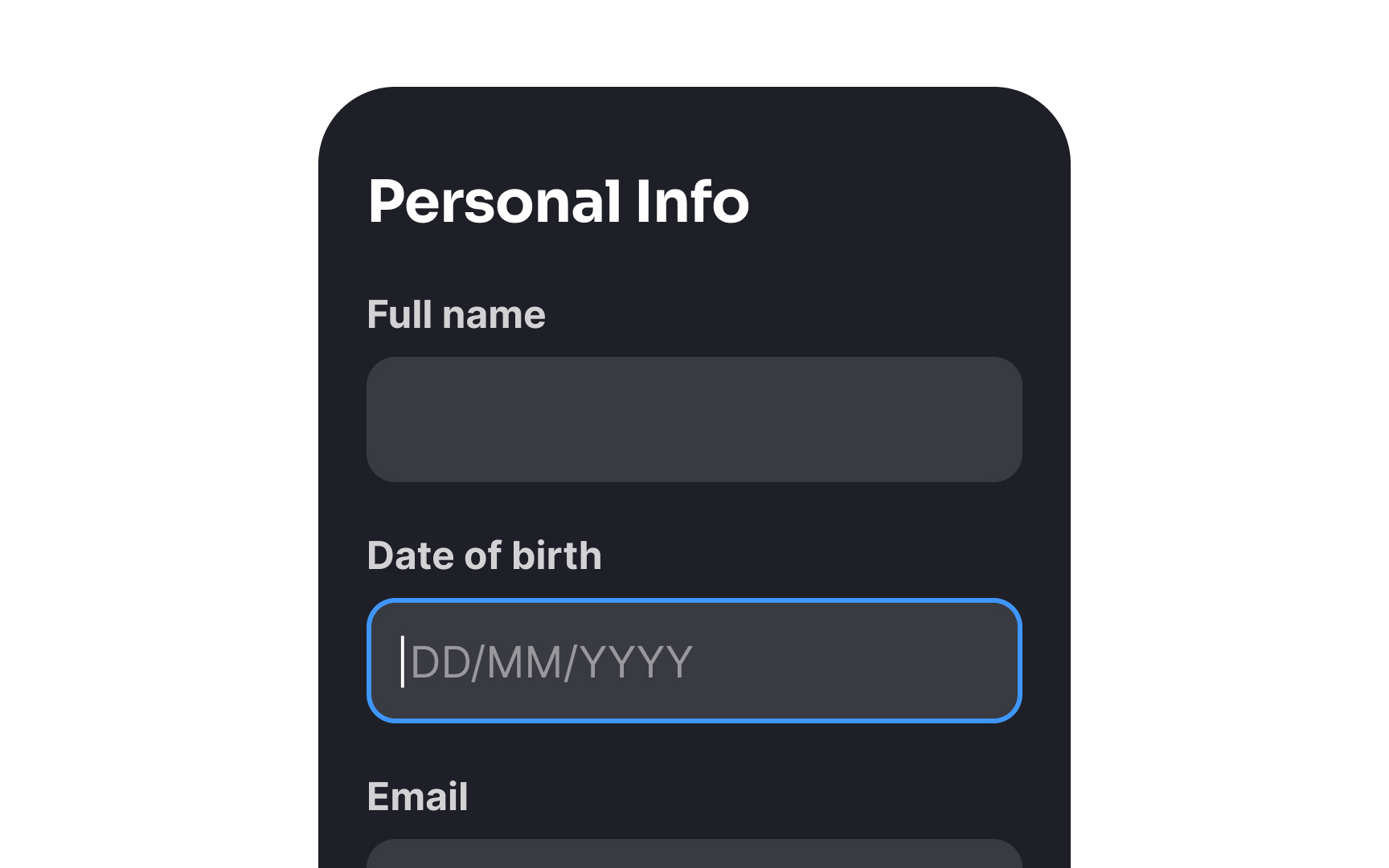
Another option is using visible labels and hints placed outside empty form inputs along with input masks allowing users to enter information in a format they prefer. They're familiar and straightforward, so users don't need to waste time figuring out how the inputs work.[1]
References
- Placeholders in Form Fields Are Harmful | Nielsen Norman Group