Add elevation to guide users' attention to a menu
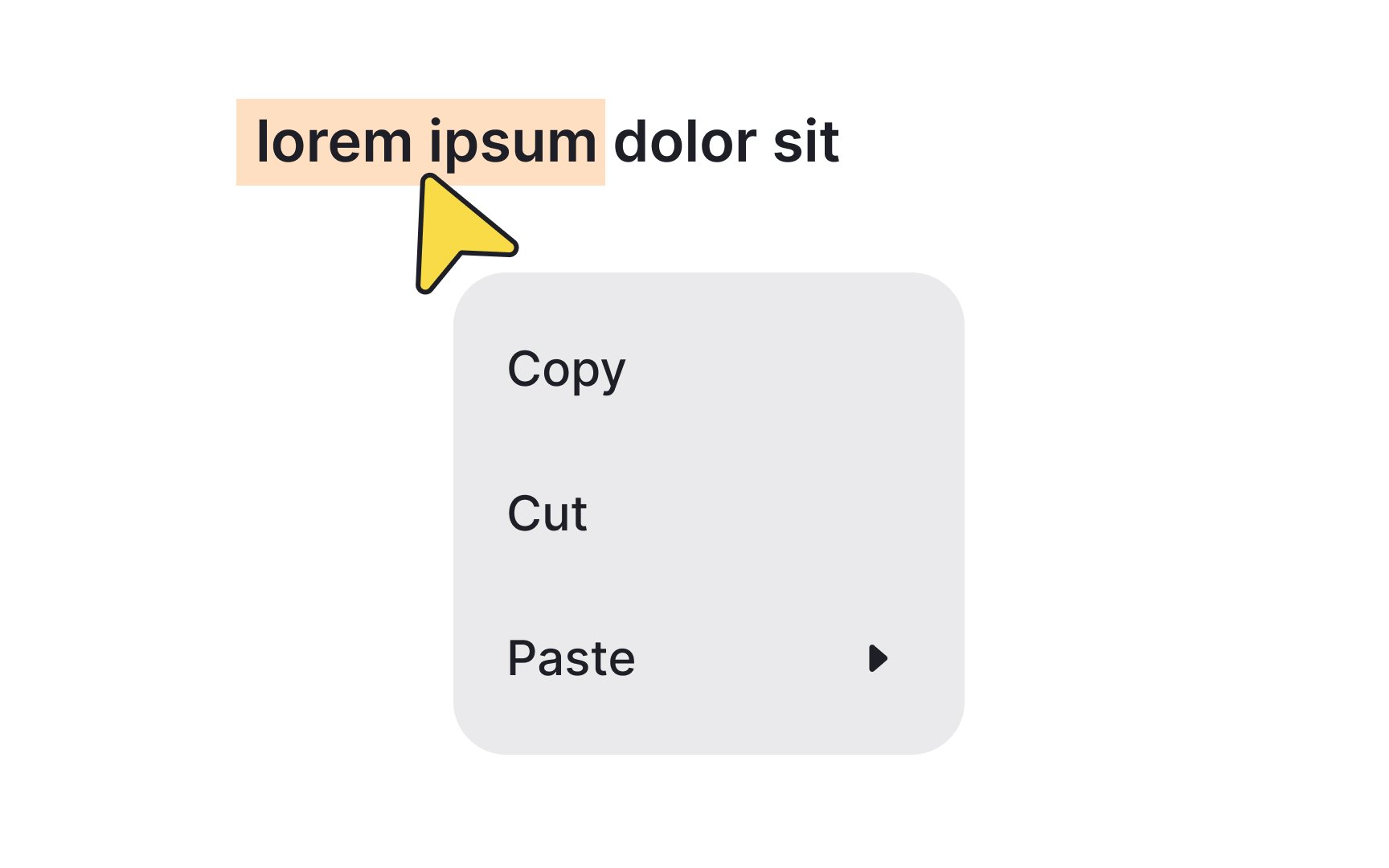
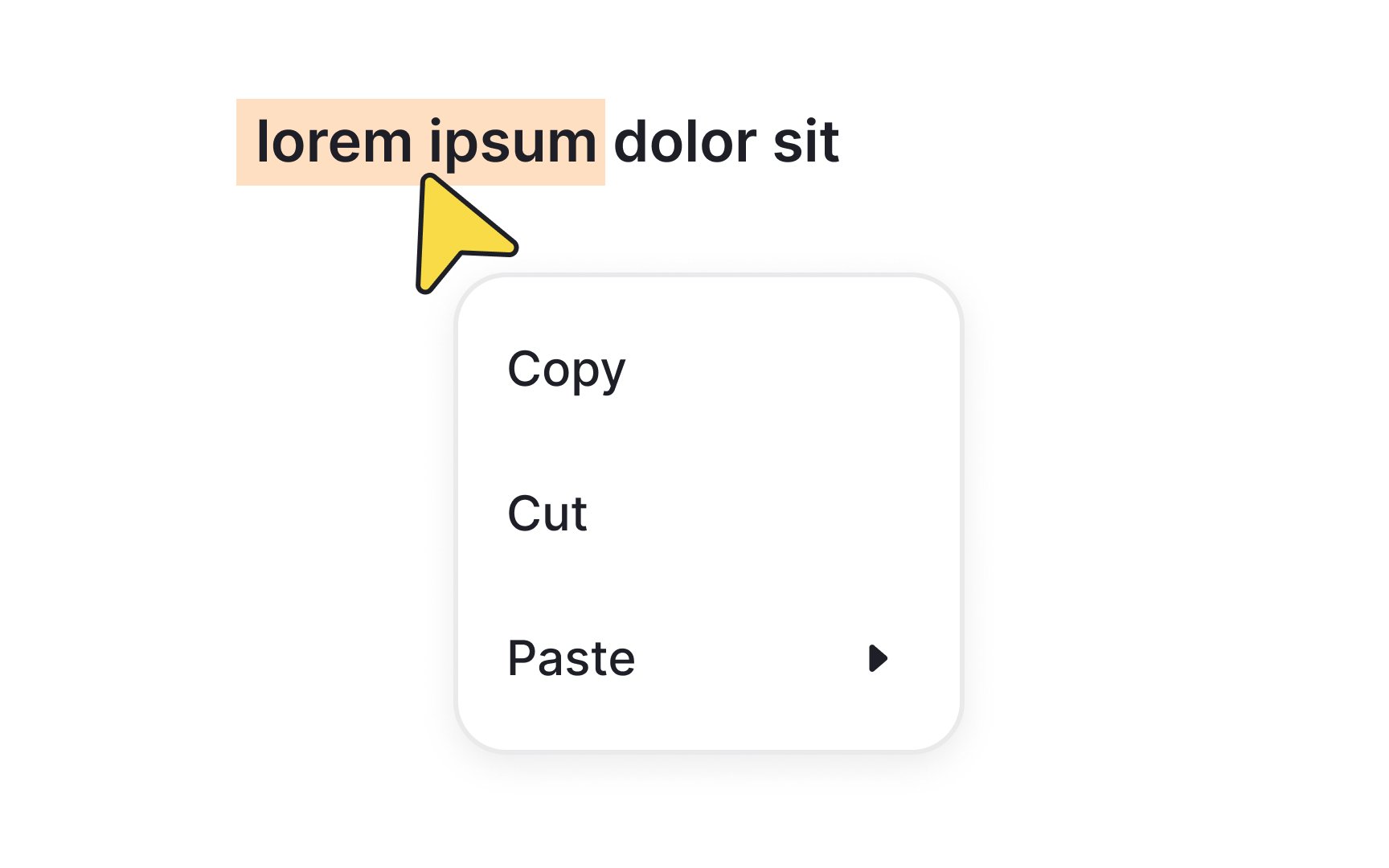
In Google's Material Design, elevation serves to establish visual hierarchy by placing elements at different heights along the z-axis. Menus, in particular, benefit from higher elevation settings, typically around 8dp, to naturally capture users' focus.[1]
Elevating menus helps specify them as actionable or information-rich elements, effectively drawing attention away from the rest of the interface. The use of shadows and color contrast further accentuates this visual layering, making it easier for users to navigate and interact with the menu. In essence, higher elevation not only adds aesthetic depth but also intuitively guides users' attention to the most crucial elements on the screen.