Use logical input grouping
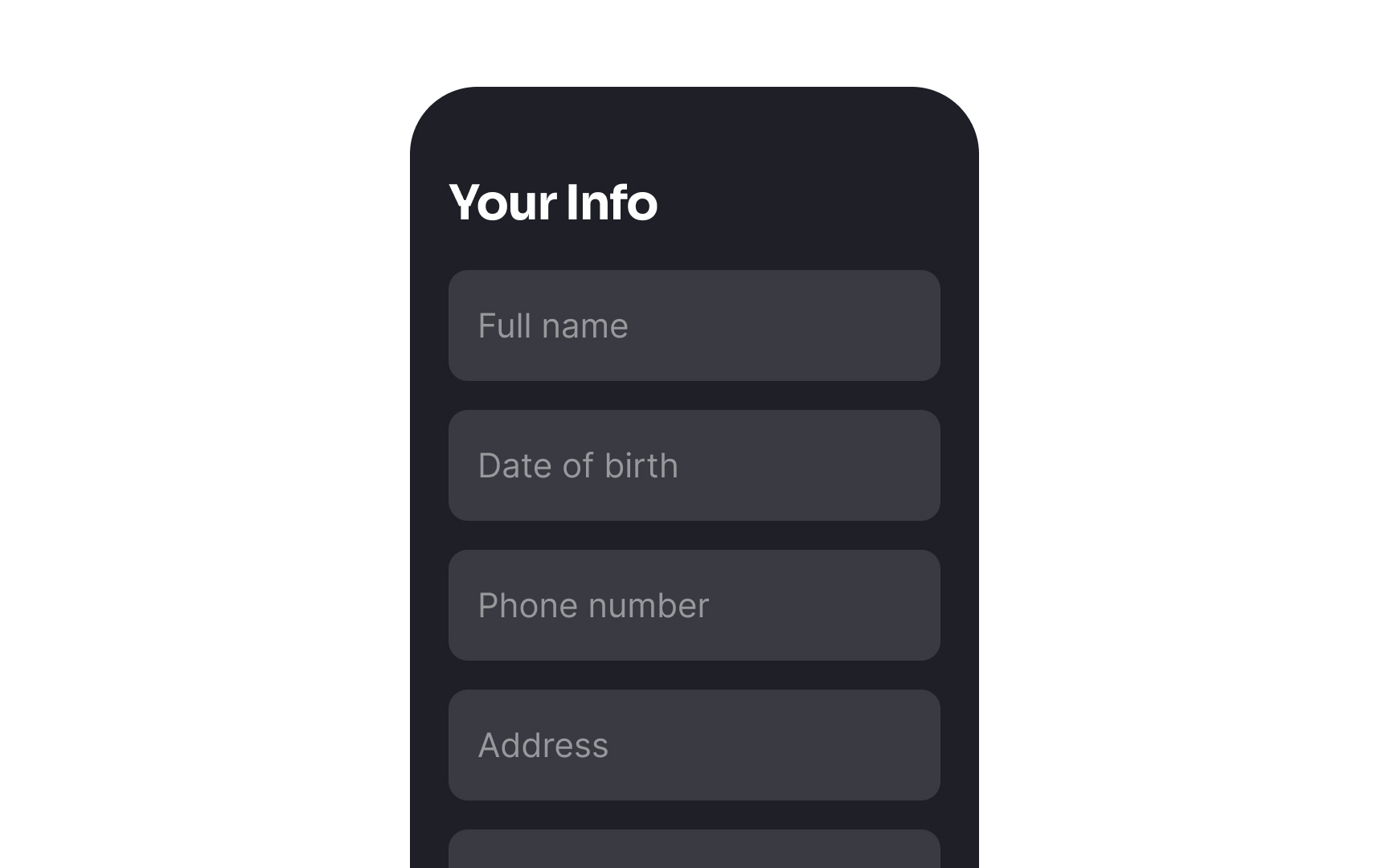
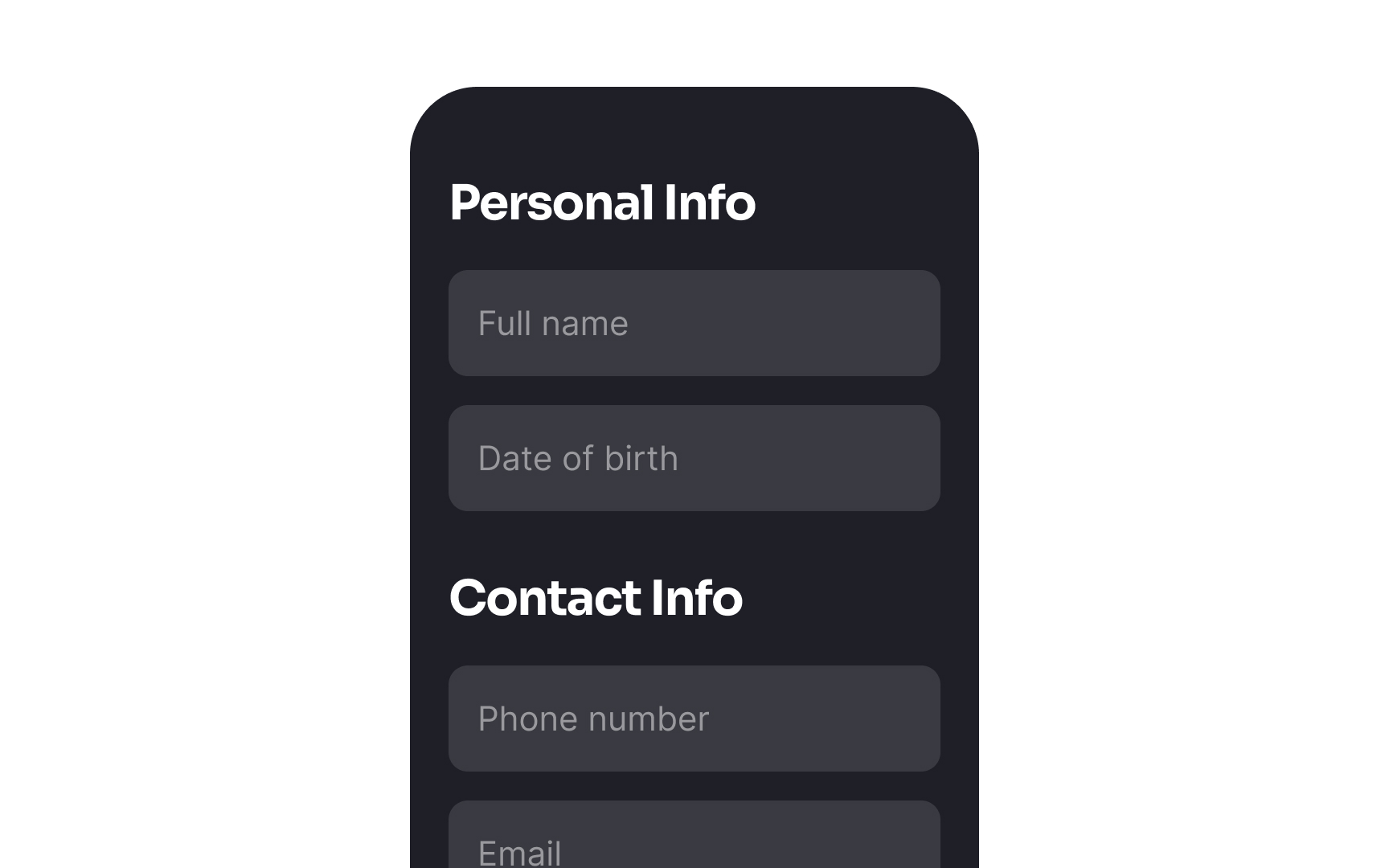
According to the principle of proximity, items that are placed near each other appear as one group and share similar attributes or functionalities.[1] Breaking down your form into logical groups, such as personal or billing information, eases the cognitive load and helps users complete forms faster and more effectively.
Use typography tools (headings, font weight, size) and spacing to separate groups, establish a solid visual hierarchy, and make forms more scannable.
References
- Proximity Principle in Visual Design | Nielsen Norman Group