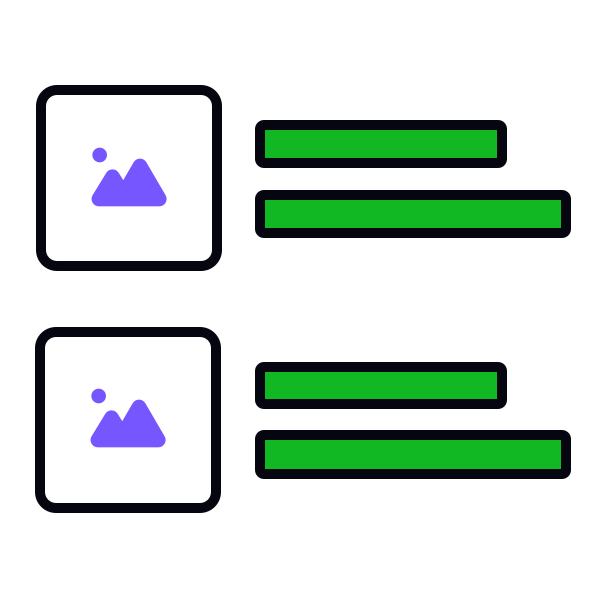
Align icons by their horizontal centers


When you select the "Align Horizontal Centers" function in Figma or another design tool for a series of icons that are placed vertically (one below the other), the result is that they align along their horizontal center lines.
This essentially lines up the middle horizontal points of the icons, making them align perfectly in a vertical line. It helps users scan lists without straining their eyes when looking at abrupt, uneven edges.
Pro Tip: Use square containers for icons to ensure proper alignment.
Top contributors