Avoid placing essential information in hamburger menus
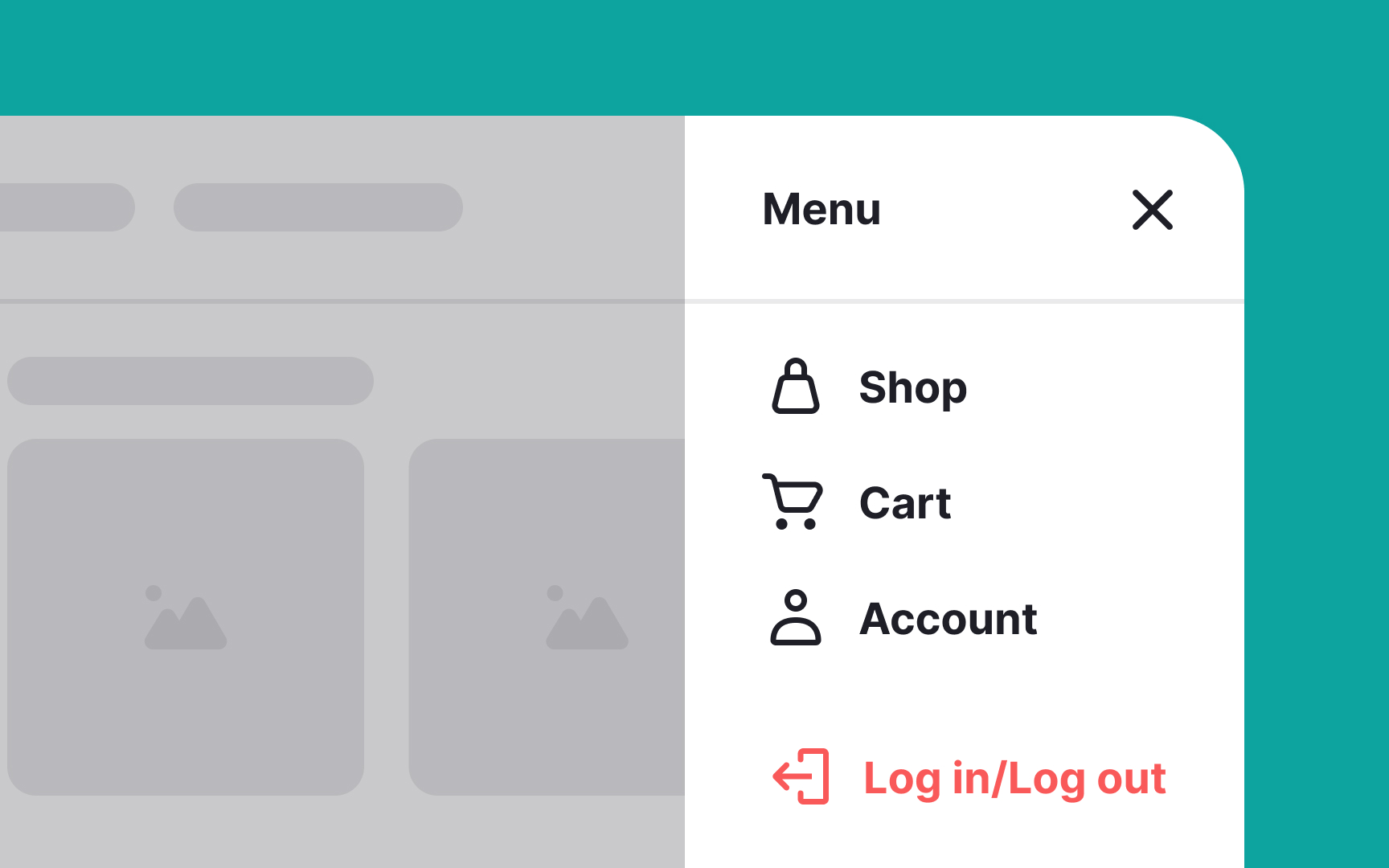
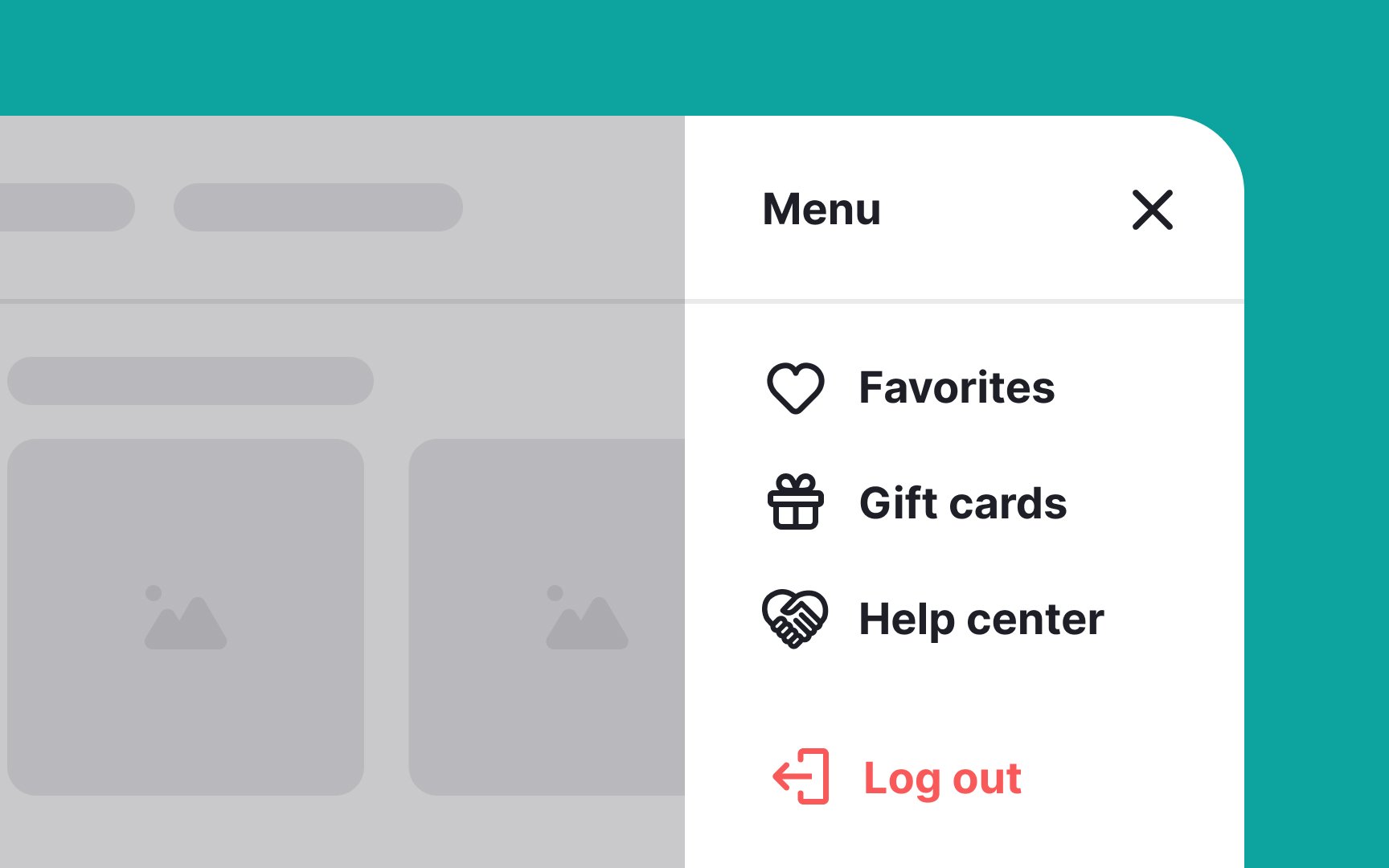
The hamburger menu is a practical navigation choice, as it conserves screen space by neatly concealing secondary content.
Nevertheless, it's essential to avoid placing critical content solely behind the hamburger icon. Important and basic information and navigation options should always be visible and easily accessible, rather than tucked away. This ensures that users can quickly find and interact with vital features without the need to navigate through menus.