Select the accordion behavior depending on users' needs
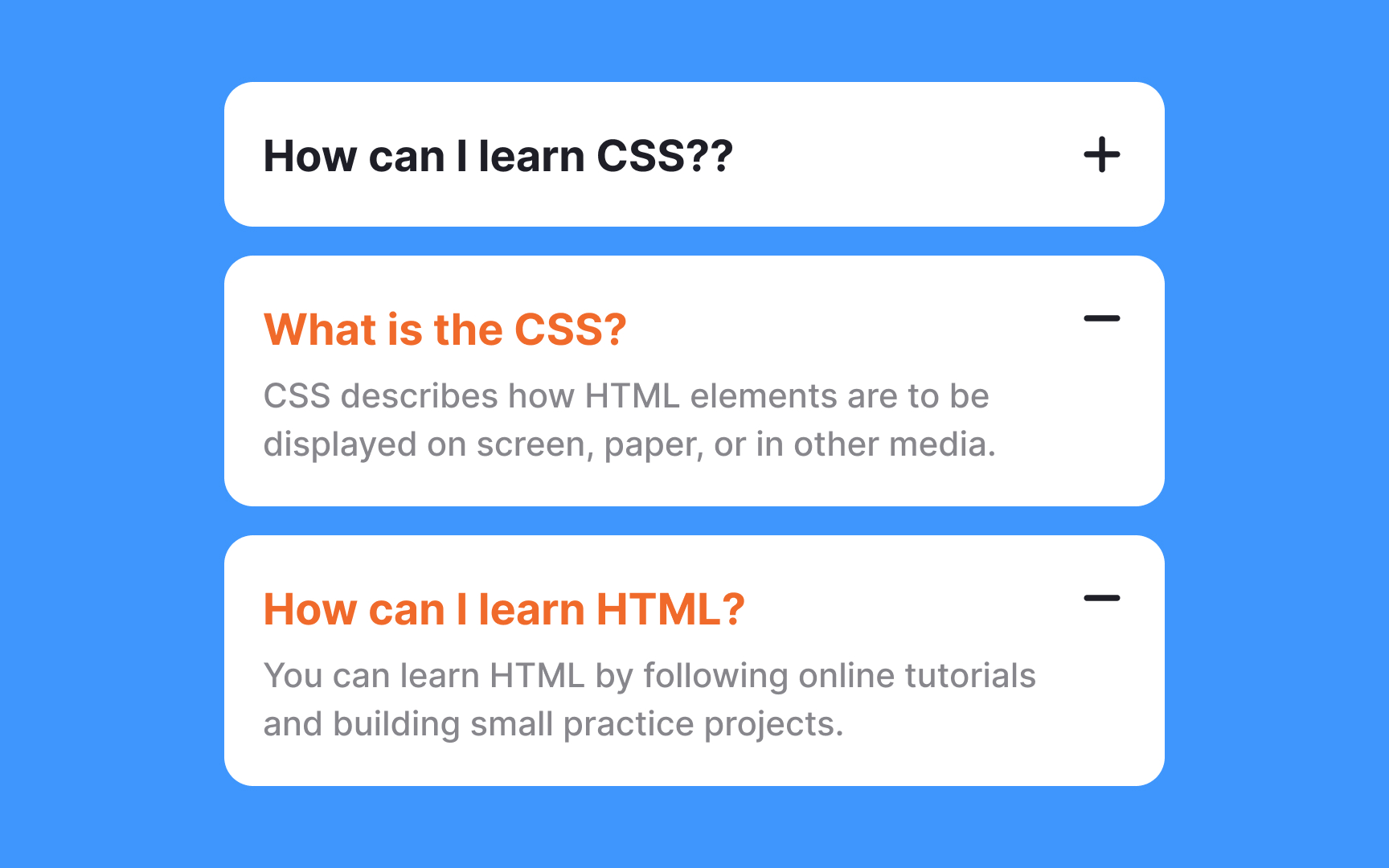
Accordions typically auto-collapse open sections when users click a new one. While this keeps the page tidy and reduces manual actions, it prevents users from comparing content across multiple sections, a significant limitation when information is interconnected.
The best approach depends on your users' needs. Allow multiple sections to stay open when users need to compare information or when sections contain related content. This works well for accordions with fewer than 10 sections, as scrolling is easier and requires less cognitive load than repeatedly clicking to reopen sections. Auto-collapse only makes sense in specific situations: when sections contain unrelated content, when you have very few sections (3-5), or when screen space is severely limited.
As a general rule, default to allowing multiple open sections unless you have a compelling reason to auto-collapse. Remember that users find scrolling through expanded content far easier than clicking to constantly reveal information they need to reference.