Gestures
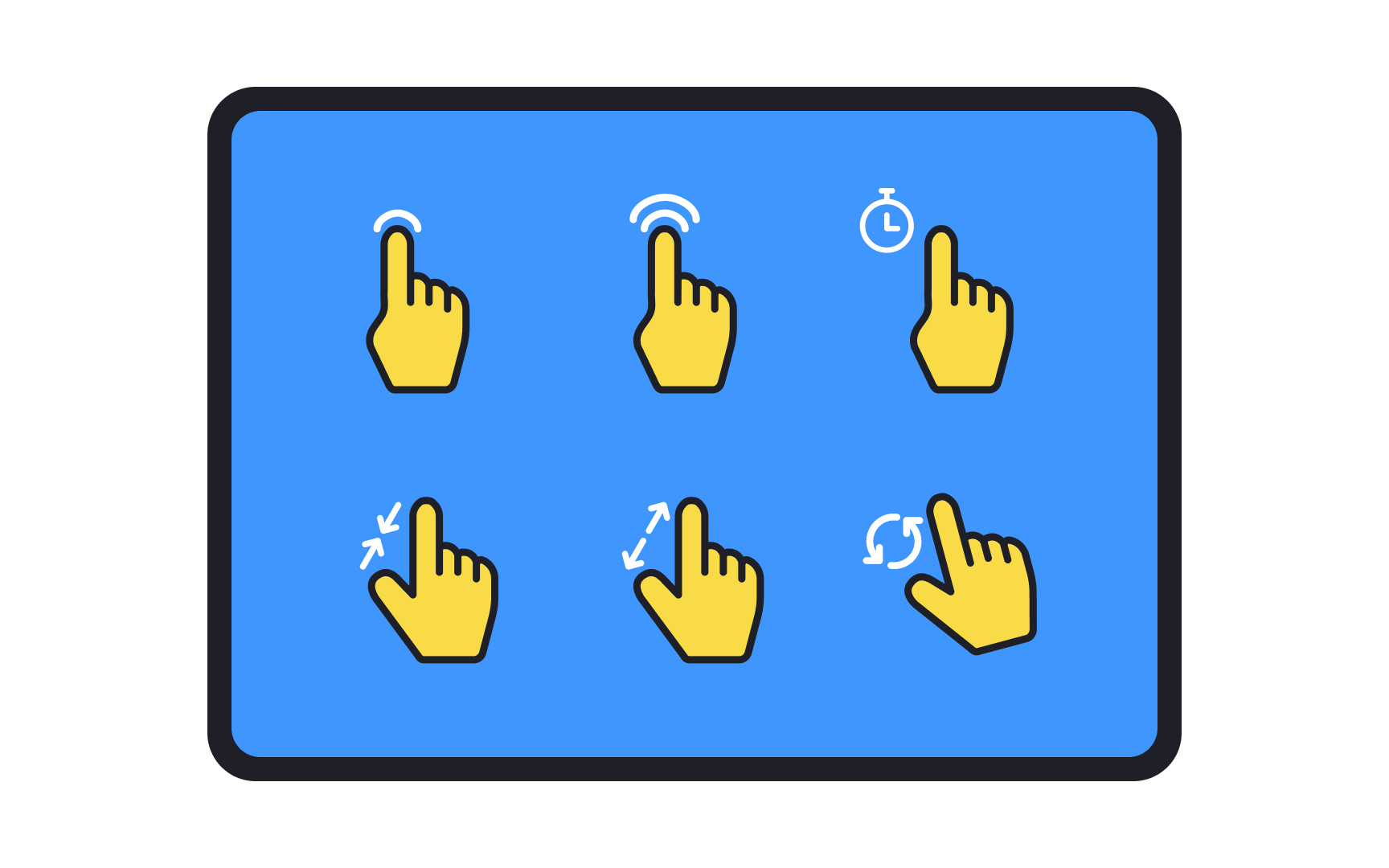
In a world that is digitizing at an exponential speed, gestures help us translate the usefulness of our hands into the digital spectrum. Gestures like zooming in and out, selecting and unselecting, swiping, dragging, and tapping allow users to interact with your interface.
When designing for tablets, gestures can be used more liberally than in mobile phones because of the large screen size. However, this does not mean that all gestures will be used by all users. In addition to onboarding tutorials that explain the function of gestures, the intuitiveness of gestures is equally important in getting users to learn and actively use them. In other words, use universally adopted gestures to make your tablet app’s UI intuitive and easy to use.[1]
Pro Tip: Avoid assigning different meanings to gestures in different parts of your app. For example, do not use the drag gesture to move an object on one page and to reveal a navigation menu on another page.