Leverage multi-tasking features
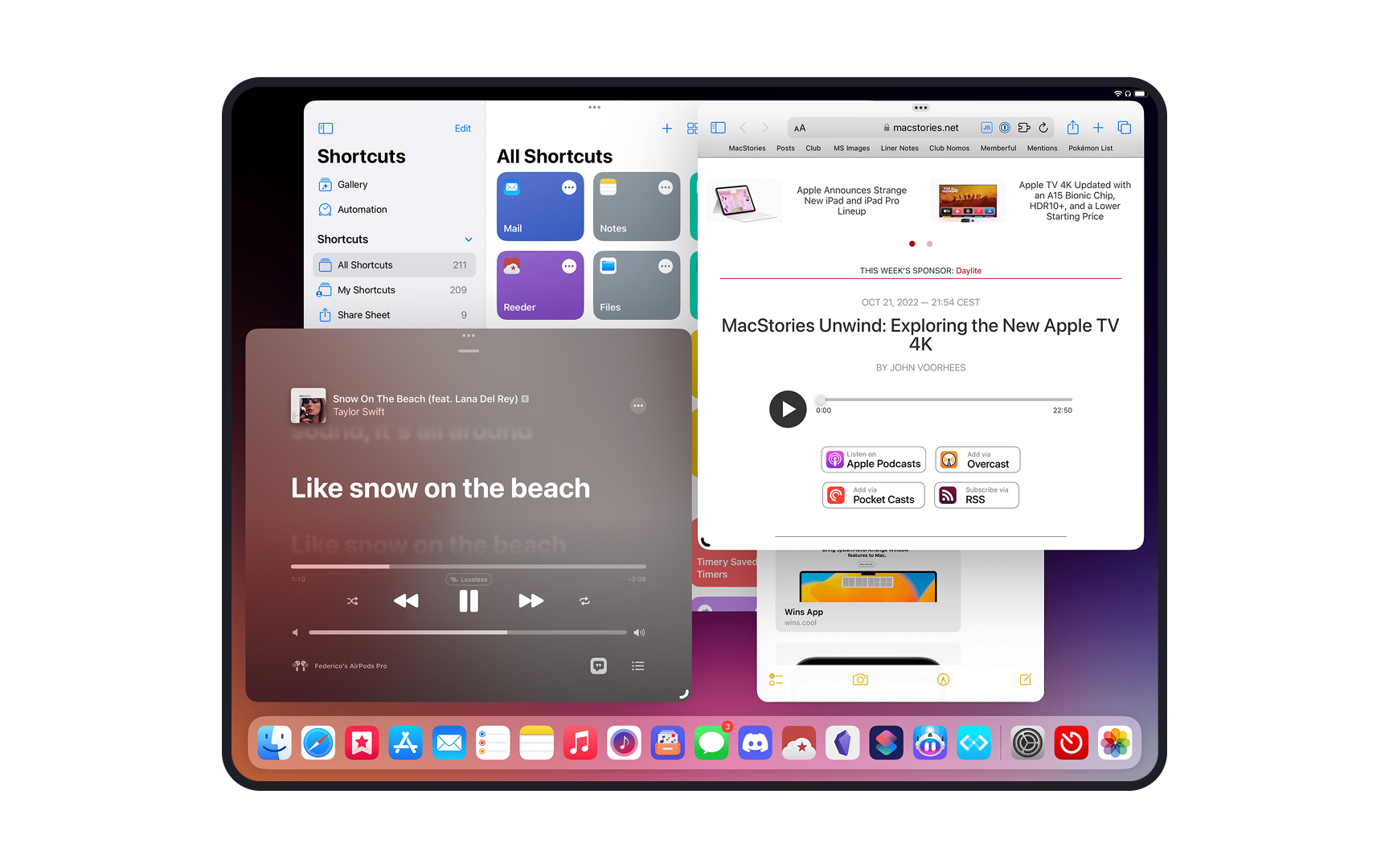
Modern tablets support sophisticated multi-tasking features like split-view, slide-over panels, and picture-in-picture modes, transforming how users interact with content simultaneously. Apps must adapt gracefully when users trigger these features, maintaining functionality and usability even in compact spaces.
Content prioritization becomes crucial in multi-tasking scenarios. When an app enters split-view mode, it should automatically adjust its layout to display the most relevant information and controls. Primary interaction areas need to remain accessible, while secondary elements can collapse or reorganize. For example, a note-taking app might hide its folder sidebar but keep the current document and essential editing tools visible.
Video playback, data synchronization, and real-time updates need to function seamlessly regardless of the app's current multi-tasking state. Also consider how your app's audio, notifications, and system interactions behave when users are actively engaging with multiple apps.