Indicate selected state
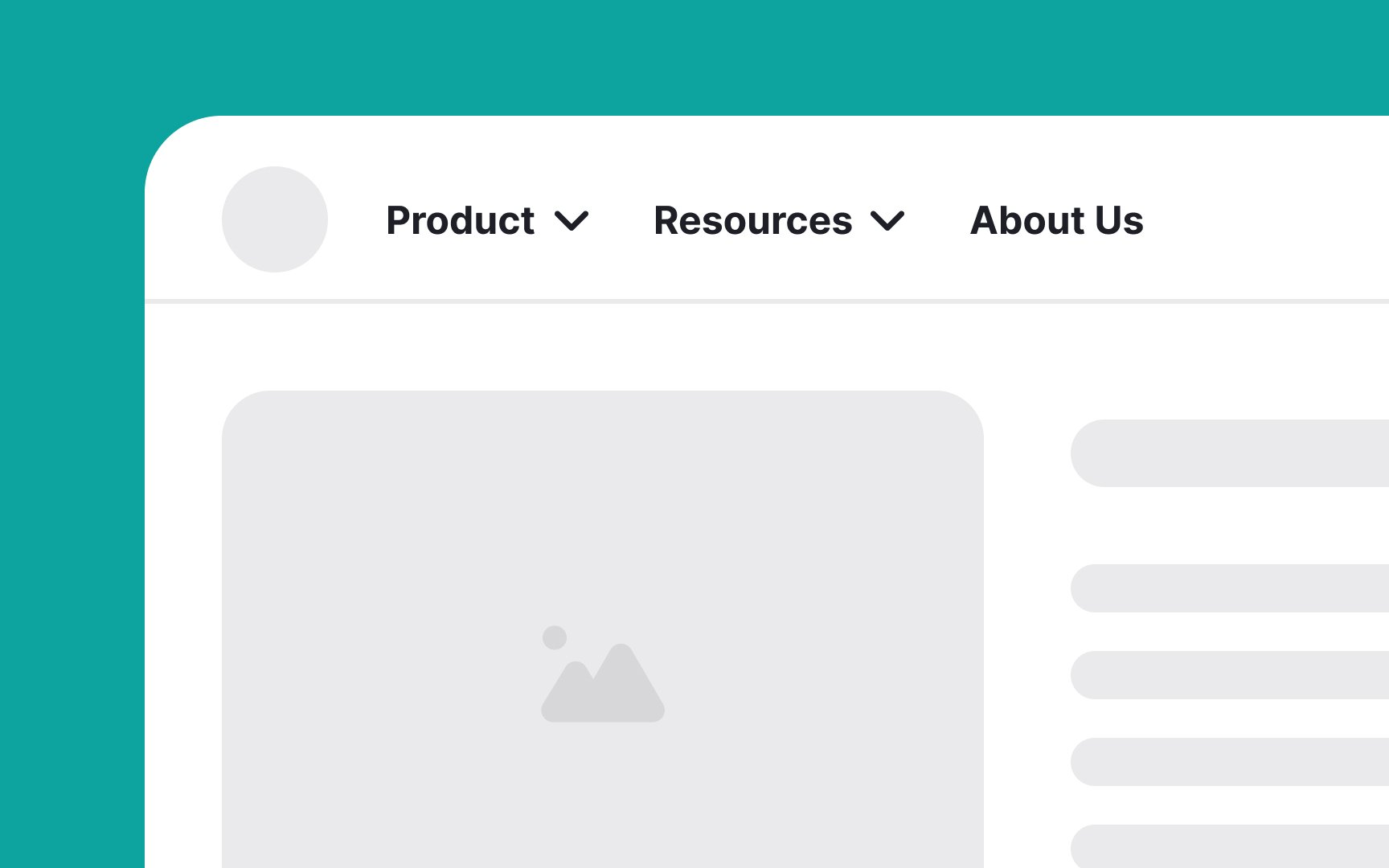
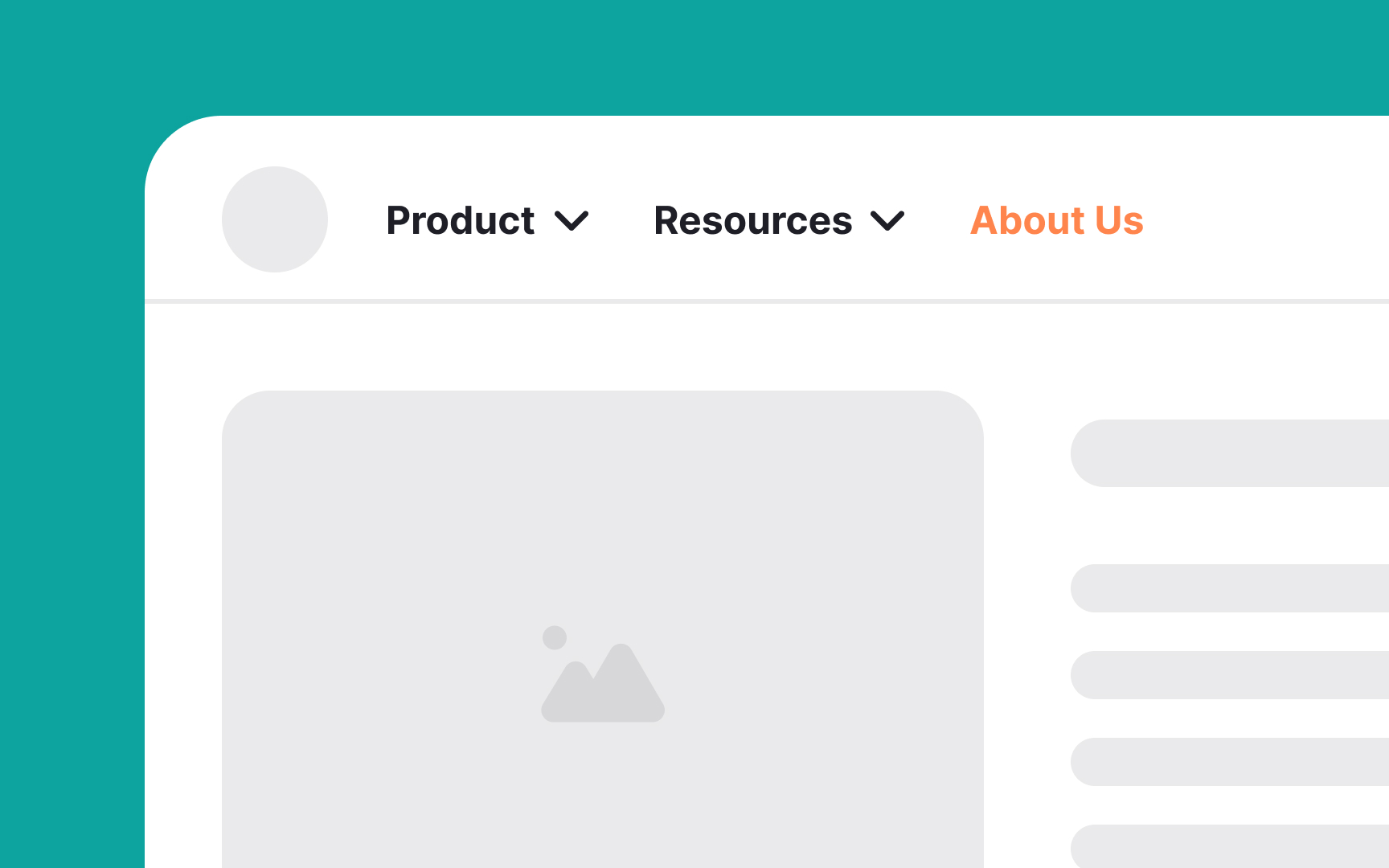
Make sure to indicate the current page in a selected state on your navigation bar to help users know where they are on your website. When a link or tab is selected, make it more visually prominent through highlighted coloring or offsetting the element. For example, if users click on the "About Us" tab, it might change color or appear raised. This helps them quickly see that they are viewing the "About Us" section. Such visual cues improve accessibility and make navigation easier, reducing confusion and helping users feel confident as they explore your site.