The placeholder attribute
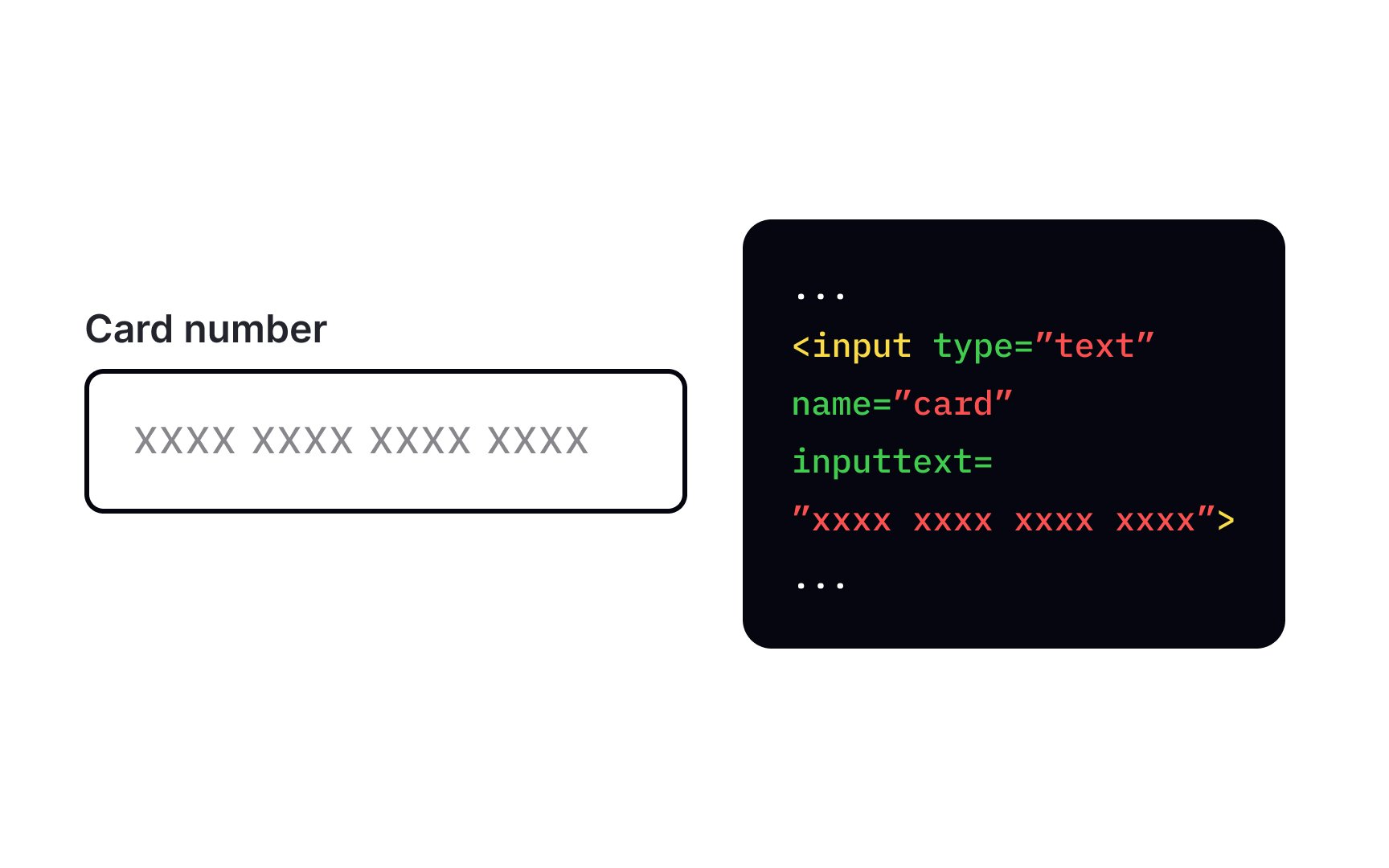
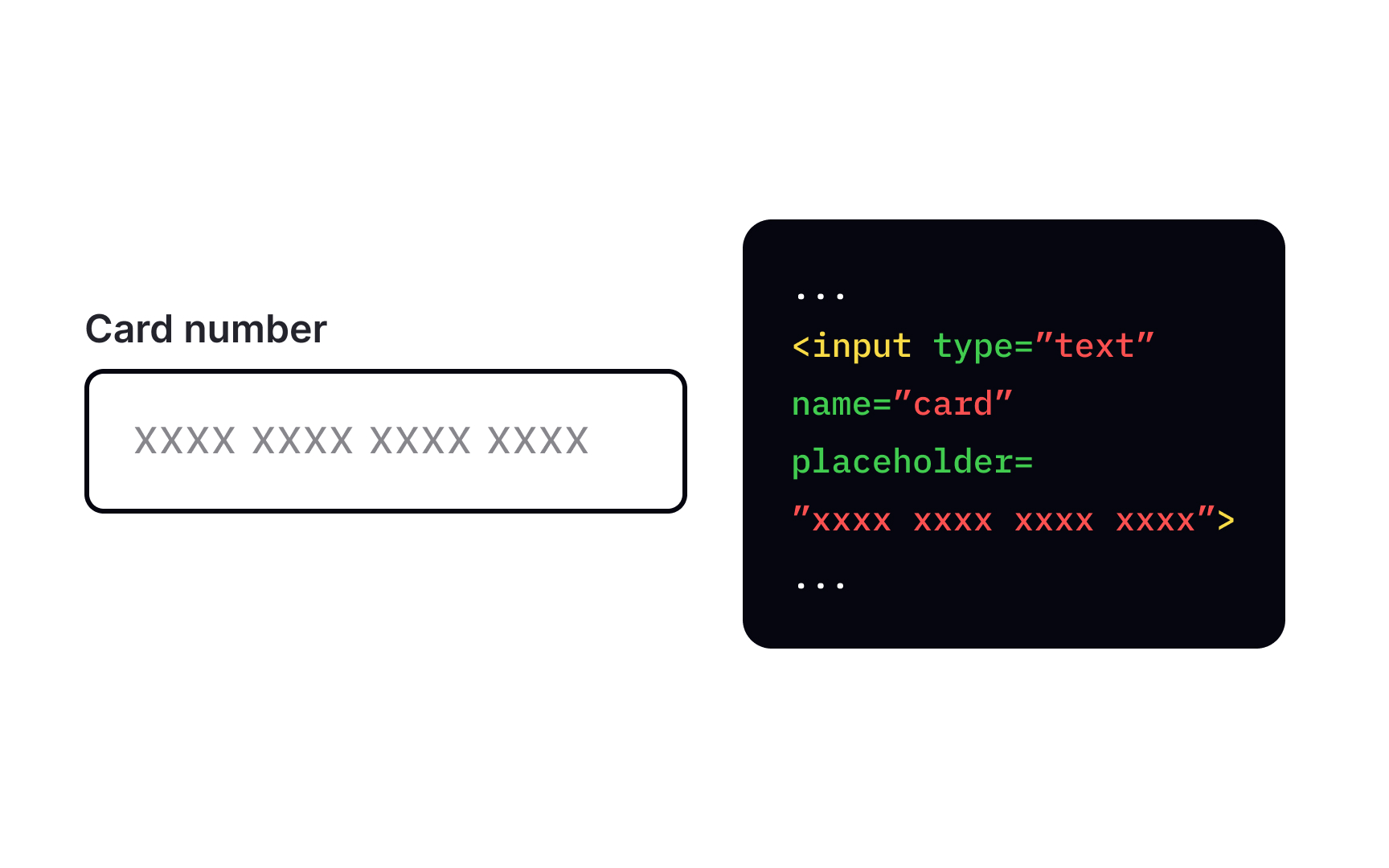
Placeholder text gives users an example of information they need to type into a text field. To add a placeholder, use the placeholder attribute inside the <input> tag and define its value inside the quotation marks. This attribute works with the following input types: text, search, URL, tel, email, and password. For example, add placeholder="Jack Sparrow" in a Full Name input to give users an example of a full name.
Browsers will display placeholders in faded text inside the input. Ensure it's not the only information users need to fill in a field — assistive technologies can't read placeholders, and they are highly problematic for low vision users.