Canceling or reverting changes
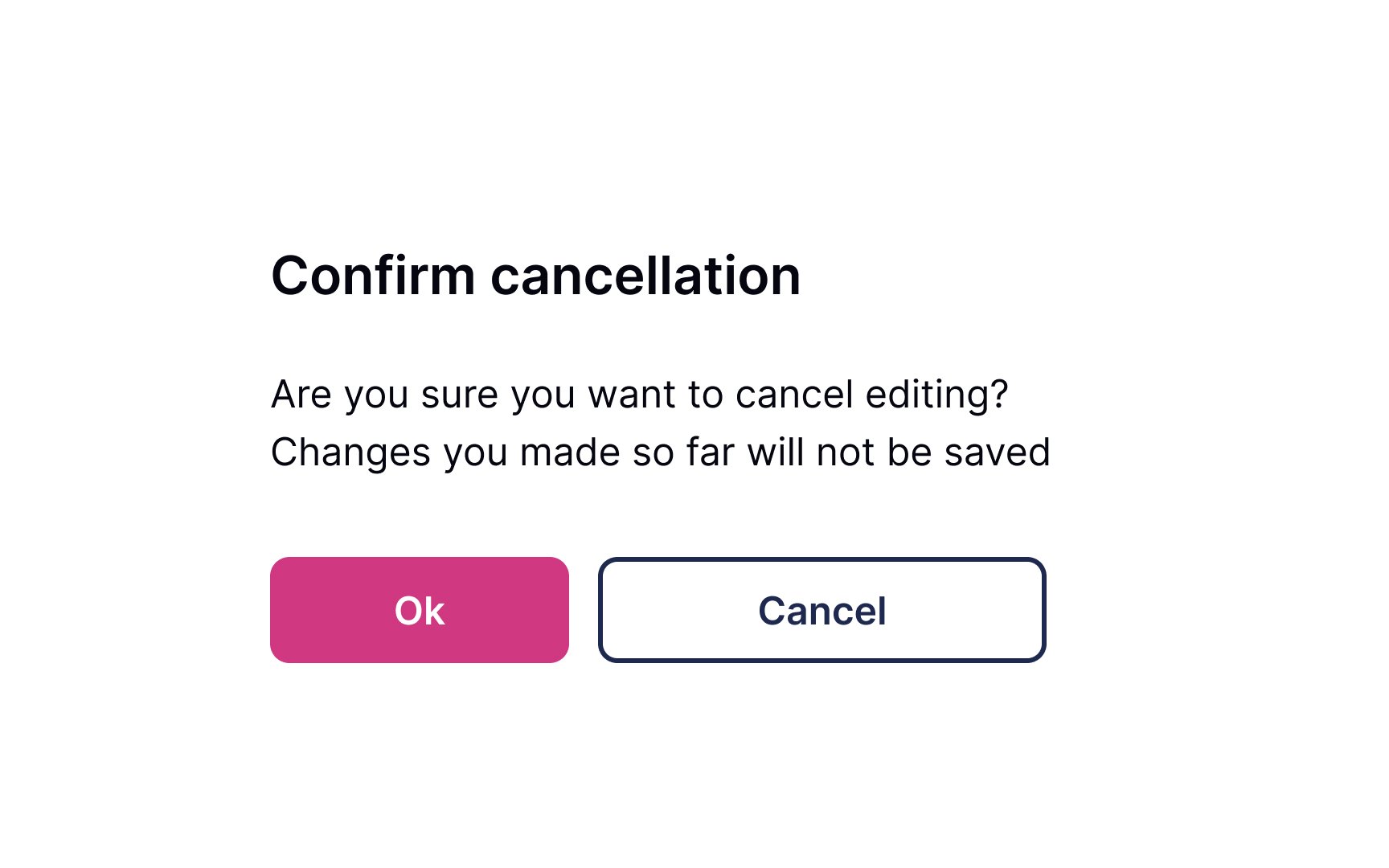
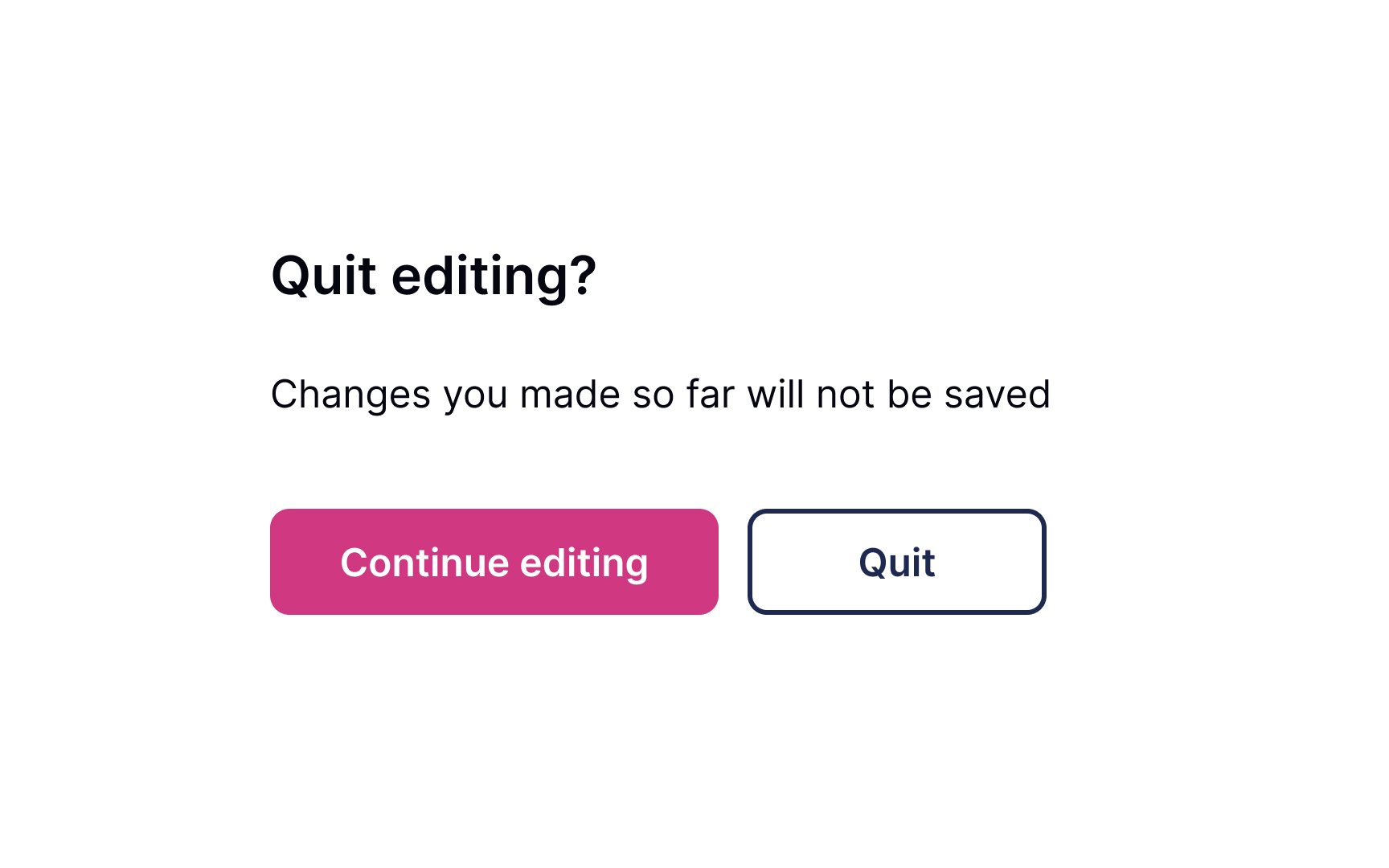
Allow users to leave without making changes. Most users expect the changes not to be saved when they close the window or press the Back button, so avoid tying autosaving to these functions.
You can use a confirmation dialogue when users modify important information such as an email address or phone number without saving it. Make sure that the dialogue is short and straightforward. The headline should ask, or inform, about one main action we'd like to reconfirm. Avoid generic headlines for confirmation dialogues like "Warning" or "Are you sure."
Use unambiguous CTA buttons. The word Cancel isn't great when related to deleting or removing, as it's not clear what is canceled — the action or the cancellation of the action. Better options include Back, Stay, No, Leave, Quit, or any other action word that is instinctively clear in context.