<?xml version="1.0" encoding="utf-8"?>

Applying fill layers
Applying fill layers

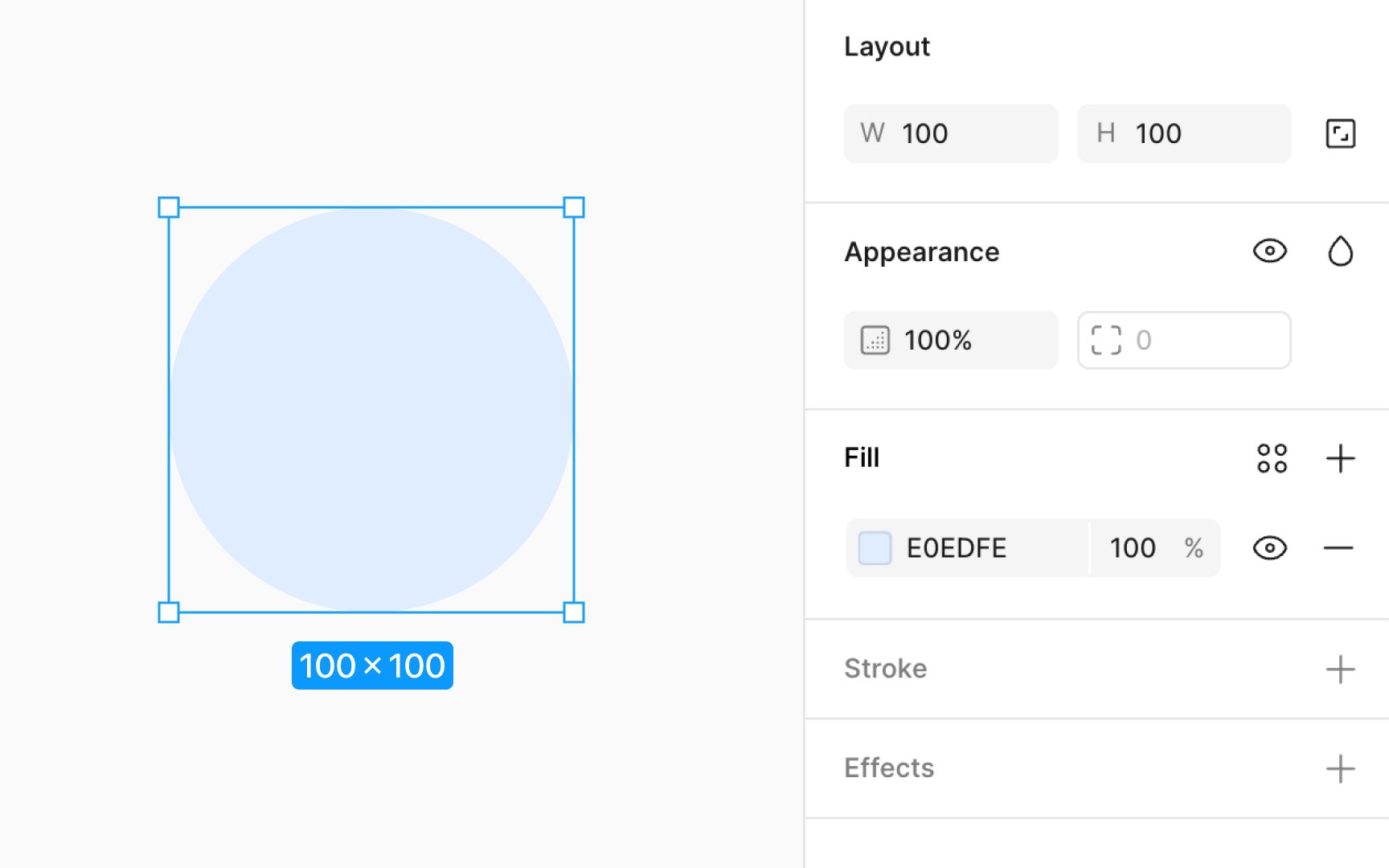
Applying fills to layers lets you add color to text layers, shapes, vector networks, and boolean groups. Figma treats each fill as its own layer, allowing you to modify properties individually and toggle each fill's visibility on or off.

Here's how to add a fill:

  1. Select the layer(s) you want to change.
  2. In the Fill section of the Design panel, click the color swatch to open the color picker.
  3. Pick a color manually, use the eyedropper to sample from your design, or enter a hex code.

Improve your UX & Product skills with interactive courses that actually work