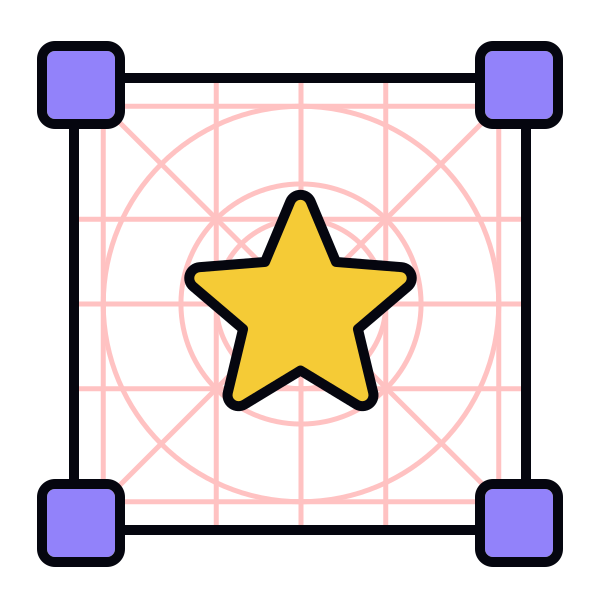
Preparing icons for different densities and scaling
Icons often appear across interfaces with different pixel densities, so they must remain sharp and readable in each context. Scaling icons manually usually creates distortion or uneven stroke weight, which weakens clarity. Creating separate, purpose-built sizes avoids this issue and keeps visual weight consistent across devices.
Different densities also affect how much detail an icon can safely contain. Smaller sizes work best with simplified shapes because thin lines or small gaps may disappear on high-density or low-density displays. Larger sizes can support slightly more detail, but they must still follow the same structural rules to remain part of the same system.
Using scalable formats such as SVG helps icons stay crisp without generating multiple raster files. These files preserve vector shapes and allow icons to adapt to different screen densities without losing sharpness. They also make it easier for teams to maintain consistent behavior across platforms.[1]
Pro Tip: Use SVG for handoff. It keeps icons sharp across densities and reduces maintenance work.