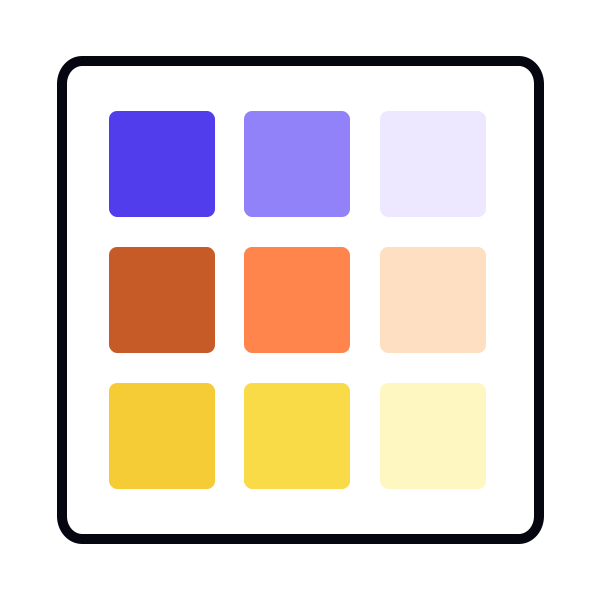
Identifying secondary and tertiary colors through product usage
Secondary and tertiary colors can be defined by looking at how a product already uses color across its interface. A color inventory helps reveal which hues appear often enough to deserve a place in the system, even if they are not part of the primary brand set. For example, many interfaces rely on multiple shades of gray, quieter highlight colors, or supporting tones that give structure to layouts and components. These colors may not carry the same weight as the primary palette, but they still shape the product and need clear representation in the system.
This inventory also exposes colors that appear only in a few places but still play a meaningful role. A subtle background tint, a supporting highlight, or a color used in specific UI modules can become part of a tertiary group. Defining these colors prevents the system from accumulating one-off shades, which often happen when designers recreate slightly different versions of the same hue. Merging similar values into a single defined color helps keep the expanded palette clean and manageable.
Once secondary and tertiary candidates are identified, the remaining UI should be checked for near-duplicates or irrelevant colors. Any color that does not serve a specific purpose can be replaced with a defined secondary or tertiary value.[1]
Pro Tip: Group similar colors during your audit. Families of near-identical shades often reveal the natural starting point for secondary and tertiary palettes.