Turn off autoplay by default
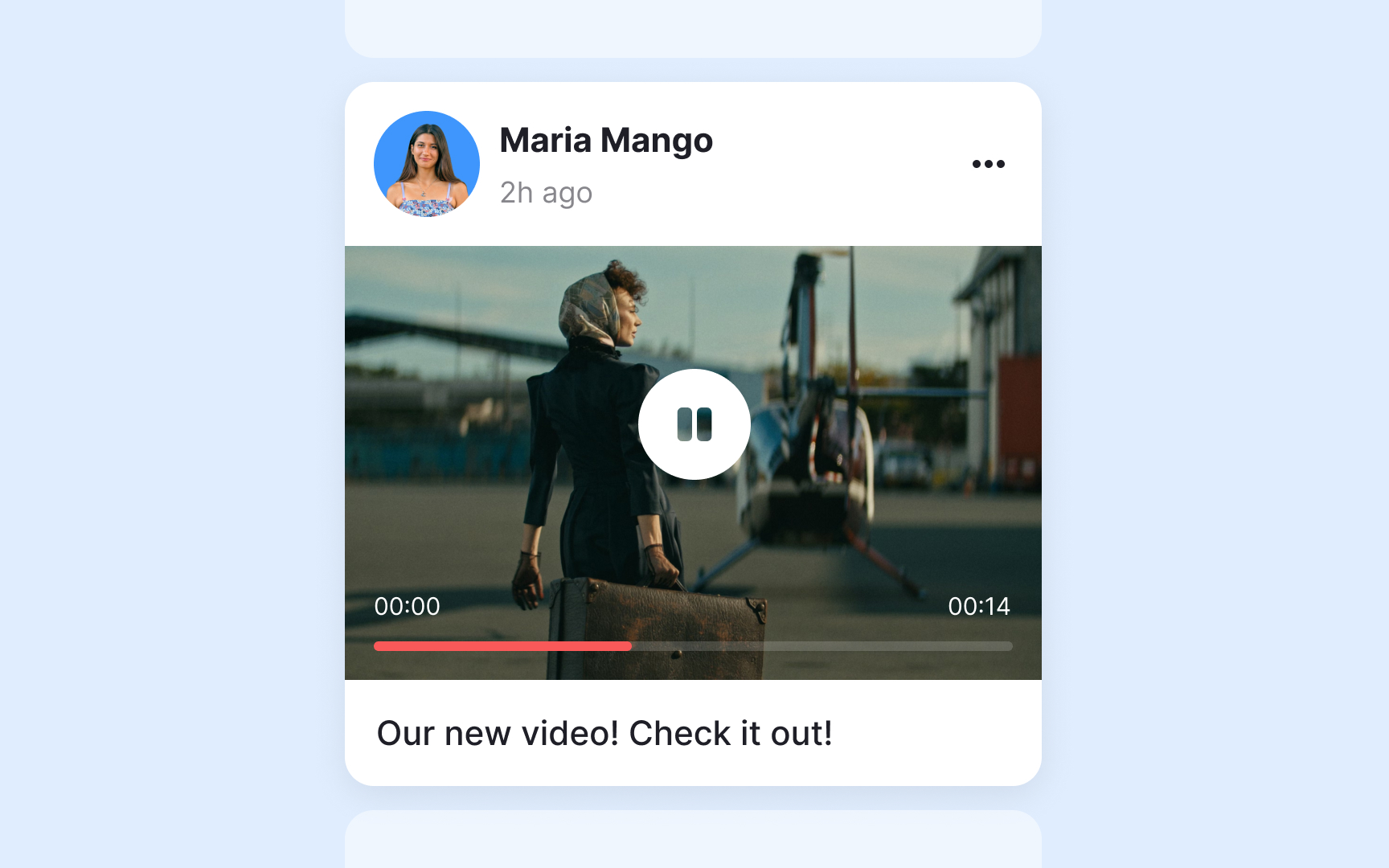

Autoplay content poses significant risks for users with epilepsy by introducing unexpected motion and visual changes. When videos or animations start automatically, users have no time to prepare or protect themselves from potentially triggering content. This creates an unsafe browsing environment, especially on pages with multiple media elements.
Media components should never autoplay by default. Instead, implement a clear play button that gives users control over when content begins.
This control should be:
- Prominently visible before any motion starts
- Large enough to click easily
- Clearly labeled with its purpose
- Accessible via keyboard navigation
- Positioned where users expect to find it
For platforms requiring autoplay features, create system-wide settings that let users disable autoplay across all content. Email clients, social media feeds, and content platforms should remember user preferences and apply them consistently across all media elements.
Top contributors