The backend processes layer
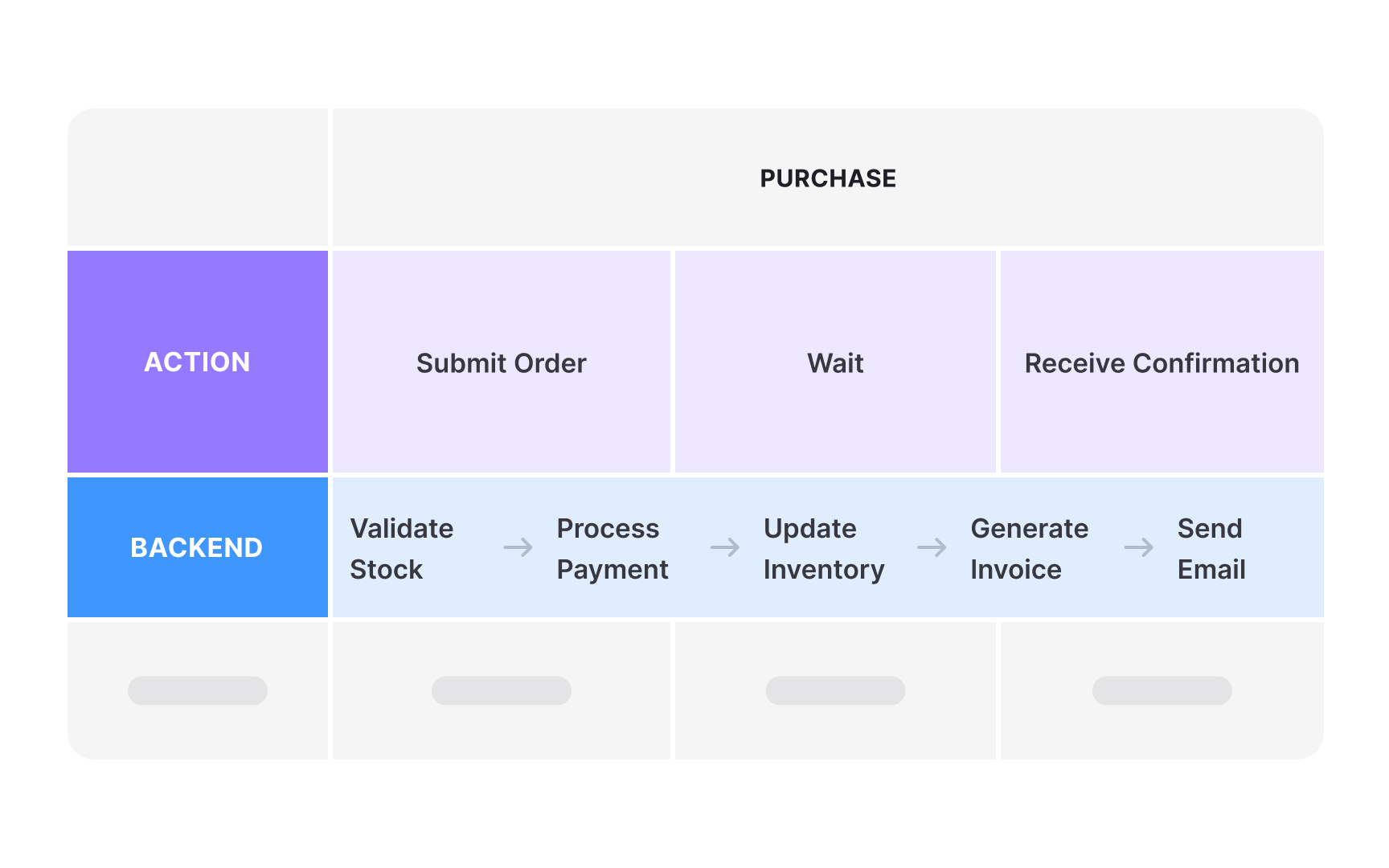
Backend processes reveal the invisible machinery supporting each customer interaction. While customers don’t see these directly, they shape experience quality through speed, reliability, and accuracy. Map backend processes using simple flowchart notation. For example, when a customer clicks “Checkout,” show the sequence: Validate inventory → Authorize payment → Update database → Trigger fulfillment → Send confirmation email. Add details like process duration or known failure points. This helps teams understand why certain journey stages feel slow or inconsistent to customers.
This layer also shows which internal teams, systems, or documents are involved at each step. For example, during the support stage, the backend might reveal the call center team using specific training materials in a helpdesk system.
Connecting backend activity to customer-facing pain points (like delays or errors) lets teams trace emotional spikes back to real causes. A simple action like “reset password” might span multiple systems: authentication, email, security checks, and audit logs. When that backend chain breaks or slows down, frustration spikes. This layer helps you find where fixing operations will make the biggest difference to how customers feel.