Selection feedback patterns
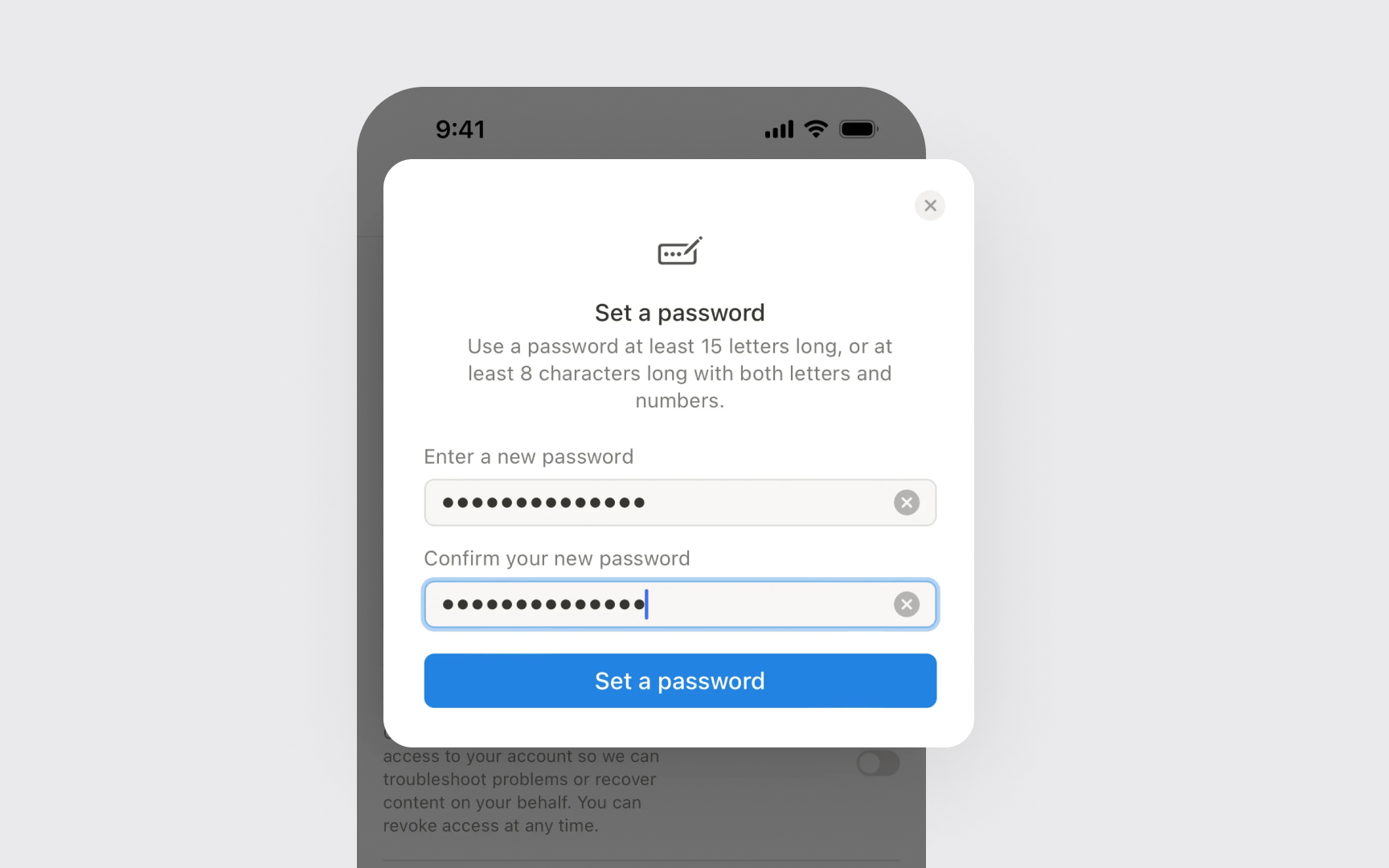
Selection feedback helps users understand what's happening on screen. Every tap, long-press, or keyboard input needs a clear visual response to show that iOS detected the interaction.
Apps must use standard iOS feedback styles. Common feedback patterns include:
- Highlight states. Selected items change color or add borders
- Press states. Buttons and controls darken while touched
- Focus indicators. Text fields show where input will appear
Feedback timing affects how responsive an app feels. Visual changes should appear instantly when users select something. Delayed or missing feedback makes users doubt if their action is registered.
Pro Tip: Test selection feedback with different screen color modes — what works in light mode might be hard to see in dark mode.