Menu systems across platforms
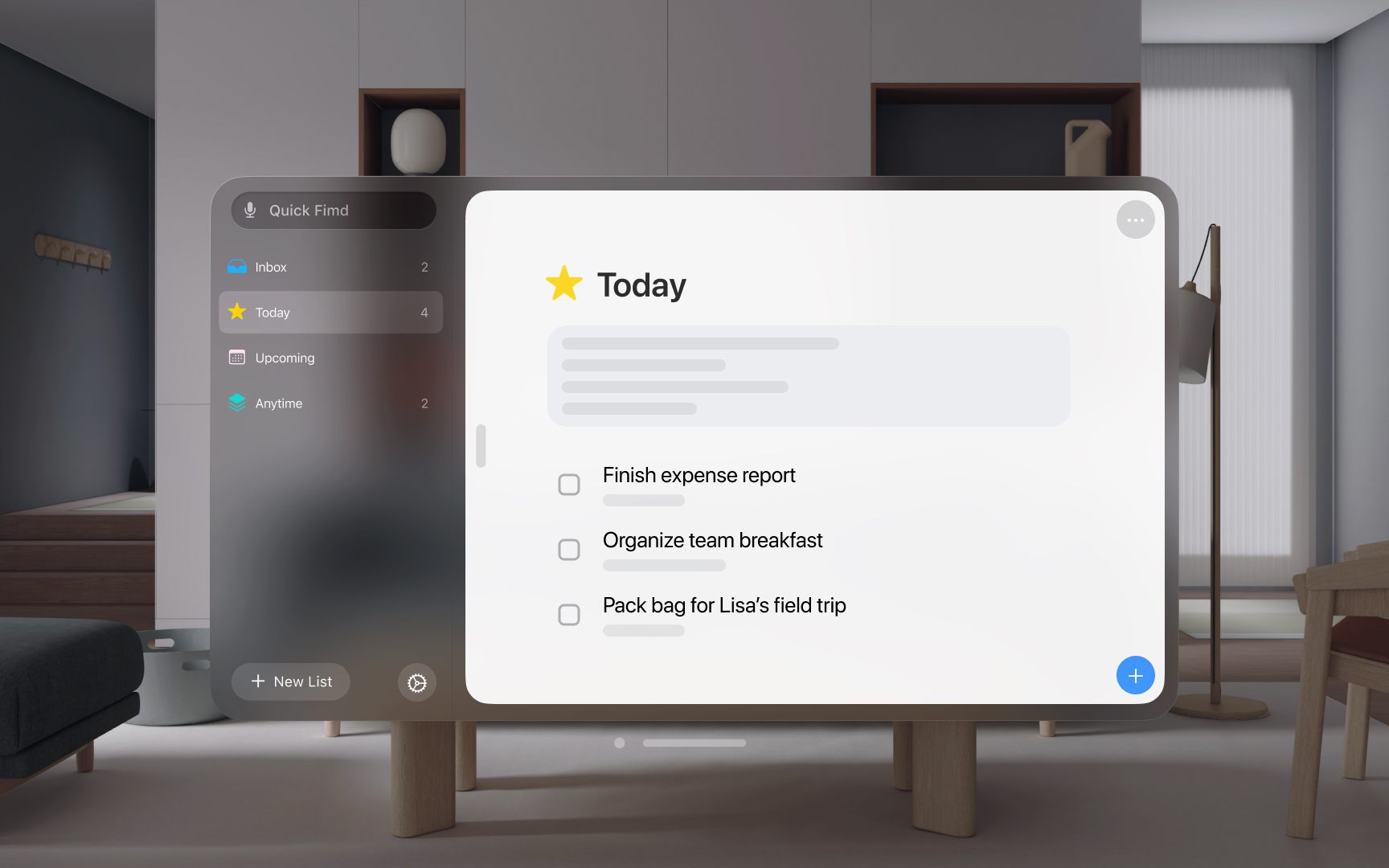
Apple platforms handle menus differently based on their interaction models and user needs. Understanding these patterns helps create menu systems that feel natural on each platform.
Let's take a look at the menu patterns across platforms:
- macOS: Uses a persistent menu bar with hierarchical organization. App menus remain visible and accessible through consistent keyboard shortcuts, supporting complex navigation and feature discovery.
- iOS/iPadOS: Employs contextual menus through long press and share sheets. Menus appear on demand, optimized for touch interaction. When using external keyboards, iPadOS supports additional menu access through keyboard shortcuts.
- visionOS: Combines spatial menus with familiar patterns. Context menus follow user gaze and hand position, while maintaining consistency with touch-based interaction models.
- watchOS/tvOS: Streamlines menu access for focused interactions. watchOS uses simple lists and the Digital Crown for navigation, while tvOS emphasizes clear focus states in menu hierarchies.