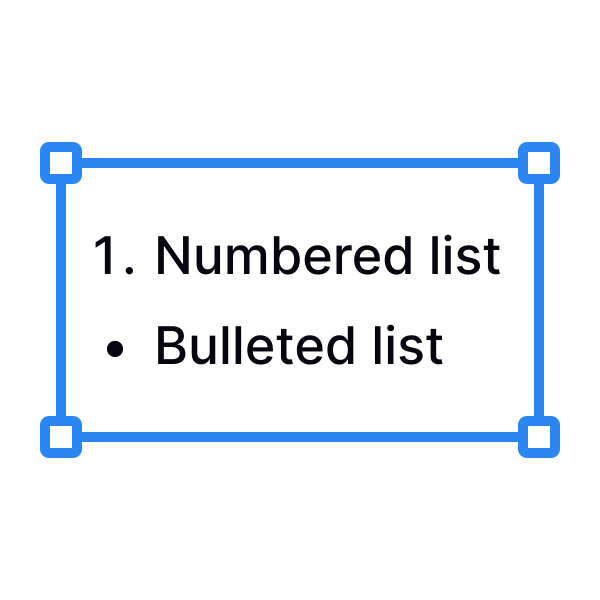
Hanging lists
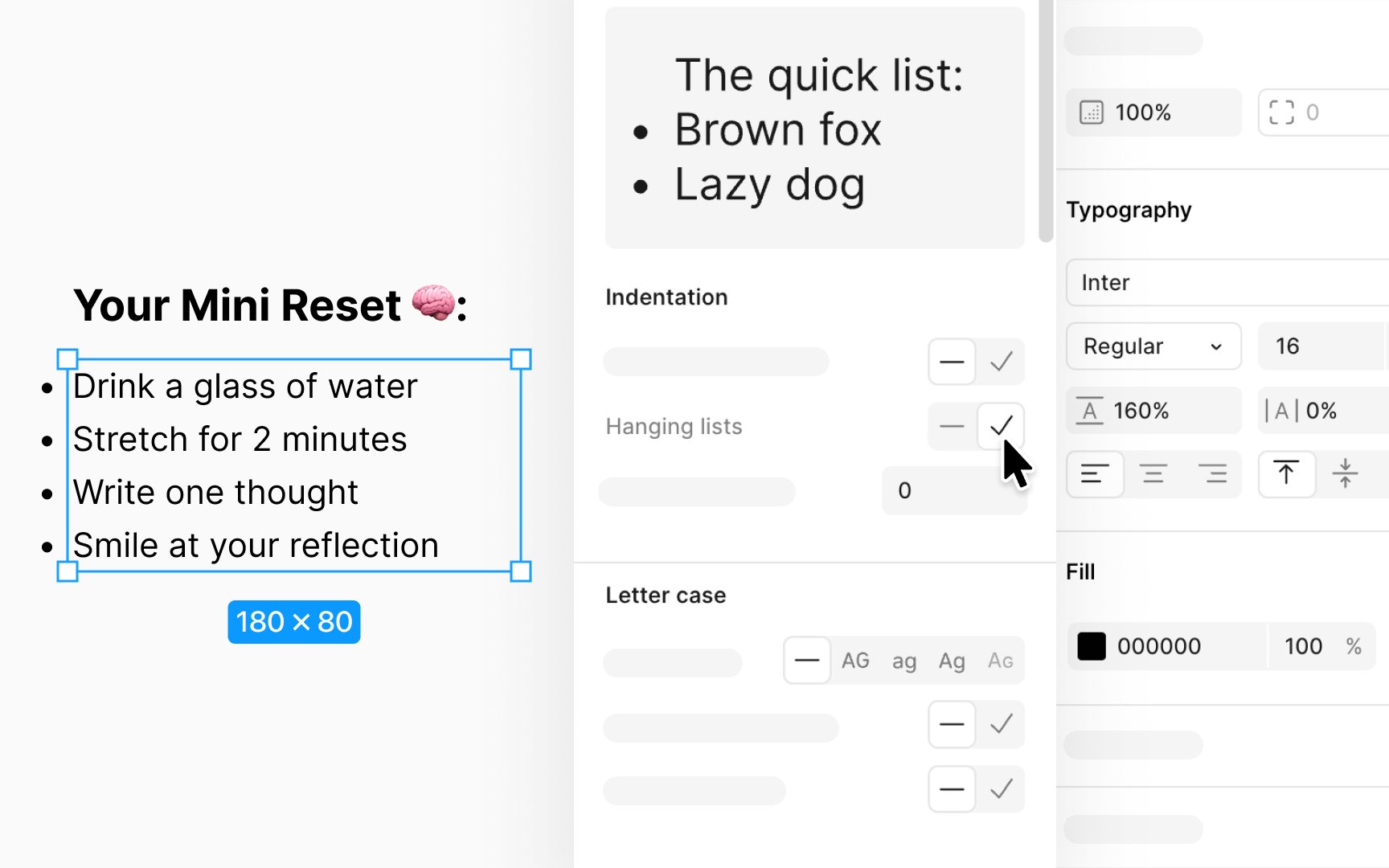
Hanging lists are a formatting option used to align the text of list items (bulleted or numbered) with the bounding box, by moving the bullet points or numbers outside of this box. This style is especially useful in designs where alignment and clean visual flow are priorities, as it ensures the main text aligns uniformly, creating a tidy appearance.
To create hanging lists:
- Select your list in the design.
- Navigate to the Typography section within the Design panel.
- Click on the sliders icon to open Type settings.
- In the Details window, find the option to toggle Hanging lists and turn it on or off as needed.
Pro Tip: Similarly, you can use the Hanging punctuation toggle to move a text layer's opening quotation marks outside the bounding box.