Use acknowledgments
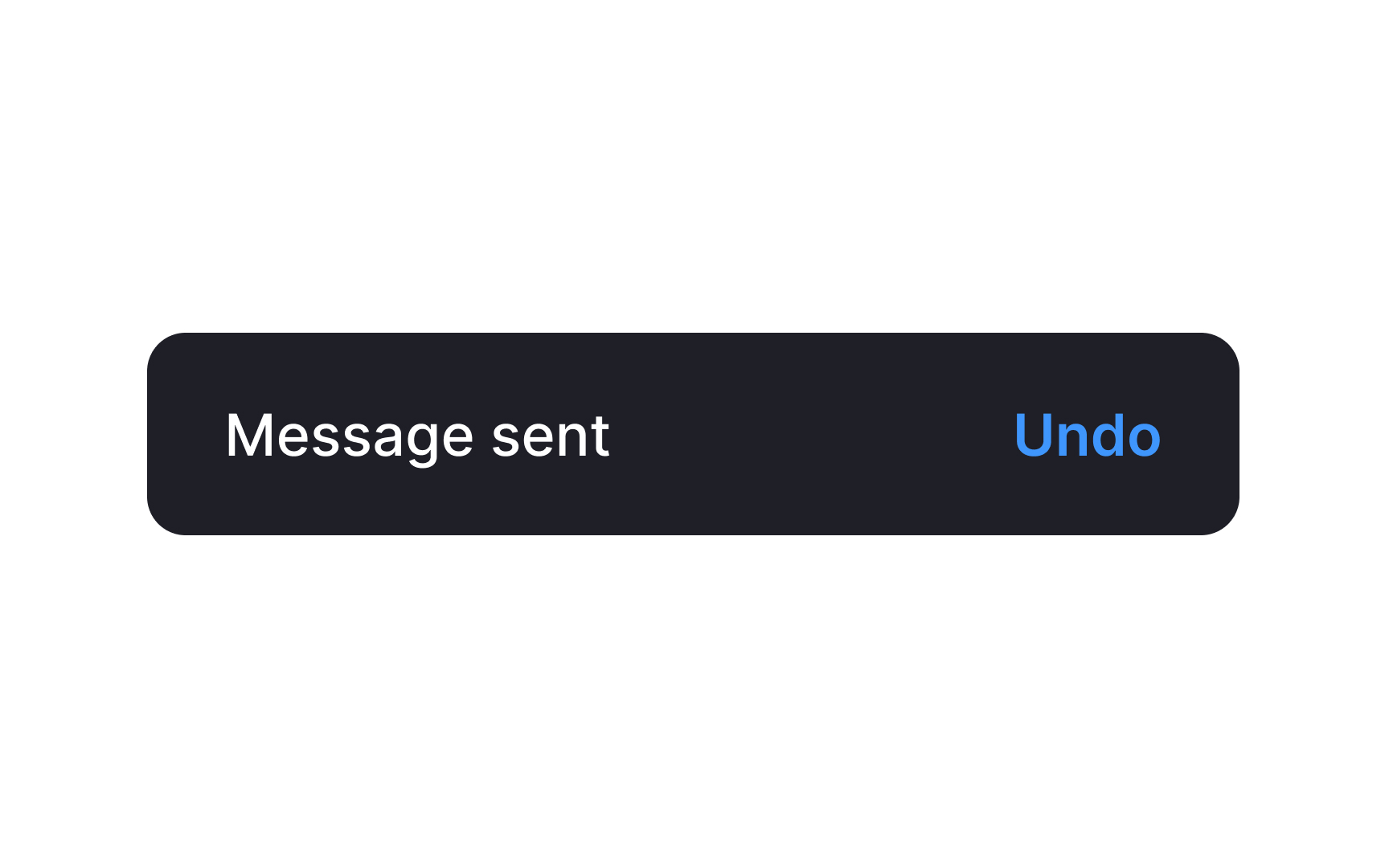
When a user completes an action (like sending a message), provide an accessible acknowledgment to confirm the action happened. This feedback informs users about background system actions and may offer options, like undoing the action.[1]
What does "accessible" mean here?
- Duration: Ensure the acknowledgment stays visible long enough for all users, including those with screen readers, slower reading speeds, or visual impairments. Ideally, keep it on screen until the user navigates away.
- Clarity: The message should clearly state what action was taken. Acknowledgments can appear as snackbars, alerts, or dialogs, with appropriate urgency and options to undo and dismiss.
Keep in mind that acknowledgments differ from confirmations, which require user input to proceed with potentially harmful actions.[2]
References
- Material Design | Material Design
- Material Design | Material Design