Split accessibility issues from usability issues in reporting
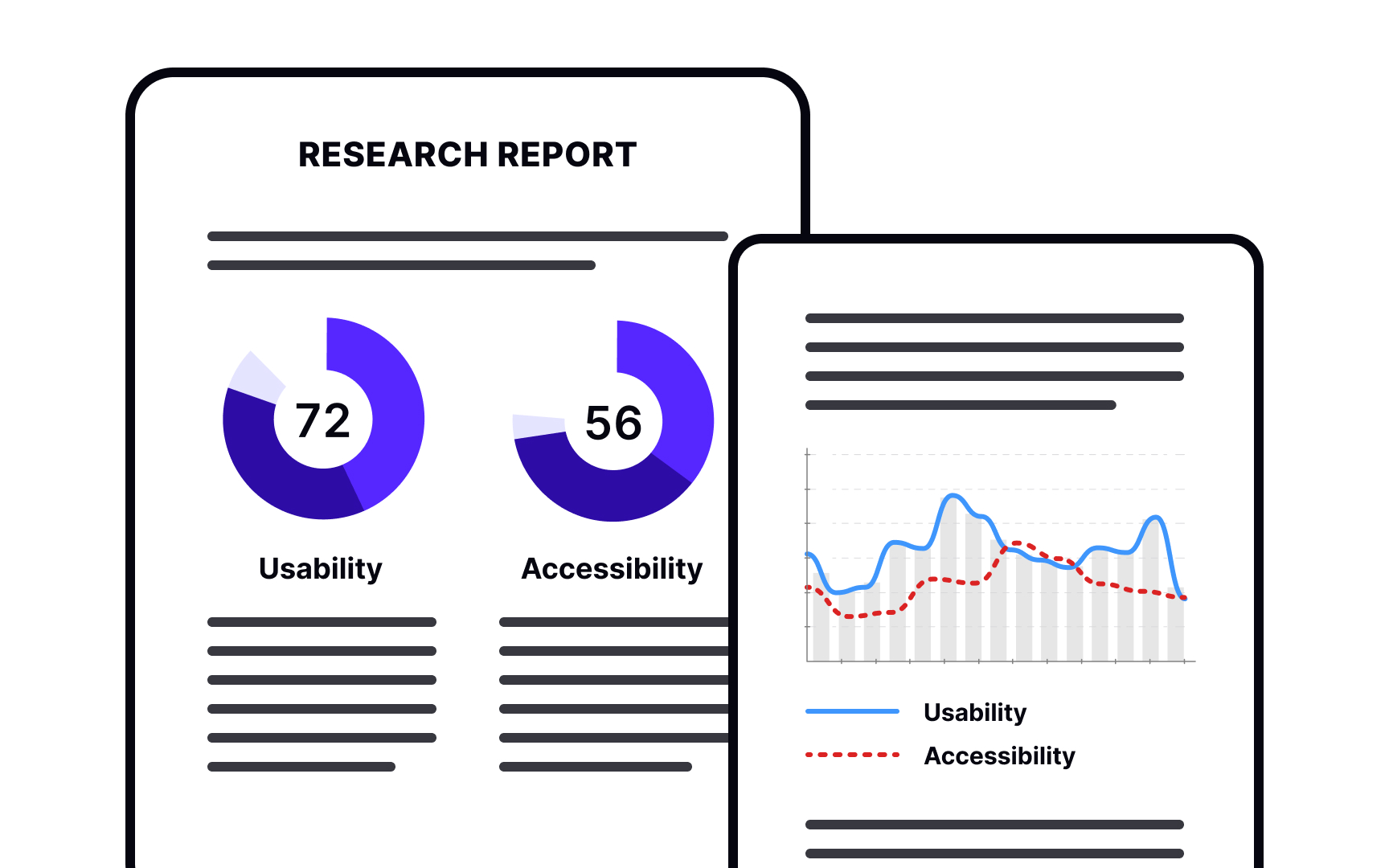
After finishing your research, you need to organize findings in a way that helps your team understand what to fix first. Separating accessibility issues from general usability problems makes your report more actionable:
- Identify who's affected most. Some issues frustrate everyone. Others disproportionately impact people with disabilities. A confusing navigation structure slows down all users. But missing alt text completely blocks screen reader users from understanding images. Look for this disproportion when categorizing issues.
- Map issues to WCAG for prioritization. Linking problems to Web Content Accessibility Guidelines helps you assign severity levels. Critical issues prevent people from completing core tasks. High-severity problems make tasks very difficult. Low-severity issues create friction but don't block completion. WCAG mapping has limits. Some real accessibility problems don't fit neatly into WCAG criteria, like unclear language that especially impacts cognitive disabilities. Document these too.
- Organize by user impact, not just compliance. A WCAG violation on your checkout page matters more than one on a rarely visited FAQ page. Consider both severity and where the issue appears in user journeys when prioritizing fixes.
Top contributors