Use modals for displaying critical information

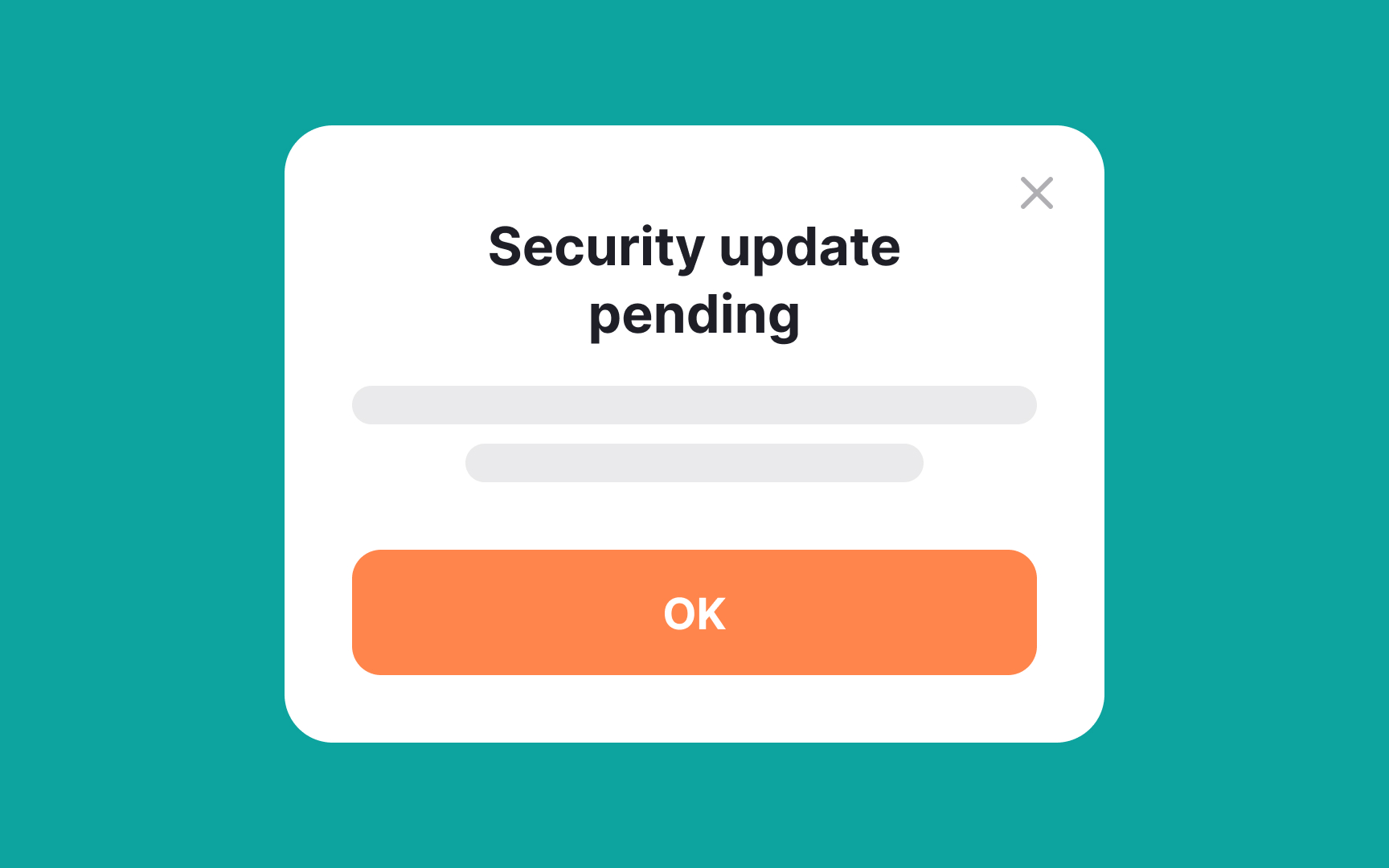
Modals excel at grabbing attention, making them ideal for displaying critical information that requires immediate user focus. By overlaying the main content and often dimming the background, modals effectively signal to users that something important is happening. This ensures that the critical message, like an urgent system update or security alert, is not easily overlooked. Moreover, modals usually require an action to dismiss, ensuring that the message has been acknowledged before users can proceed.
However, it's crucial to use this attention-grabbing tool sparingly to avoid annoying users or diluting the impact of truly critical messages. The key is balancing the urgency of the information with the user's ongoing experience.