Use modals for conveying critical information
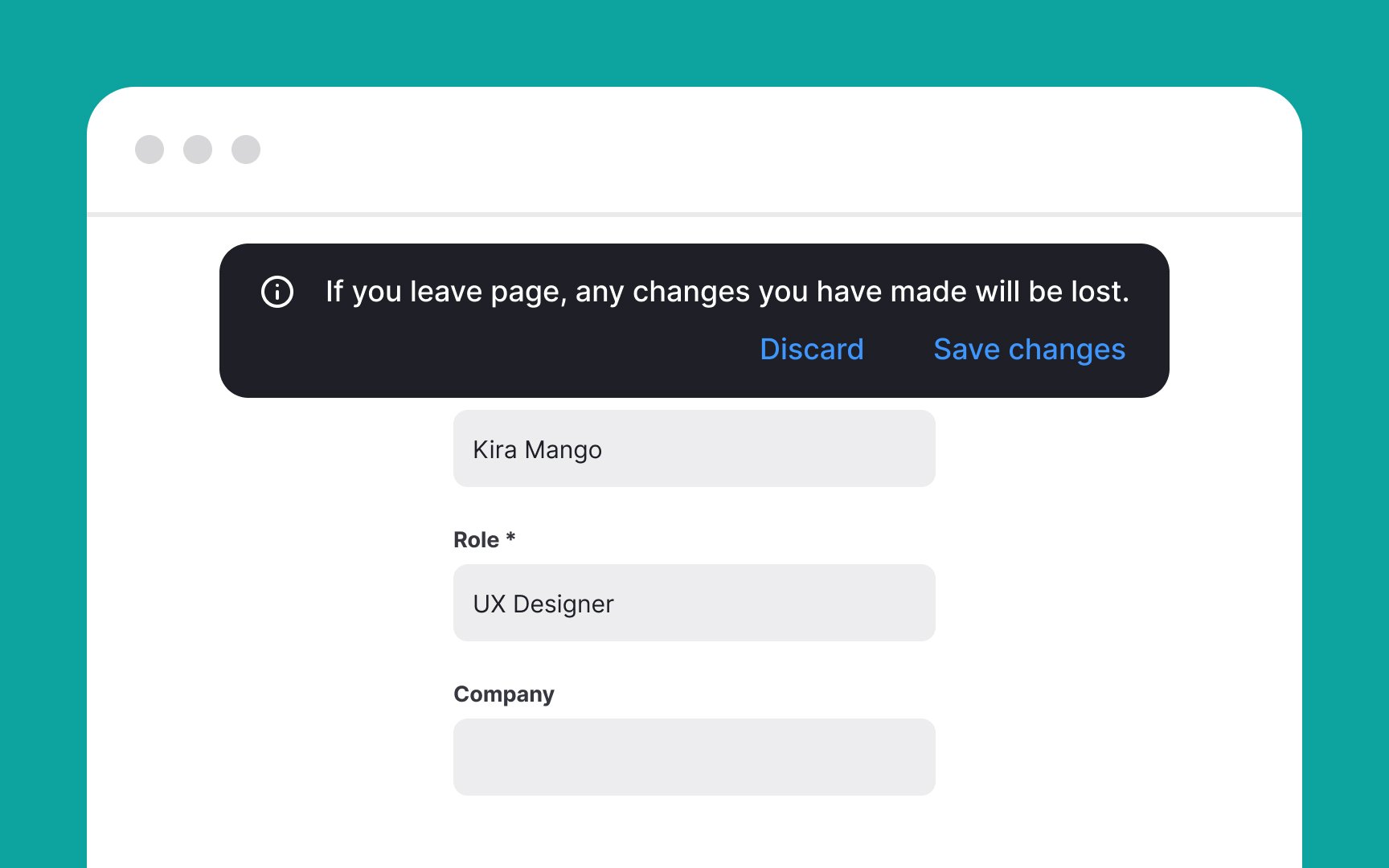
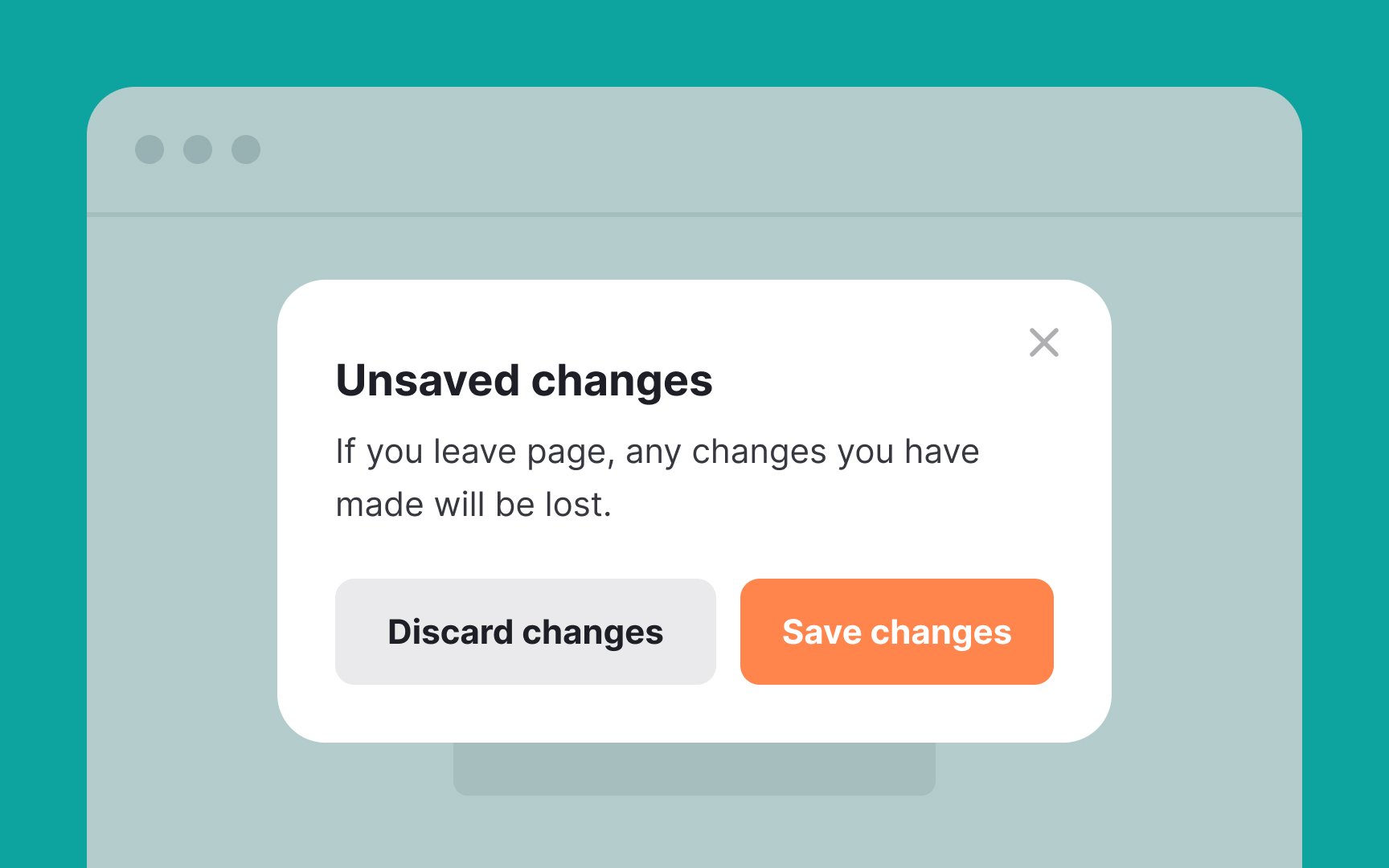
As a rule of thumb, use modals in high-stakes situations and avoid using them in all other cases.
Use modals to:
- Display important warnings — for example, notifying users that their system is about to restart
- Prevent or correct critical errors like failing to save changes
- Confirm destructive or irreversible actions like account deletion
- Request information critical to continuing the current process — for example, requesting login credentials for users to be able to save items to their wishlists
- Request information that will make the user experience better in the long run, such as users' skill level, goals, interests, etc.
- To simplify complex workflows for users — for example, collecting user information step by step with an onboarding/sign-up wizard.[1]
References
- Modal & Nonmodal Dialogs: When (& When Not) to Use Them | Nielsen Norman Group