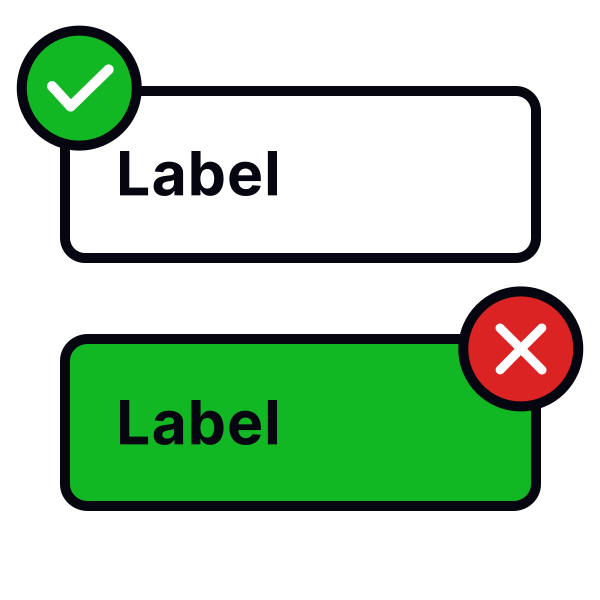
Use the right selection controls
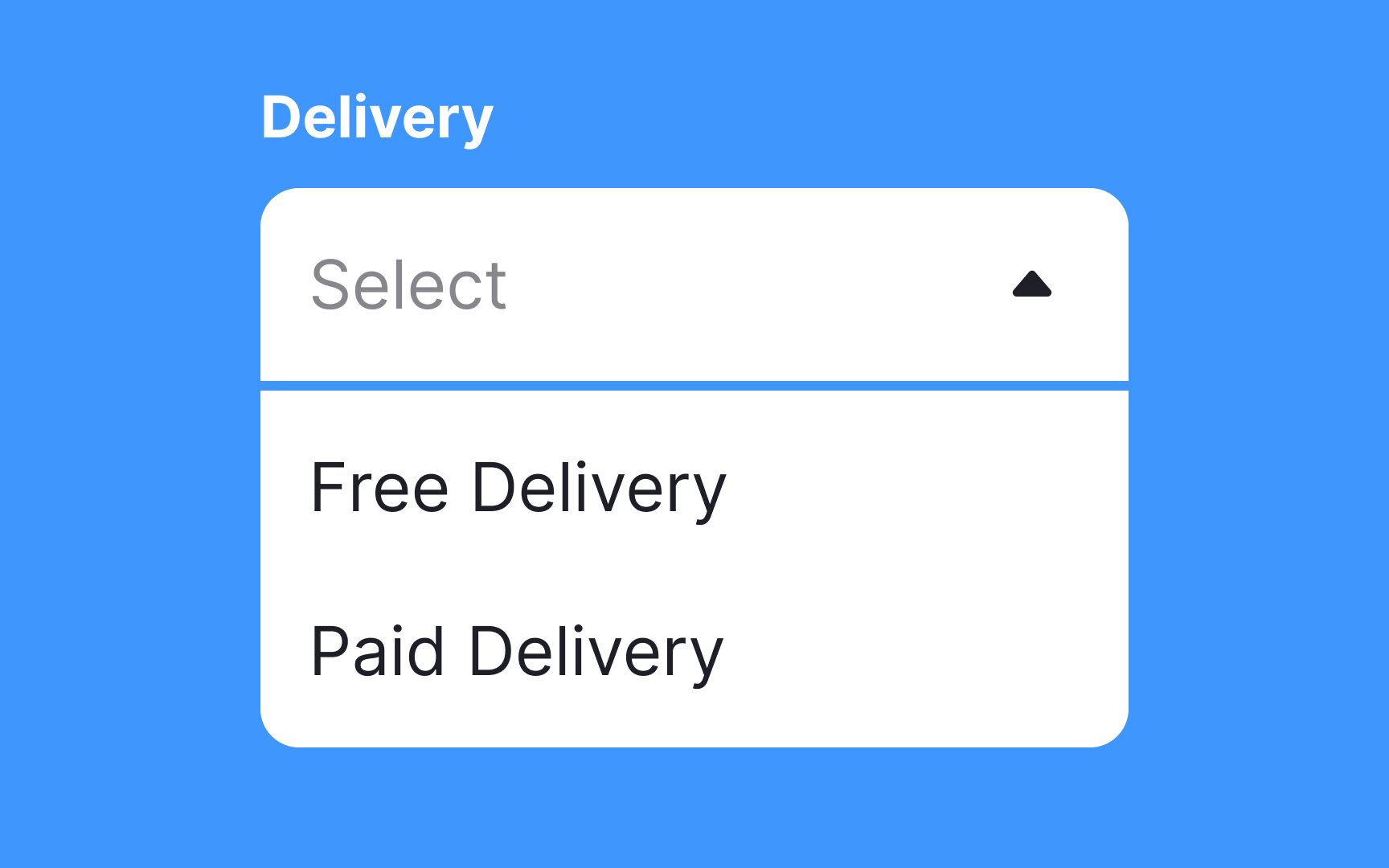

Selection controls allow us to pick an item or a few items and move on with a task. Dropdown menus can be good choices for longer lists — they save space and don't overwhelm users. But for shorter lists with up to 5 options, they're unnecessarily complicated.
Radio buttons work much better in cases when you need to make a single selection, as they're more straightforward and require fewer clicks. If you allow users to make multiple choices, consider using checkboxes.