Keep menu labels short and helpful
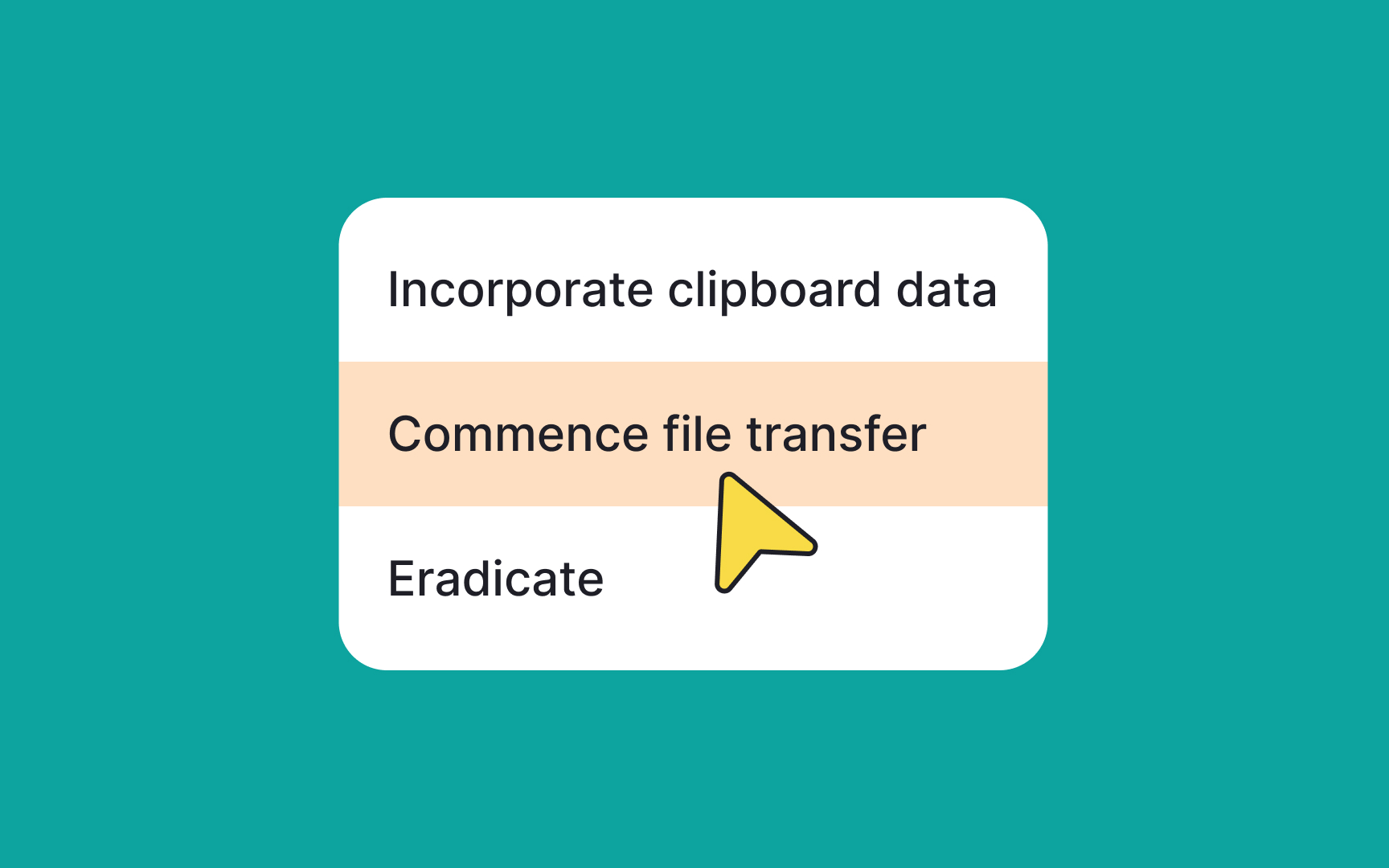
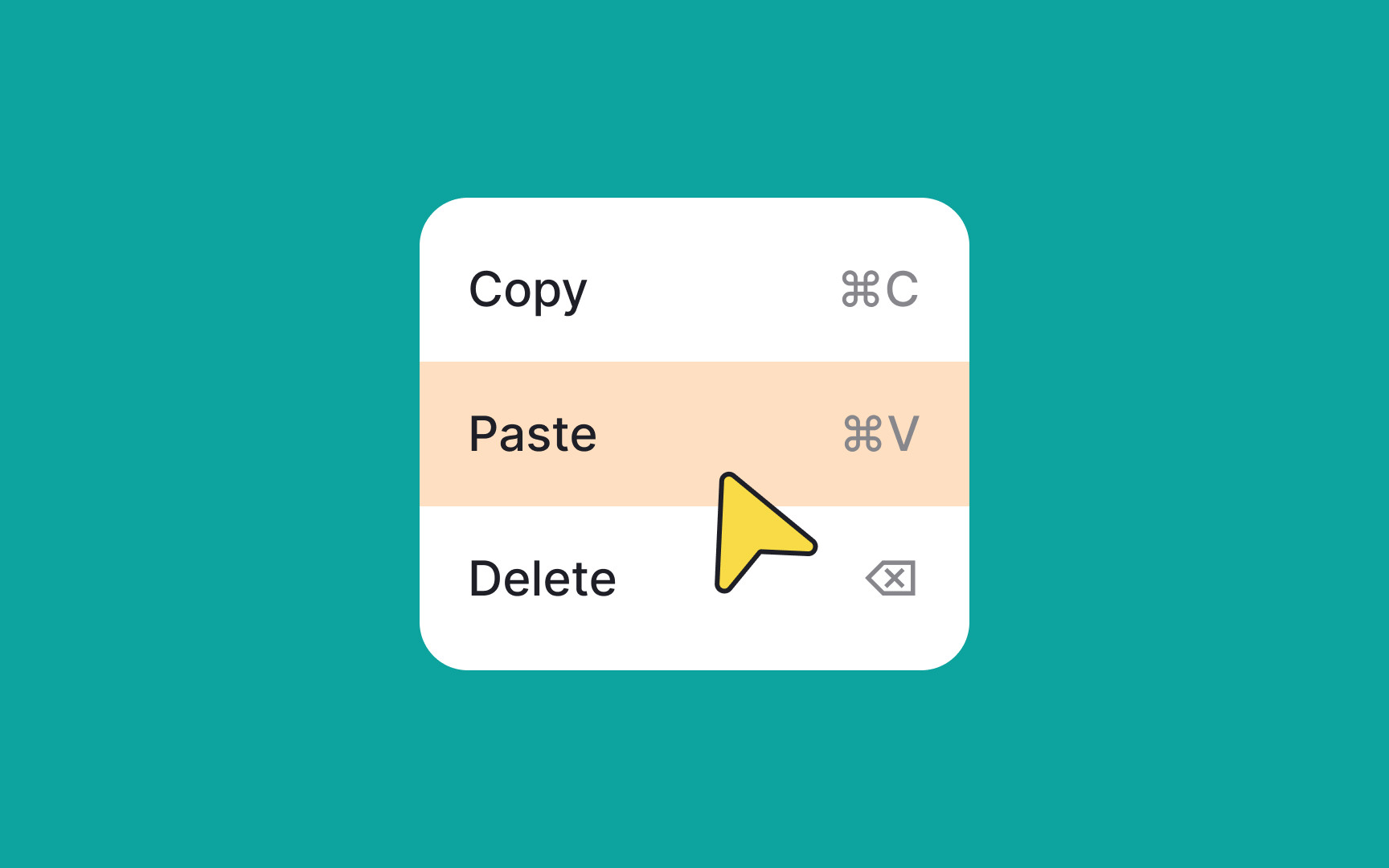
Menu labels should tell what happens when users click or tap the item. They must be clear and concise. Long or confusing labels — for example, using jargon — will cause unnecessary cognitive load, which will slow users down.
To create user-friendly menu labels, use conventional labels such as Paste instead of Insert. The labels should be relevant to the menu and simple so that even non-native speakers can understand them.
And most importantly, test your labels. What seems clear to you might confuse your users. Research methods such as card sorting can help you get feedback on your labels.[1]
Pro Tip: Verbs and verbal nouns are perfect for labels as they imply action.
References
- Avoid Category Names That Suck | Nielsen Norman Group