Current page
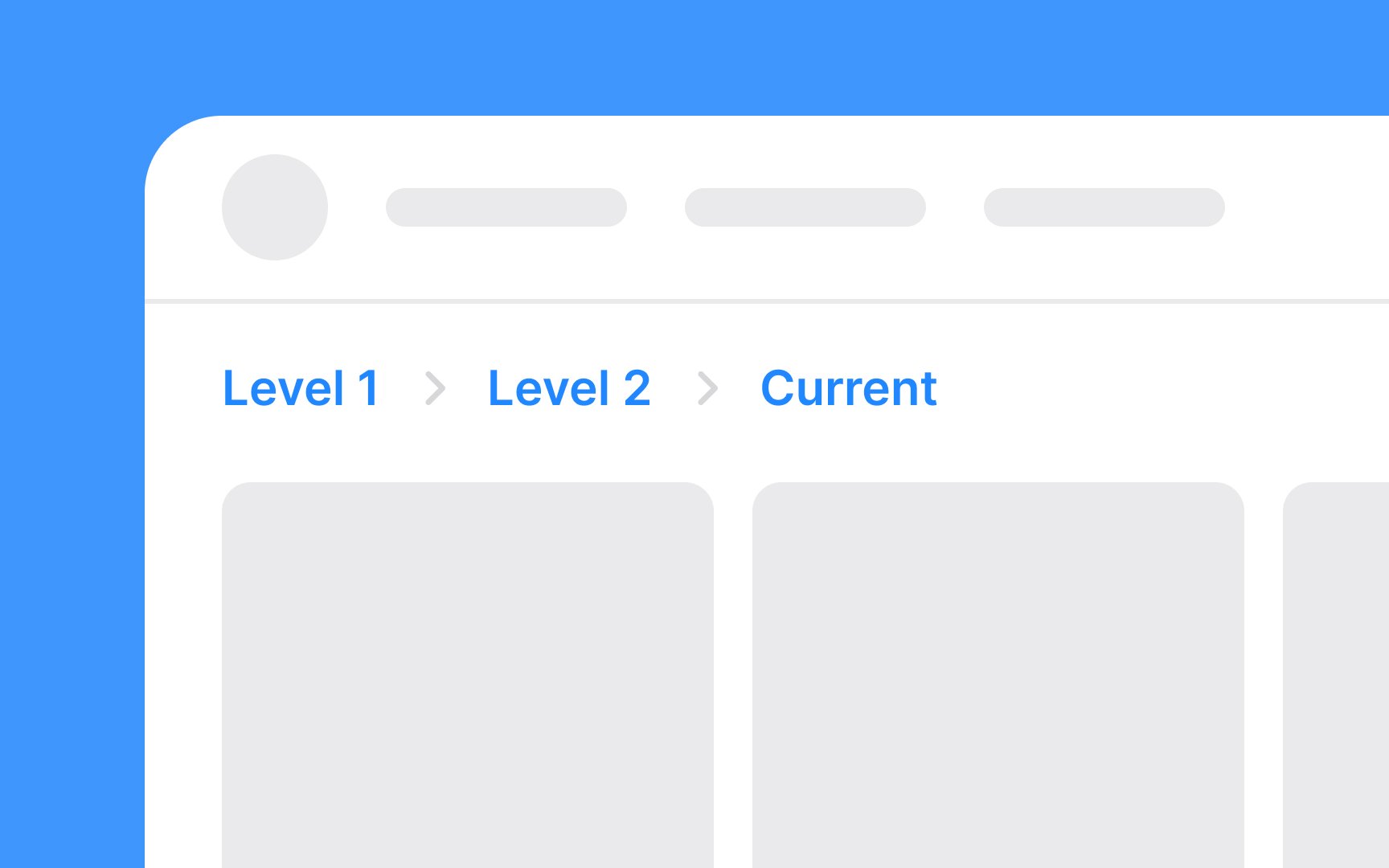
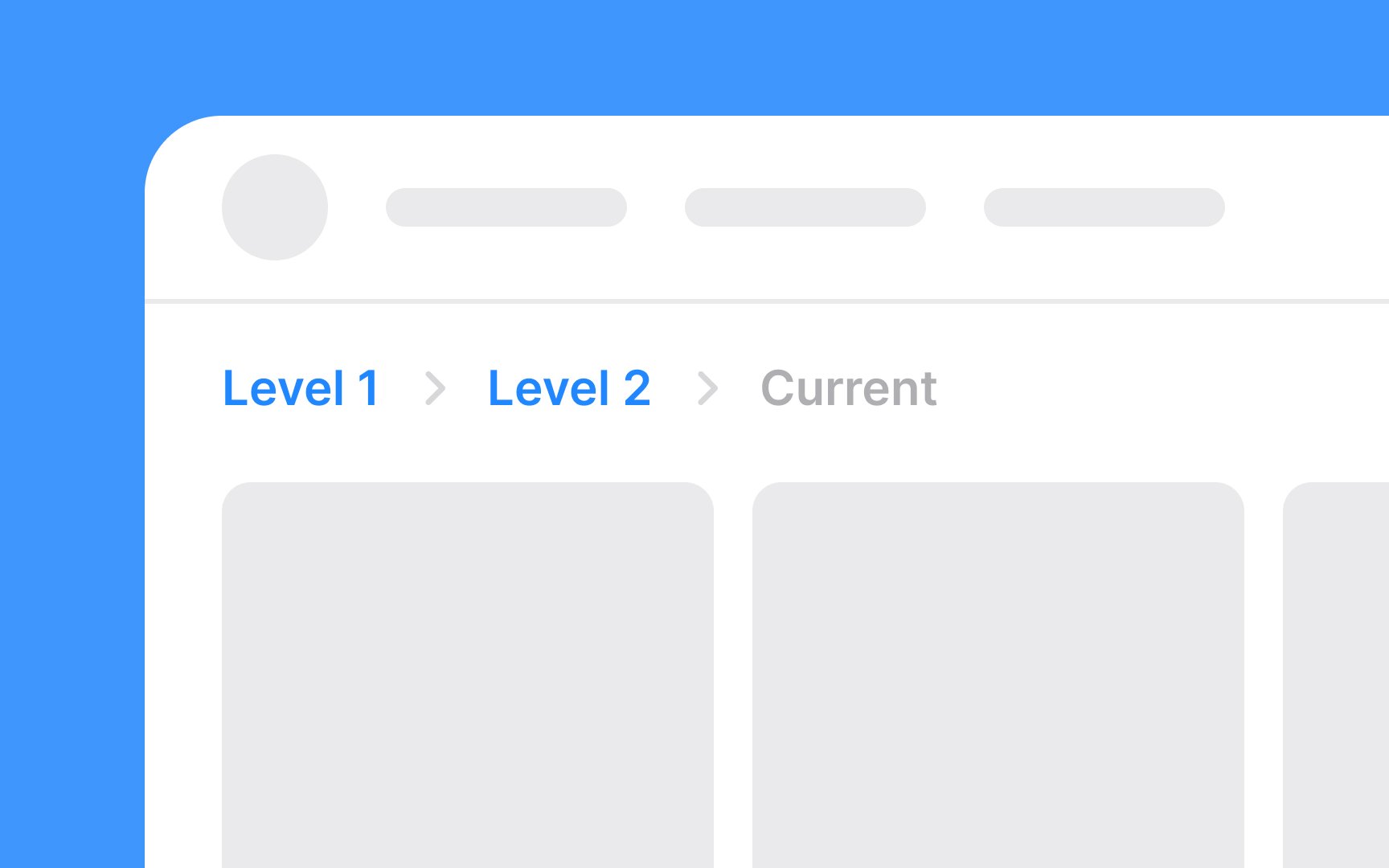
The current page is typically the last item in the breadcrumb trail and is crucial for orienting users. It's essential to style this element distinctively to differentiate it from the clickable links leading to previous pages. The current page in breadcrumbs is usually not clickable, as it represents the page users are currently viewing.[1]
You may use a different font style or weight (e.g., bold) for the current page to make it stand out. Consider employing a color that contrasts with the other breadcrumb links but still fits the overall website color scheme.
Since it's not a link, avoid underlining the current page to prevent confusion.
References
- Breadcrumbs: 11 Design Guidelines for Desktop and Mobile | Nielsen Norman Group